
SOLDI3RFX
-
Joined
-
Last visited
Everything posted by SOLDI3RFX
-
From the album: Coming soon!! LAPD 2015 Tahoe Should i release?
-
From the album: Coming soon!! LAPD 2015 Tahoe Should i release?
-
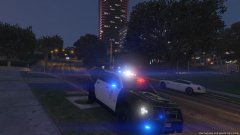
From the album: Coming soon!! LAPD 2015 Tahoe Should i release?
-
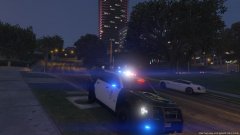
From the album: Coming soon!! LAPD 2015 Tahoe Should i release?
-
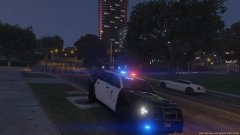
From the album: Coming soon!! LAPD 2015 Tahoe Should i release?
-
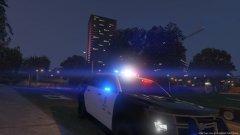
From the album: Coming soon!! LAPD 2015 Tahoe Should i release?
-
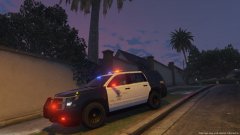
From the album: Coming soon!! LAPD 2015 Tahoe Should i release?
-
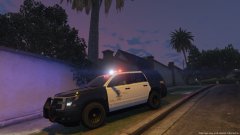
From the album: Coming soon!! LAPD 2015 Tahoe Should i release?
-
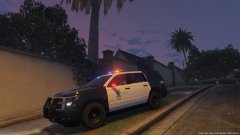
From the album: Coming soon!! LAPD 2015 Tahoe Should i release?
-
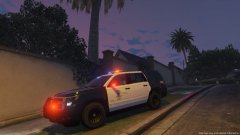
From the album: Coming soon!! LAPD 2015 Tahoe Should i release?
-
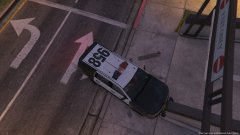
From the album: Coming soon!! LAPD 2015 Tahoe Should i release?
-
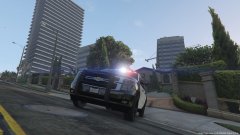
From the album: Coming soon!! LAPD 2015 Tahoe Should i release?
-
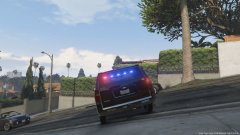
From the album: Coming soon!! LAPD 2015 Tahoe Should i release?
-
what are your guys thoughts on my next update im gonna be releasing soon :)
-
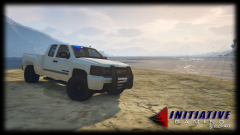
From the album: Thoughts On my next Update?
-
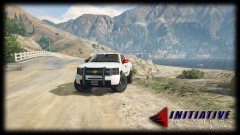
From the album: Thoughts On my next Update?
-
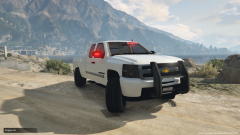
From the album: Thoughts On my next Update?
-
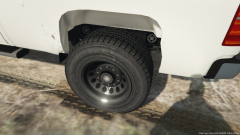
From the album: Thoughts On my next Update?
-
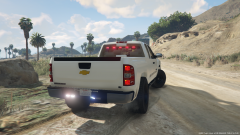
From the album: Thoughts On my next Update?
back view -
-
-
-
-
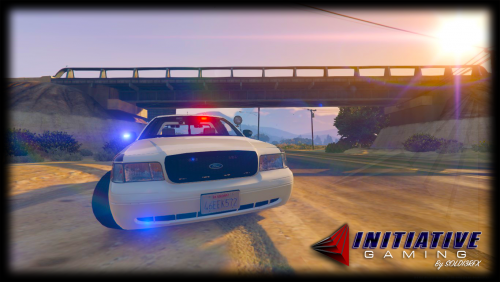 I have been working on this model for a while now. Plan on releasing this exact one with side runners and much more. ***contact*** skype: hexmodz12 email: soldi3rfx@gmail.com ***CURRENT KNOWN BUGS*** -Mirror Lights arent attached to door so when you open door they stay in the same place i plan on updating this asap so be prepared for another update today! - Glass Dont Break Also i know there are many cvpis in the community as this is nothing special but to me it is this originally was gonna be my private in game one for recording lspdfr but i thought Hey! why not release it! Hope You Enjoy! Report Bugs please! And Anything Else! VIDEO ||| ||| ||| \\\///
- 3 comments
- 4 reviews
-
-

- 3
-
-
so ive been trying tto make my own lightbars recently and once i attact the sirens i scale them 50% them drag them back into the lightbar how come they wont show lights at all?