OfficerEight
Members
-
Joined
-
Last visited
Everything posted by OfficerEight
-
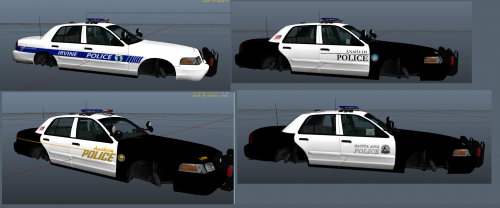 Would you like to add an Orange Country Sheriff Skin to the pack? I can send you one of mine.
 -
Are you planning to release template early or we will get it when it comes out?
-
So when are you releasing them?
-
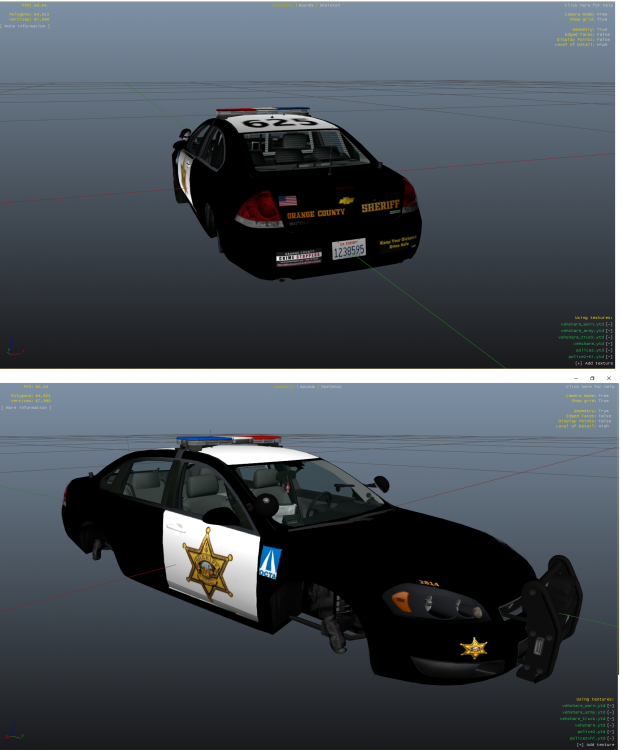
what do you think? It is a concept because the OCSD does not drive an imapala.
-
Aright thanks. :(
-
I am trying to make this: I have the text but I can not get the text to appear on it. I made the entire model yellow and the rear trunk was not. What file do I need to edit to add it? Texture:
-
 can you send it to me too?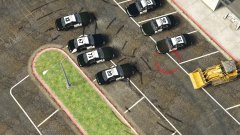
From the album: Orange County Sheriff Patrol Cars
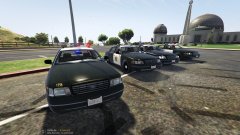
From the album: Orange County Sheriff Patrol Cars
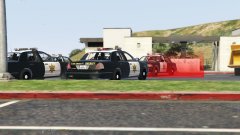
From the album: Orange County Sheriff Patrol Cars
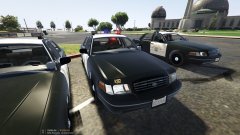
From the album: Orange County Sheriff Patrol Cars
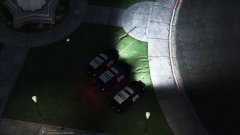
From the album: Orange County Sheriff Patrol Cars
Orange County Sheriff Explorer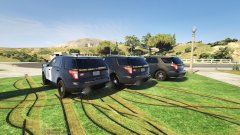
From the album: Orange County Sheriff Patrol Cars
Orange County Sheriff Explorer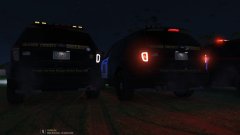
From the album: Orange County Sheriff Patrol Cars
Orange County Sheriff Explorer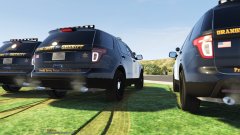
From the album: Orange County Sheriff Patrol Cars
Orange County Sheriff Explorer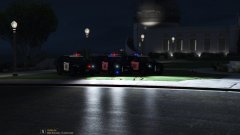
From the album: Orange County Sheriff Patrol Cars
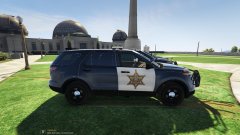
From the album: Orange County Sheriff Patrol Cars
Orange County Sheriff Explorer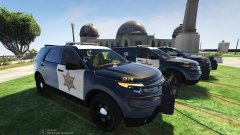
From the album: Orange County Sheriff Patrol Cars
Orange County Sheriff ExplorerThanks.Smacks head on desk out of stupidity* How do you disable the shortcuts?Nope, i am using native trainer, and trainervWhat made the red cars? What mod? It was cool and it adds realism but what made it? Was it speed radar when I set the speed really high?Could I possibly get the skin you have on the model so I can make a skin for it and have it for you to release with/or at the same time? I would like to make an Orange County sheriff texture as seen here: If you give me the skin/template you have i could make one for you.