


nick_g44
Members
-
Joined
-
Last visited
Everything posted by nick_g44
-
 Just posting this in case it helps anyone else having the same problem with Living Los Santos.
- 18 comments
- 2 reviews
-
-

- 1
-
-
Thank you 🙂 The below worked for me.
-
 Incredible mod. It's bought me back to LSPDFR! Quick query, which may already be on your radar. After someone legs it after a pursuit their vehicles are not persisting. Is this known? I do have PersistEmptyVehiclesEnabled=True. Thanks for all the hard work!
- 734 comments
- 56 reviews
-
Hi all, I am getting a sporadic game crash which appears to be increasing in frequency. I am hopeless at deciphering Rage Logs so I was hoping someone might be able to help me? Log attached. RagePluginHook.log
-
 Is there a way of disabling a specific callout? The shots fired one specifically.
- 346 comments
- 43 reviews
-
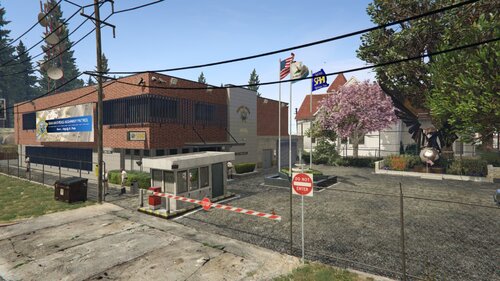 Looks fantastic but I seem to get a game crash at night when I approach it? It's fine during the day.
 -
Evening all, I have recently come back to LSPDFR after a long break. Spent the past week building out my mods folder. All was well. I am now at a stage where I am adding a state pack into the game and having to rename the vehicles from police2 to hwaycar etc. Having added the files, edited the vehicles.meta and carvariations I then try and spawn the car with both SNT and Rage. The trainer states it is spawned but it simply is not there. I have tried repeatedly spawning to no avail. I have triple checked the vehicles.meta and carvariations and all seems well. The game seems to recognise it but not spawn it. Further, I have tried adding albo's DLC however, this crashes the game, even with the gameconfig and all it's prerequisites. Any advise would be appreciated.
-
 Files names are all screwed so will not work with LSPDFR. Poor.
 -
 Hey, Just reinstalled EUP following the recent GTA update. On trying to load the menu the plugin crashes. RAGE log states: [2/5/2022 1:51:54 AM.425] EUP Menu: ============================== [2/5/2022 1:51:54 AM.425] EUP Menu: UNHANDLED EXCEPTION DURING GAME FIBER TICK [2/5/2022 1:51:54 AM.425] EUP Menu: ------------------------------ [2/5/2022 1:51:54 AM.425] EUP Menu: Origin: Rage.SleeplessGameFiber [2/5/2022 1:51:54 AM.425] EUP Menu: ------------------------------ [2/5/2022 1:51:54 AM.425] EUP Menu: Exception type: System.AccessViolationException [2/5/2022 1:51:54 AM.425] EUP Menu: Exception message: Attempted to read or write protected memory. This is often an indication that other memory is corrupt. [2/5/2022 1:51:54 AM.425] EUP Menu: ------------------------------ [2/5/2022 1:51:54 AM.425] EUP Menu: Inner exceptions: [2/5/2022 1:51:54 AM.425] EUP Menu: ------------------------------ [2/5/2022 1:51:54 AM.425] EUP Menu: Stack trace: [2/5/2022 1:51:54 AM.425] EUP Menu: at RAGENativeUI.Internals.Screen.get_ActualResolution() [2/5/2022 1:51:54 AM.425] at RAGENativeUI.UIMenu.Draw() [2/5/2022 1:51:54 AM.425] at RAGENativeUI.MenuPool.ProcessMenus() [2/5/2022 1:51:54 AM.425] at EUPMenu.EUPMenuScript.Process(Object sender, GraphicsEventArgs e) [2/5/2022 1:51:54 AM.425] at System.EventHandler`1.Invoke(Object sender, TEventArgs e) [2/5/2022 1:51:54 AM.425] at Rage.Game.RaiseFrameRender(GraphicsEventArgs e) [2/5/2022 1:51:54 AM.425] at Rage.RemotePlugin.HandleRenderFiber() [2/5/2022 1:51:54 AM.425] at Rage.GameFiber.Main() [2/5/2022 1:51:54 AM.425] EUP Menu: ============================== Any ideas?
- 2,349 comments
- 238 reviews
-
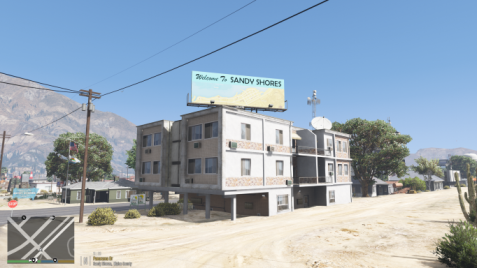 This looks so cool! Love a re vamped road. Ok, I've looked everywhere I can and can't find it. Does anyone know what plugin does the seatbelt violations etc I'd love to have it!
- 47 comments
- 10 reviews
-
I have tried multiple gameconfig's to get this working and each one results in a CTD. Which gameconfig did you use?
-
Hello everyone, As per the title, I am only able to coax 30mins game play from LSPDFR before the I get a CTD with no errors. I am keen to hear how long you can play for without a crash? I have spent the last six months changing things up and out to try and find some balance but no joy. Yes removing the mods folder in it's entirety does resolve this but having used different mods over the past six months I am convinced that this is something more than the mods folder. The only thing left I can think of is using a different modded gameconfig file as appose to the one I currently use (updated to the latest patch). Does anyone know if this can effect or cause CTD's? Logs attached. Any help would be very welcome. RagePluginHook.log
-
 A very good pack but made far to complicated with all the checks/offers/updates etc offered. I have tried to load into my game three times to be greeted by various pop ups from the pack which have then crashed my game. Maybe roll back to the simplistic way of a call out pack. Keep the content but remove the unnecessary pop ups and checks etc.
- 422 comments
- 25 reviews
-
-
- 1
-
-
Following a wealth of support by the community... I believe I have found a fix for this. Once you have booted into GTAV hit CTRL, ALT, DEL and select Task Manager. Navigate to the Details tab then locate GTAV.exe. Right Click it then select Set Priority. Select High. This appears to have stopped the crash. Good luck everyone.
-
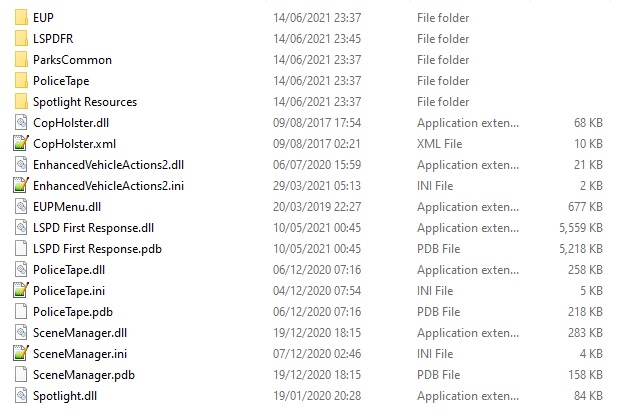
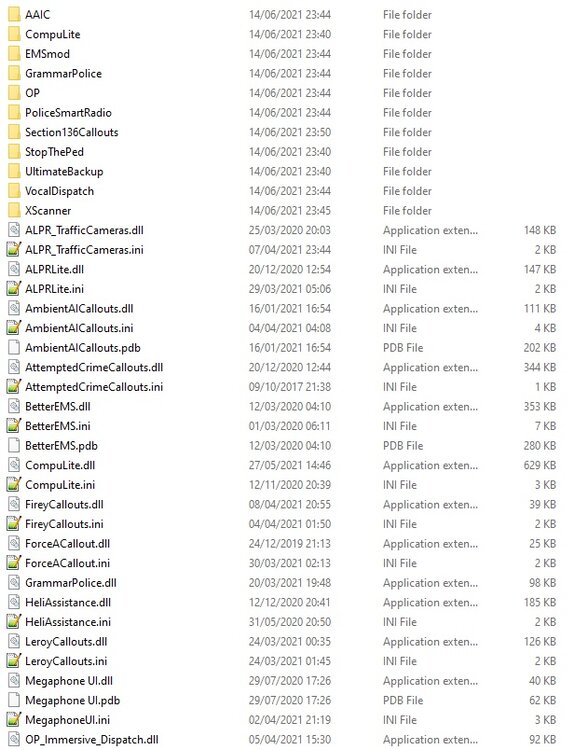
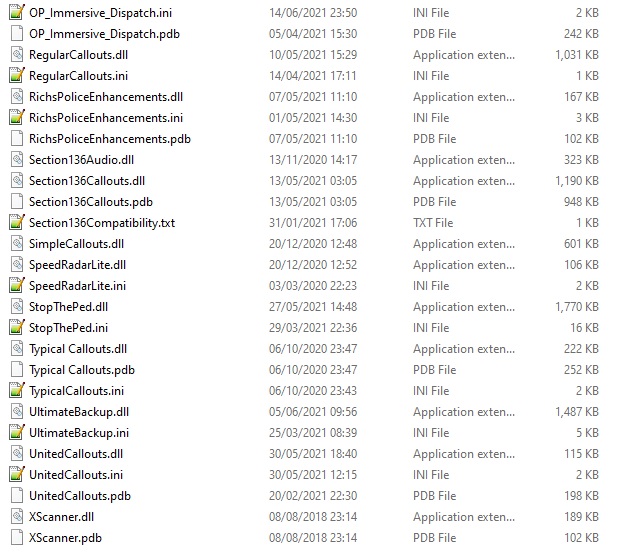
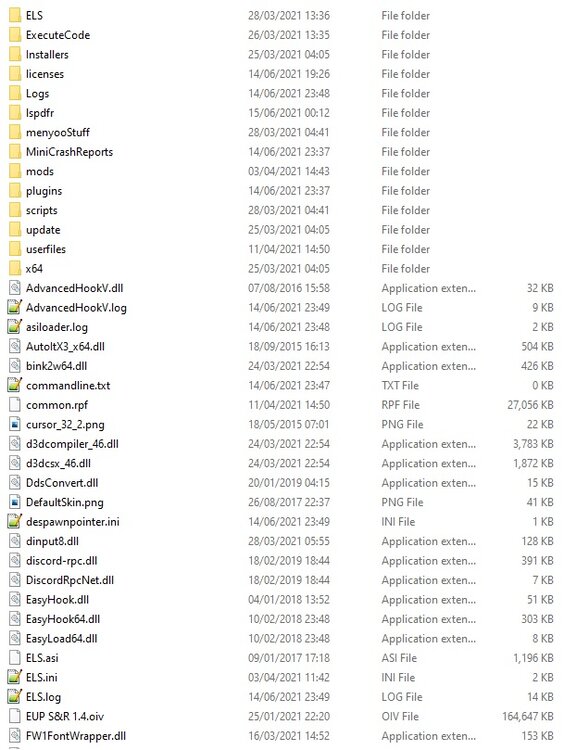
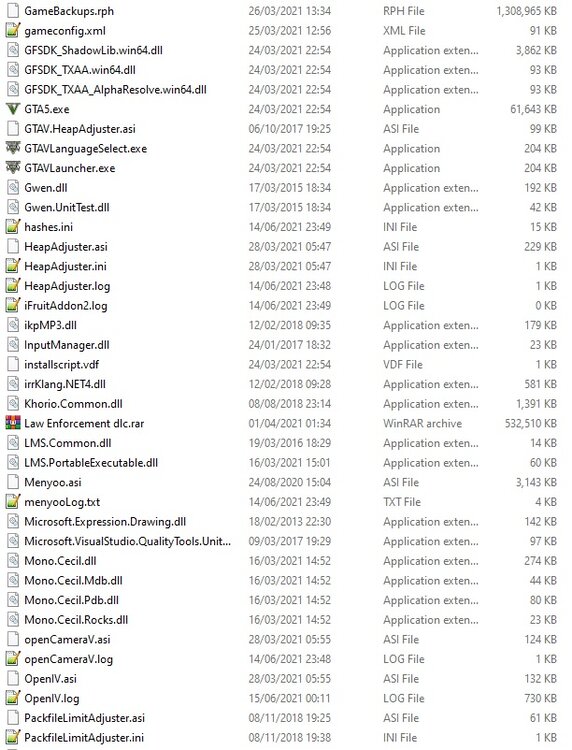
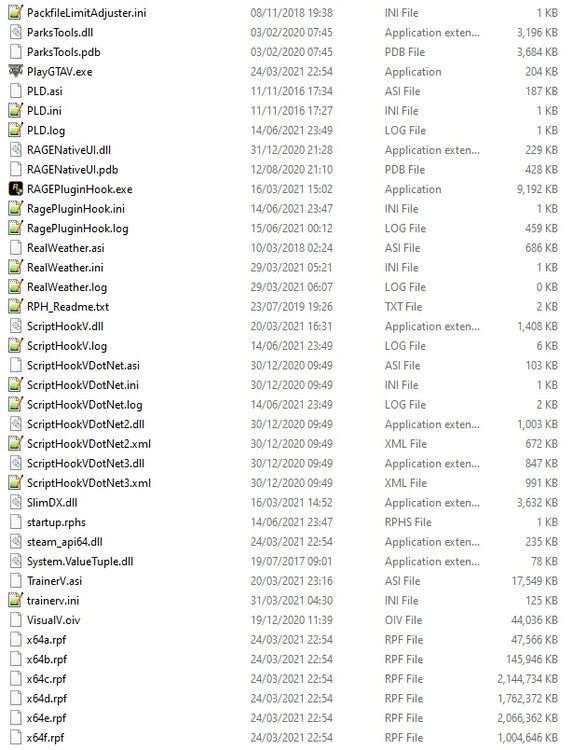
Hey All, I have long had this issue and I have spent a long time trying to identify the cause with little success. GTA5 will CTD after about 20/30 mins of game play. I don't have to be doing anything specific. I have tried removing mods, plugins etc. Removing the mods folder has some success however, this is limited. I have attached my logs. Any help would be appreciated. Specs wise I am running an i9-9900KF with 16GB of RAM. GTA is installed on an SSD. RTX3080. launcher.01.log RagePluginHook.log
-
Managed to resolve this through some fiddling. I would post the solution but I am not entirely sure how I did it haha.
-
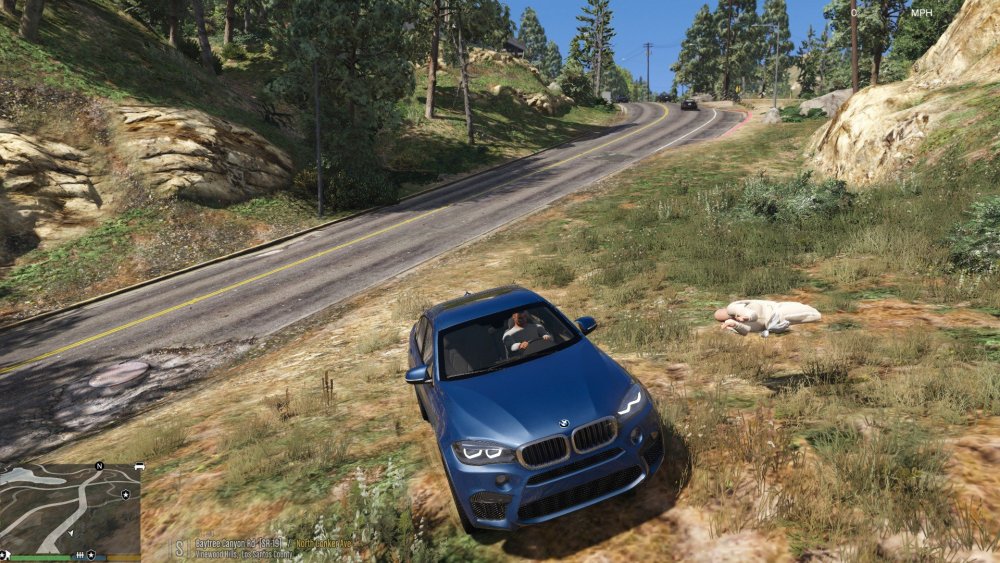
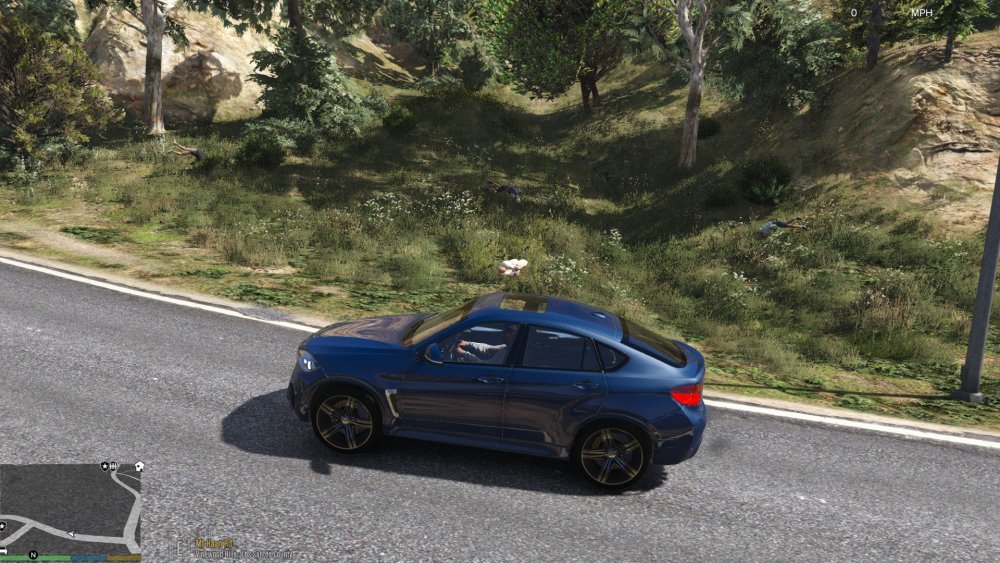
GTA never ceases to amaze me with it's little quirks 🤣. This one revolves around ped's being randomly spawned within rural areas commonly on the side of the road. The ped's spawn in the fetal position and are in mid air. I have investigated as much as I can, removed the mods folder (resolved the issue) then removed each individual DLC pack to see if any caused the problem. This resulted in the issue still being present each time. Has anyone seen anything like this before? I have done some searching but can't find anything similar. The log's show no errors and the game works perfectly. It's just a niggling issue for recording purposes.
-
Hi Guys, I have recently downloaded and installed tac vests for both male and female cop peds. Using the EUP/lspdfr data/xml files I have converted the relevant entries to have cops spawn in the armor when calling for backup and when out on patrol. This has worked for all variations of the male cop. The female cop however, is not spawning with the any armor despite trying different types including the ones which come with EUP. This is the layout of the xml for Ultimate Backup. I replicated this within the ldpdfr data folder but that resulted in some very strange issues with random peds spawning on top or patrolling police cars! Any ideas?
-
Hey, So I have the ERROR: Internal error occurred in the recognition process. I use a Corsair headset/mic and I have disabled ICUE which is the software that comes with it. Any other ideas on how I may be able to get this working? I had it working in the original release.
-
For anyone recieving the above. Verify your game files integrity via Steam or the R* launcher and the game will run. You may have to verify the files a couple of times but it does work. Problem Resolved.
-
For anyone who is trying to verify their files and it still doesn't work. Complete this process a couple of times. Mine failed twice before working on the third attempt. Once verified the game will run.
-
Likely a result of the R* launcher update. I will test shortly 🙂
-
I'm no expert but I am guessing this is something Rockstar's end in relation to the dreaded Social Club! It may well bounce back in a couple of hours. There is very little online about that error code indicating it must be quite rare.
-
Guys, Can you check your GTA log file as I have a similar issue and I am wondeirng if this is Rockstar related. C:\Users\**USER**\Documents\Rockstar Games\Launcher Have a look for the launcher.log (the most recent one). Scroll to the bottom and see if you have error 0xc0000374 present.
-
Hellooo, Booted up GTA today and I am being consistently CTD'd with the following error on the GTA Launcher log. I have had a Google but can not identify what it is or whats causing it. The game ran smoothly last night. It does appear to be a GTA related error and the same happens if the game is launched without Rage Hook. Log File: Anyone seen anyhting similar?


