Trasheater
Members
-
Joined
-
Last visited
Everything posted by Trasheater
-
You can run it with a shitty Intel hd graphics card on high settings just fine, you just need to turn down the resolution, let alone a gtx 960
-
Make sure the files arent coming from a .7z or .zip or .rar file, you need to put them on the desktop and then drag and drop from there
-
 If you were installing the Federal Smart Signal Siren, you would drag and drop the .wav files inside the FSSS folder to the vehicles folder included with the download
- 316 comments
- 31 reviews
-
-
If i recall correctly you should be able to add the line "MinimumBackupDistance" to the lspdfr.ini file, so it would be like MinimumBackupDistance=200 or so
-
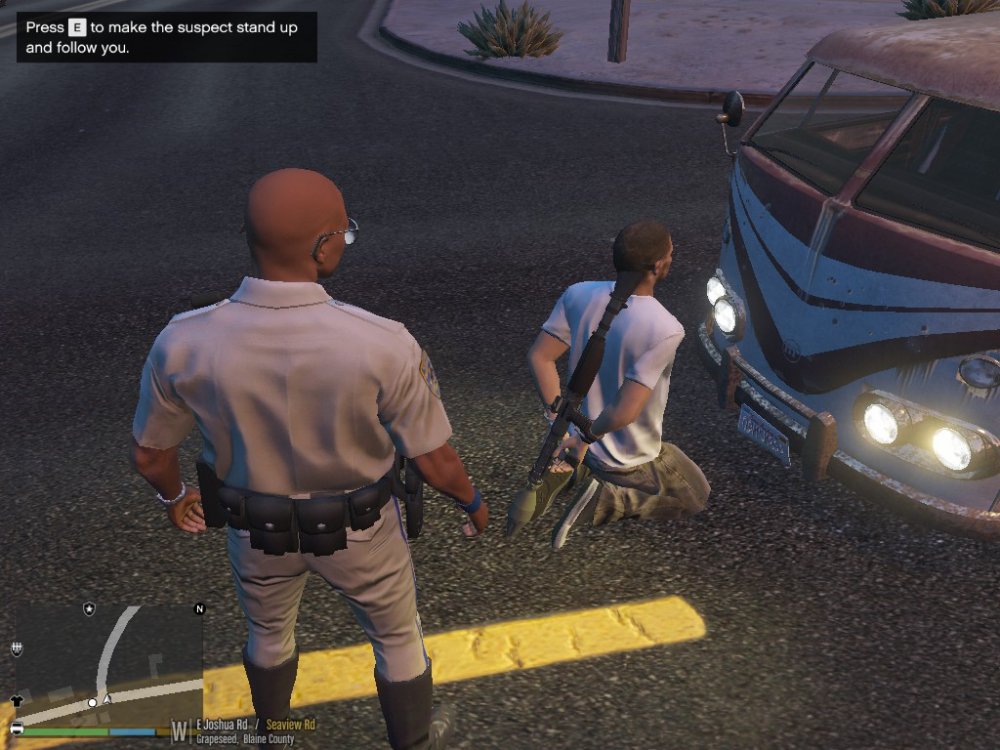
I have a ridiculous screenshot of someone I arrested holding an RPG
-
What vehicles are you trying to replace?
-
Use a mods folder, theres a tutorial here: http://openiv.com/?p=1132
-
 Its uncontrollable
 -
ohhh im getting a hard on already
-
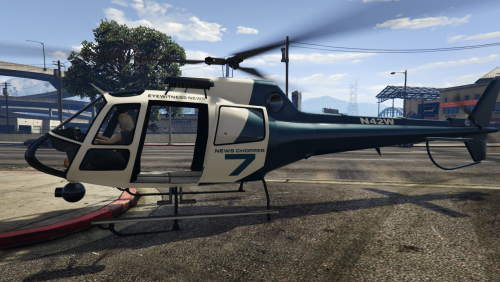 Bit strange how if you follow the news helicopter after the pursuit is done, it starts flying to the top left corner of the map and disappears forever. Other than that, 5 stars!
- 59 comments
- 18 reviews
-
-

- 2
-
-
Remove the </MenuEntry> tag at the end, since you didnt add any other entries
-
Just read the readme, they should tell you exactly where to put them. But to answer your question, yes you put the plugins folder contents into the plugins folder
-
Ok, thanks
-
Is it just me or is it that when searching for something common like "LAPD", very few things or sometimes nothing at all comes up? There was a bit of downtime a few minutes ago so that might be the case. Also, the things that do come up are either old screenshots of GTA IV, or recent threads/status updates that were posted today
-
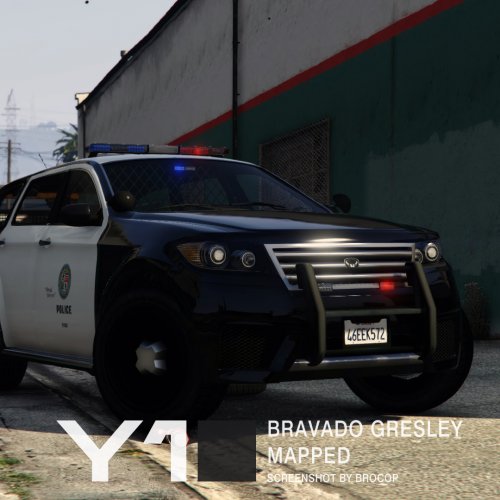
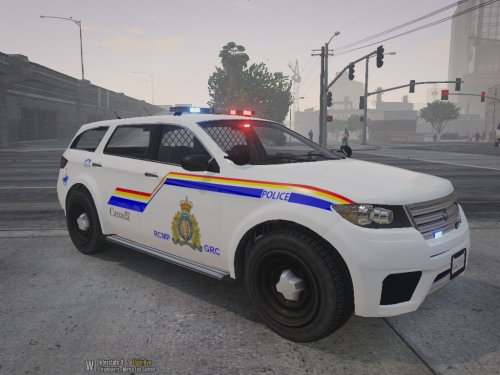 Hello, this is a vehicle texture for the Bravado Gresley. Its not the best texture, but it's a start. I'll try to make improvements to it when I have time. Installation: (Non-RDE Users) 1. Download Yard1's mapped Bravado Gresley here: http://www.lcpdfr.com/files/file/10755-bravado-gresley-mapped-default-style/ OR http://www.lcpdfr.com/files/file/10742-bravado-gresley-mapped-sahp-style/ 2. Using Open4/OpenIV, navigate to mods/update/x64/dlcpacks/patchday3ng/dlc.rpf/x64/levels/gta5/vehicles.rpf 3. Turn on Edit Mode if you haven't already. 4. Drag and drop the 3 files from the "Models and textures" folder. 5. Double click the hwaycar3.ytd/police5.ytd file, depending on which one you downloaded. 6. Replace all the gresley_sign_# files with the ones in my download. 7. Voila! You're done :) (RDE Users) 1. Using Open4/OpenIV, navigate to mods/update/x64/dlcpacks/rde/dlc.rpf/x64/levels/gta5/vehicles/rdevehicles.rpf 2. Turn on Edit Mode if you haven't already. 3. Replace all the gresley_sign_# files in the hwaycar3.ytd and police5.ytd files. 4. Congratulations, you successfully installed a vehicle texture! :) Not sure what else to put here, lalala
 -
-
If it aint there, look in mods/x64e.rpf/levels/gta5/vehicles.rpf
-
Hold on, what is this levels folder you speak of and where did you get it from? There are many levels folders inside the RPFs so I need some more context
-
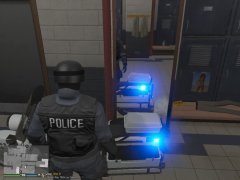 I never knew the game actually reflected light off mirrors, this changes everything
 -
The end of the script looks like its missing the --> symbol, or maybe you just forgot to include that in the spolier EDIT: Its also missing the </CustomBackup> that should be after the <CustomMenuEntries> tag
-
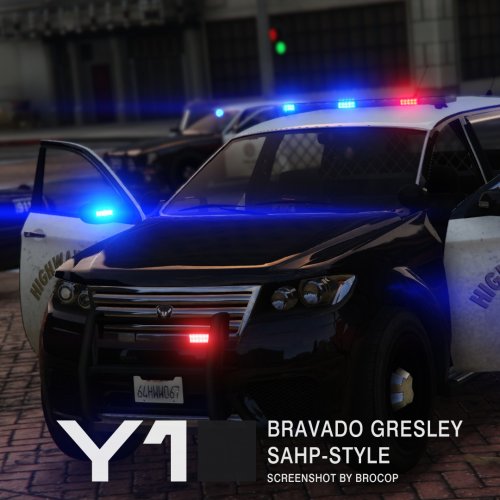 Oh my god, I was actually looking for the mapped gresley on your profile just yesterday to no success, what a coincidence that it comes out the very next day
- 12 comments
- 3 reviews
-
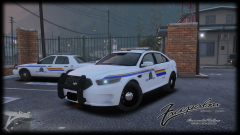 I dont think the stripe is supposed to go that far past the light, but other than that I cant wait for it to be released!
 -
Its best if you just open up the readme that comes with the mod download and look for an instructions section, but to answer your question yes if its plugins/LSPDFR then put it in the plugins folder, so that it would be plugins/LSPDFR/asdfghjkl.dll
-
Put the plugins folder into your gta 5 directory, simple as that