


Razor94
Members
-
Joined
-
Last visited
Everything posted by Razor94
-
.thumb.png.19afa6fcb15fb940cdff8a00f35b4c3b.png) Superbe screenshots, on voit très bien la bagnole in game....de vrais screens en 1080p serait les bienvenus. Merci.
Superbe screenshots, on voit très bien la bagnole in game....de vrais screens en 1080p serait les bienvenus. Merci. -
 Basically it's automatic when you press the key BUT it don't work for every car, for me it work in cvpi, taurus but not in ford explorer but I have not tested all police cars. I think it's light settings issue in carvariations.meta with modded car. @alexguirre Thanks for wig-wag update, very good work. If you can tell which light settings we must use for modded car, that's good.
- 247 comments
- 45 reviews
-
AMAZING work! thanks to listen to the comunity! you do what everyone wanted, can't wait v2.0 !!!
- 247 comments
- 45 reviews
-
@elispd Brightness setting is in .ini file. @alexguirre Thank you for your work, good mod. An option for alternatively (left-right side) flashing headlight and brake light would be cool and an option for which lights will flash too, like this: headlight flash : on / sync or alternative : alt Brake light flash: on / alt Indicator flash: on / synchronized Thanks.
- 247 comments
- 45 reviews
-
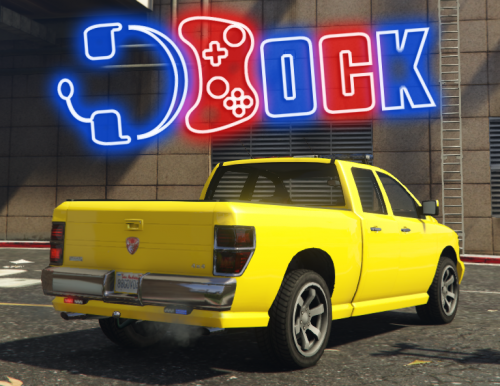 Thanks for your work, like it. What change I have to do to add multiple livery support ? because at the moment, in trainer we can't change livery. (livery menu even don't appear for this car) Model automatically select "skin 2" wich is yellow skin. I think that I have to add FLAG_HAS_LIVERY in vehicle.meta and I don't know for others things in this file or carvariation.meta ( <indices>and<liveries> ). If someone who know this can write here wich line in wich file I have to edit, that's will be good, thank you very much.
 -
Yes please !!! Thank you :)
-
 Thank you very much, this tip work very well. For the v8 sound, a bit more engine volume could be good. Anyway, good mod, thanks.
- 49 comments
- 3 reviews
.thumb.png.19afa6fcb15fb940cdff8a00f35b4c3b.png)

