


DietSnapple
Members
-
Joined
-
Last visited
Everything posted by DietSnapple
-
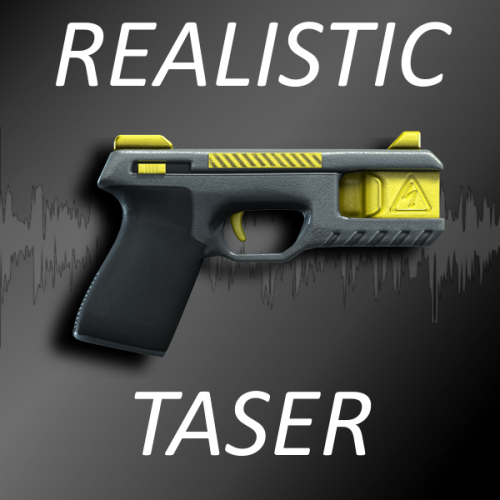 Ok so I got the pistol sound to work (sounds great especially with the Max Payne 3 glock) However, I'm having issues with the taser. I export weapons.awc with open formats, then drag the provided files into the weapons folder and overwrite them. However after I do this I cannot find weapons.oac. If I delete the weapons folder or move it to my recycle bin, weapons.oac appears but I cannot drag that one over as it comes up with an error.
- 24 comments
- 13 reviews
-
 I'm unable to download v2.7 the download link still directs me to the v2.6 download
- 329 comments
- 53 reviews
-
-
Great callout pack but I've experienced 2 bugs. 1. Whenever I get the panic button callout I accept it, then once im one scene LSPDFR crashes. I have no clue why this is happening. Did I install something wrong? Because I honestly would not be surprised if I did. 2. The indecent exposure callout will not let me go through the dialogue. I press the key to talk to the suspect and it shows up for like 1/3 of a second then just goes back to the initial text said by me on the bottom. If I offer the suspect a ride home the dialogue again shows up for a split second, but they still get into my squad car as though I am giving them a ride. RPH: 0.40 LSPDFR: 0.3 GTAV: v757
- 329 comments
- 53 reviews
