West Coast Wookie
Members
-
Joined
-
Last visited
Everything posted by West Coast Wookie
-
 not sure then, I'd suggest watching a youtube tutorial on how to install cars for gta 5.
- 6 comments
- 1 review
-
-
-
 reinstall the vehicle completely, then make sure the window tint is set to stock with a trainer.
- 68 comments
- 8 reviews
-
most likely will not happen. for one, making non ELS vehicles is extremely difficult, and second I'd have to remake the entire model.
- 68 comments
- 8 reviews
-
not, too sure. its been a while since I've had this car in my game, and don't recall ever having issues with the headlights or tail lights, Best I can recommend, is make sure no tint is applied, and that the meta is the vanilla meta.
- 68 comments
- 8 reviews
-
-
Glad you like it. Unfortunately the way the emmissives were done for the dev model of the pushbar lights, makes them very dim, I noticed this myself, but was too lazy to change it. I have since stepped away from modeling, so unfortunately they will remain the way they are.
- 68 comments
- 8 reviews
-
navigate to your GTA V main directory and drag and drop it in to your ELS pack default folder, it is the same as installing any other ELS car.
- 68 comments
- 8 reviews
-
I am not sure how else to help you then, I would recommend trying a fresh install of GTA V.
- 68 comments
- 8 reviews
-
The top of the light bar is supposed to be black. Do you have ELS installed? it is an ELS vehicle.
- 68 comments
- 8 reviews
-
-
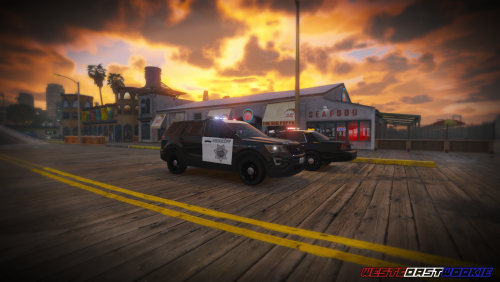 I've have kind of put the pack on a hiatus due to real life taking a lot of my time up, I do at some point want to update the pack, but I don't see it happening for a while, but hopefully at some point I will be able to.
- 11 comments
- 2 reviews
-
-

- 1
-
-
-
-
I will not make one, however it is very easy to just edit the texture and .xml file to make the lights blue.
- 68 comments
- 8 reviews
-
-
-
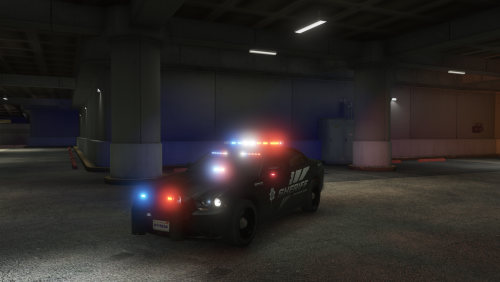 nothing I can do about that, the base model is scaled a certain way, the seating position is normal it is just something that you have to look past.
- 12 comments
- 4 reviews
-
-
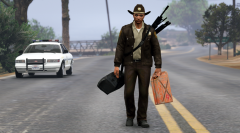 OOOOOOHHHHHHHHHHHH.... Country road take me home.
 -
That has to do with the dirt map on the base model which I did not make. So unfortunately there is nothing I can do to fix it.
- 12 comments
- 4 reviews
-
Thank you, and more than likely no, however I may release other silverados with different equipment down the line.
- 68 comments
- 8 reviews
-
-

.thumb.png.bdfc4fd2a9e16cf4f60b5f8fde6b47cf.png)