


West Coast Wookie
-
Joined
-
Last visited
Everything posted by West Coast Wookie
-
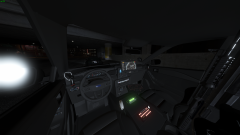
From the album: West Coast Wookie's WIPs
2020 LSSD FPIU (San Diego based) ELS with turnable spotlight and realistic flash patterns, full detail interior, etc. -
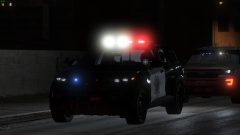
From the album: West Coast Wookie's WIPs
2020 LSSD FPIU (San Diego based) ELS with turnable spotlight and realistic flash patterns, full detail interior, etc. -
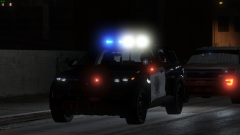
From the album: West Coast Wookie's WIPs
2020 LSSD FPIU (San Diego based) ELS with turnable spotlight and realistic flash patterns, full detail interior, etc. -
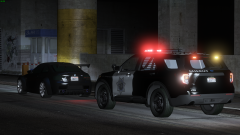
From the album: West Coast Wookie's WIPs
2020 LSSD FPIU (San Diego based) ELS with turnable spotlight and realistic flash patterns, full detail interior, etc. -
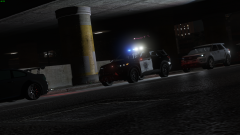
From the album: West Coast Wookie's WIPs
2020 LSSD FPIU (San Diego based) ELS with turnable spotlight and realistic flash patterns, full detail interior, etc. -
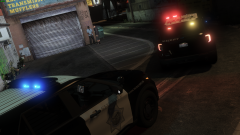
From the album: West Coast Wookie's WIPs
2020 LSSD FPIU (San Diego based) ELS with turnable spotlight and realistic flash patterns, full detail interior, etc. -
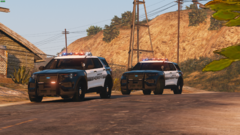
From the album: West Coast Wookie's WIPs
-
.png.fe3d335c15fe2fcb82cbc7a5edd28931.png)
From the album: West Coast Wookie's WIPs
-
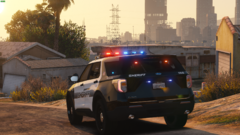
From the album: West Coast Wookie's WIPs
-
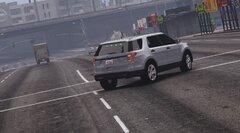
From the album: West Coast Wookie's WIPs
-
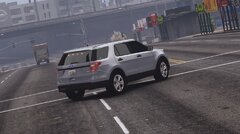
From the album: West Coast Wookie's WIPs
-
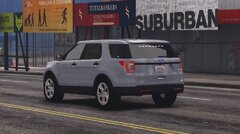
From the album: West Coast Wookie's WIPs
-
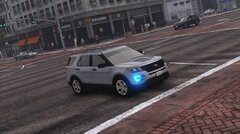
From the album: West Coast Wookie's WIPs
-
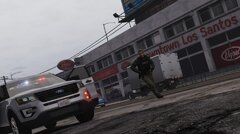
From the album: West Coast Wookie's WIPs
-
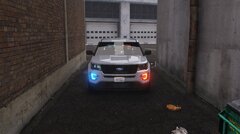
From the album: West Coast Wookie's WIPs
-
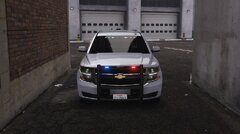 DM me if interested.
 -
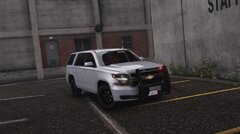
From the album: West Coast Wookie's WIPs
-
From the album: West Coast Wookie's WIPs
-
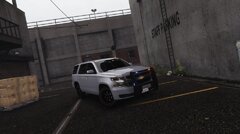
From the album: West Coast Wookie's WIPs
-
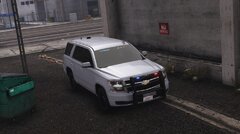
From the album: West Coast Wookie's WIPs
-
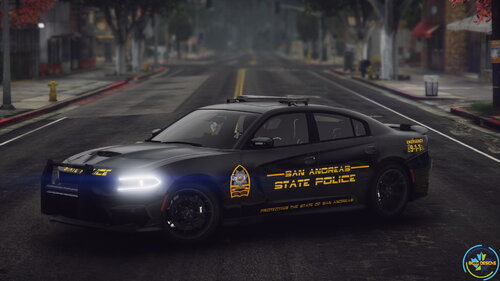 I was referring to the livery. It is literally my original design that he ripped and put a different badge over mine. Hope this explanation helps your tiny brain understand that.
- 29 comments
- 7 reviews
-
This work is plagiarized. I am the original creator of the livery on this vehicle. evidence:
- 29 comments
- 7 reviews
-
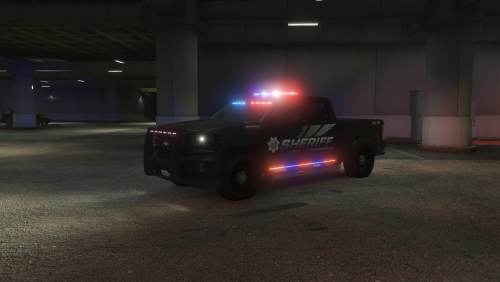 you can keep it up, as long as the actual model files aren't apart of the download.
- 68 comments
- 8 reviews
-
-
two possible things, if you are using a texture that didn't come with the truck, it might have been left untextured on the template. if it is the original LSSD texture, it is most likely just part of the engine block. personally I never noticed this so I'm not sure as to exactly what it is.
- 68 comments
- 8 reviews

.png.fe3d335c15fe2fcb82cbc7a5edd28931.png)

