JTWilson23
Members
-
Joined
-
Last visited
Everything posted by JTWilson23
-
 Sorry, I mentioned it in my first comment, but I forgot to specify here! It's the "sirenSettings" value at the very bottom.
 -
You just need to edit the carvariations.meta file in the DLC to change the 0 to 1 and then you'll be good to go!
-
Beautiful work as always! She sounds like a beast too!
-
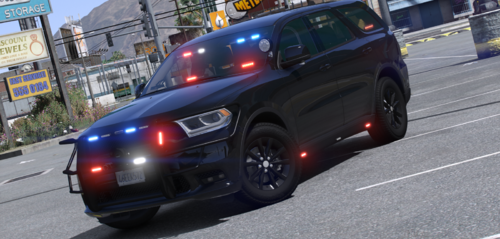
I love this Durgano! The light setup in the front is killer! I did notice cars weren't pulling over with the siren on though and found that the siren settings value was "0" in the carvariations file. I changed it to "1" and it works great now!
-
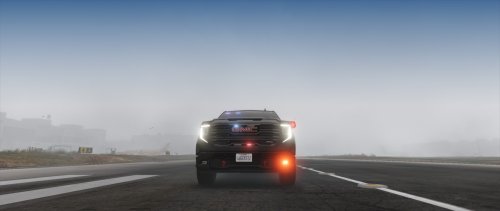 Edit the carvariations.meta - scroll down to the bottom and change the sirenSettings value from 0 to 1. You should be all set!
- 19 comments
- 1 review
-
-
 That's...not how ELS works at all. ELS works by turning "Extras" on and off. In an ELS model, these Extras are lights the turn on and off in patterns. In non-ELS models, Extras may include some set of lights, but they are generally things like rambars, spotlights, antennae, etc. If you load a VCF for a non-ELS vehicle, random components will appear and disappear as the Extras are turned on and off by ELS.
 -
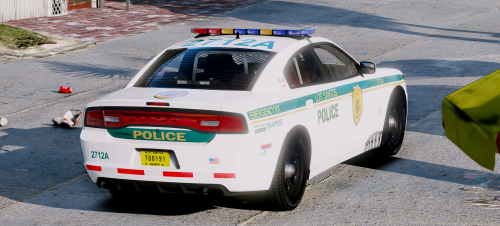 @Sinnisa @Maurice97 How can we get the Miami Dade skin pictured? The download only appears to be Los Santos.
- 10 comments
- 8 reviews
-
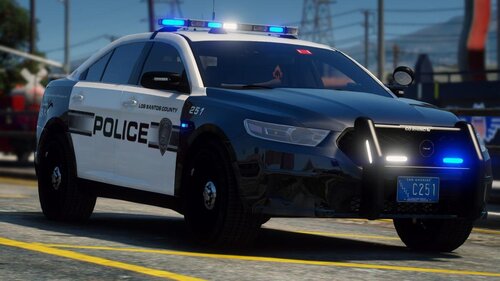 As with all of Jedahdiah's work, this pack is absolutely gorgeous! The style looks great and the lights are fantastic.
- 37 comments
- 11 reviews
-
-

- 1
-
-
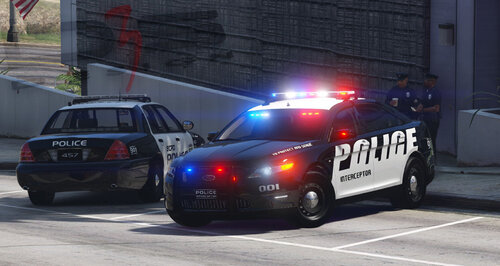 This car is absolutely beautiful! The detail is incredible. I have a 2012 SHO so it's really cool to be able to essentially patrol in my car! An ELS version would be nice, but it's definitely worth the download even without! Well done!
- 23 comments
- 5 reviews
-
-
- 1
-
-
-
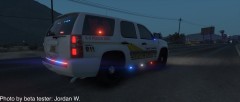 https://www.lcpdfr.com/files/file/21244-2013-blaine-county-sheriff-k-9-tahoeels/
 -
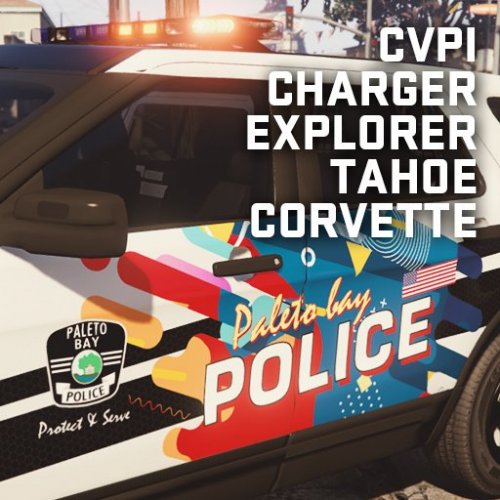 I love this pack! It is a really cool and unique design and fits Paleto well. I imported them as sign_2 for each vehicle so I can still use the original skins as the primary BCSO vehicles. These look great alongside the originals and they complement each other well. Keep up the good work!
- 1 comment
- 2 reviews
-
 @matos0922 I posted this in an earlier comment, but this was my solution: I had the same issue with the Tahoe specifically, but I noticed on the FPIS to some degree on the rear window lights as well. The issue is the glass dirt texture; when the car gets dirty, all of the glass (including the light bar on the Tahoe) becomes opaque and blocks the light. I just removed the vehicle_generic_glassdirt texture from the ytd and that solved the problem. The glass won't get dirty, but the rest of the car still will. Of course, make sure you have <diffuseTint value="0x00FFFFFF" /> in your vehicles meta as well to prevent the tint issue.
- 101 comments
- 49 reviews
-
-
- 1
-
-
-
I had the same issue with the Tahoe specifically, but I noticed on the FPIS to some degree on the rear window lights as well. The issue is the glass dirt texture; when the car gets dirty, all of the glass (including the light bar on the Tahoe) becomes opaque and blocks the light. I just removed the vehicle_generic_glassdirt texture from the ytd and that solved the problem. The glass won't get dirty, but the rest of the car still will. Of course, make sure you have <diffuseTint value="0x00FFFFFF" /> in your vehicles meta as well to prevent the tint issue.
- 101 comments
- 49 reviews
-
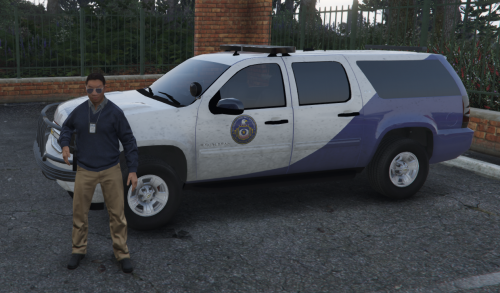 Looks pretty cool! You don't see many IAA liveries. Although, your title says Tahoe, but it's a Suburban.
 -
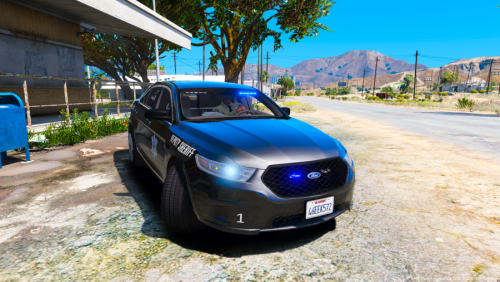 This is a great model! I'm loving it already! In addition to the take-down issue, it looks like the blue light primary corona/glow is only being emitted to the left rear of the vehicle. The auxiliary coronas from the headlights/reverse lights show up properly, but not the primary coronas. Even so, this is a great addition to my fleet!
- 7 comments
- 3 reviews
-
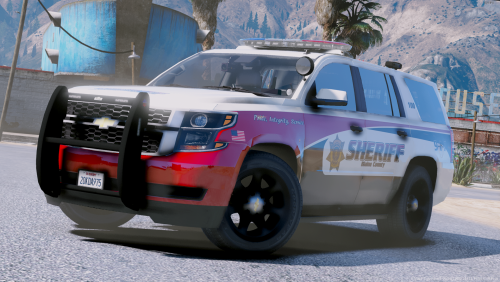 @SixtyM8 I had the same problem with the Tahoe disappearing. Changing the LOD values fixed it for me. Edit the values for sheriff2 in the vehicles.meta located at mods>update>update.rpf>common>data>levels>gta5. These values worked for me: <lodDistances content="float_array"> 350.000000 460.000000 470.000000 480.000000 500.000000 500.000000 </lodDistances>
- 20 comments
- 25 reviews
-
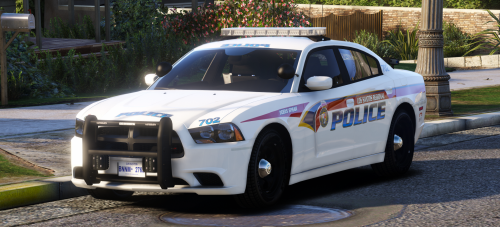 @Narovoid Regarding your comment on your review, if you don't have an ELS folder you likely need to download and install the ELS plugin:
- 8 comments
- 12 reviews
-
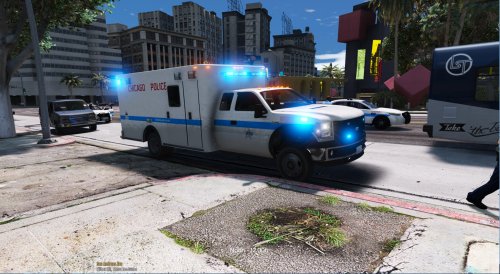 It's part of the original model in the read me in the cop ped folder within the pack: https://it.gta5-mods.com/player/beta-lspd-cop-ped-model. I installed the "New Vest" model files.
- 43 comments
- 4 reviews
-
Quick update and fix! I changed the LOD values in the vehicles.meta file for both the police3 and fbi2 from the default to: <lodDistances content="float_array"> 1500.000000 3000.000000 7000.000000 14000.000000 50000.000000 50000.000000 </lodDistances> The Explorer models no longer disappear for me.
- 43 comments
- 4 reviews
-
I just went back and tested again and found that I am actually having the issue on both Explorers. Weird.
- 43 comments
- 4 reviews
-
-
That's what I was afraid of. Ok, thanks. You should consider replacing it (if others have problems too) with the 2016 FPIU from Thehurk. It's a great model and he provides the template! -Jordan
- 43 comments
- 4 reviews