ZADDYSteve
Members
-
Joined
-
Last visited
Everything posted by ZADDYSteve
-
PM me. I can send you the file.
-
Can you both provide screenshots of the error please.
-
During installation of GTA V, whether it's a retail version or through steam, set your installation directory to your external drive. Then install LSPDFR and any additional components in thus folder. I have 2 HD's on my computer and use the secondary for GTA V. Let me know if you need any further help with installation. Below is a screenshot of my secondary drive with my Grand Theft Auto V folder.

-
Can you provide more detailed information. Or a screenshot.
-
Alt+Tab
-
Is that file safe? I downloaded and attempted to extract it. Directly after the extraction process, McAfee quarantined and removed the file... Please advise.

-
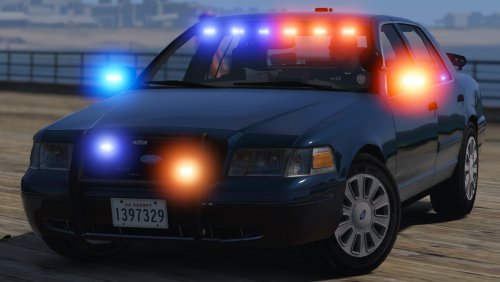 Argh! I just followed all the instructions to install the files. As soon as I launched GTA5 using RageHook, the game crashes. Would someone be willing to help me? Like even through teamviewer or something
- 70 comments
- 26 reviews