
Chris B.
Members
-
Joined
-
Last visited
Everything posted by Chris B.
-
-
 Don't worry man. Computer+ is awesome and floorless in my opinion. Nobody is doubting it. Its just patrol toolkit has some cool things like ride checks and its integrated with better ems. Overall I prefer computer+ because its more realistic.
- 1,742 comments
- 172 reviews
-
I personally find these two programs conflict and crash on my game (using the US XML edit), I removed darkmyre's plugin and no problem anymore. Which is a shame because I enjoy them both and they both have amazing features. Annoying.
- 1,742 comments
- 172 reviews
-
 @t0y He means, the front indicator strobes/leds that come with CVPI's and the Taurus are used by ELS on the inner part of the front lighting housing. His question was is there a way to move that front indicator to the outside (like Richland County's Sheriff CVPI's). I do agree with him, having strobes on the inner part of the front light housing is annoying af. But I doubt there is a way to change as I have yet to see any moddler since ELS released move it.
- 46 comments
- 32 reviews
-
Hello community. Been having some frequent crashes. My game used to be incredibly stable. No idea what is causing this instability. Seems to happen a lot around cop peds, new callouts etc. Attached is the Rage crash log. The game crashed at the first callout therefore I have provided the log from when LSPDFR was loaded until the final piece of information seen in the rage log. Any advice is greatly appreciated.
-
 Dude, I just want to say, Thankyou. Thankyou for keeping this plugin updated and refreshing with new callouts and keeping the users entertained with new content at intervals to refresh our excitement. I do genuinely mean what I just wrote, but I am kinda drunk right now too.
- 546 comments
- 103 reviews
-
 Try adding to the vehicles meta the flag "FLAG_HAS_LIVERY" without the quotes. Then when you choose the texture you want, got to policeold2.ytd (make sure you are on edit mode, also make sure the texture you want to use compliments the texture in the ytd. An example would be "Taurus_sign_2" etc). Click the import button top left, then find the texture you want to use ad click it. It should be added. Job done.
- 81 comments
- 25 reviews
-
-
Hey bud, glad to see you utilizing the policeold slots for those who have not already tapped into them. I cant remember but, I'm pretty sure the carvariations needs changing for the policeold slots - even with ELS.
- 81 comments
- 25 reviews
-
 I mis-read, sorry about that, to be honest, I'm pretty sure this car works without changing the vehicles meta. But to make this car sheriff 2, if you want to replace the meta, you have to customize the meta that comes with this pack and edit it to reflect sheriff 2 instead of police 3 or 4. Then replace the vehicles meta accordingly.
- 427 comments
- 75 reviews
-
Yeah, I did a complete replacement using the supplied file. Though I did customise a couple little things and edit all my primary police vehicles. But bottom line, 100% I was able to replace it.
- 427 comments
- 75 reviews
-
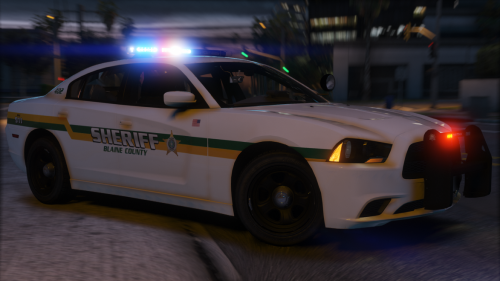
 @BradM Hey bud. Would you be able to add a couple more skins to the ELS Blaine county side? Officerunderwoods 16 Taurus and TheHurks 2016 dodge charger? Cheers bro.
- 64 comments
- 32 reviews
-
Looks good buddy.
-
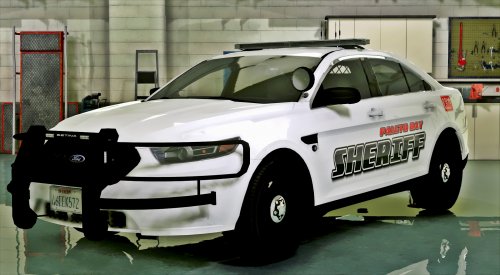 It will work in the sheriff slot. Ensure you make all the edits, including the meta if you have not already edited yours. Do you use a handling mod? Might be a little light if you don't use a handling mod. For me it sticks to the ground well but, my edits ensure nothing ever rolls over.
- 51 comments
- 17 reviews
-
-

- 1
-
-
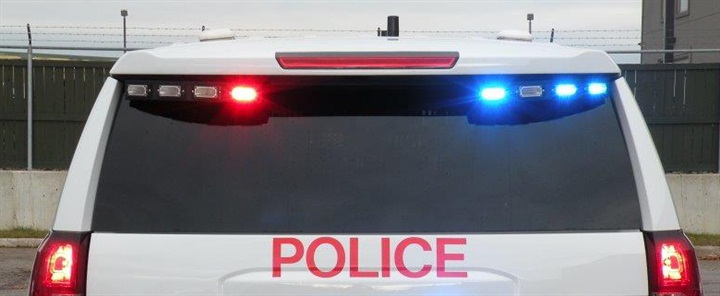
@POLICESCO Hey Bud. You know I've been a big supporter of your work since 2015 (from the beginning of LSPDFR really). I was going to send this as an email, but you didn't read the other one I sent so I'll post here. The car is really good, normally I enjoy every part of what you put together but I wanted to review this one a little more because, it could be class. Obviously I support the concept, to each there own, so many cars to choose and personal preference is objective and readily available in so many models. But like I said, I see potential in this to be awesome. Firstly, will the secondary lights become a traffic advisor? I feel its ripe and ready to make that back window lightbar into a TA. I checked into the extras and only two (7+8) are currently dedicated to the TA - add extra 9 into the TA and we have a party in the back ( @Jeff Favignano) Second, The primary lights are awesome, really like the setup and light choices. The quality is great. The WRN lights though. I know someone has commented. Personally, I don't like the white light alternating/taking over the front of the lightbar. I personally love that lightbar. @Thehurk FPIU pack are still the best explorers out there and no one will equal them and those lightbars personally ooze class imo. So personally not a fan of the white lights and if I could id take them out. Having said that, I really do like the rear reverse light chamber choices to have red/blue alternating. That was a nice touch, as well as the small ion below the air vent on the sides - I would probably say, I prefer the rambar attached lights instead of the front grill lights (both seemed a bit overkill on separate settings). I know the rambar is a bit low and people have mentioned. Really since day one, blame my Canadian ass, we don't use wrap arounds here, so personally I really dislike them (I can survive if the car is awesome) so I appreciate moddlers placing wrap arounds as a non els controlled option - like extra 12 or something. Just my 2cents for feedback. I really like the car and will use it, but wanted to offer my personal feedback. Regards Chris.
- 51 comments
- 17 reviews
-
-
- 1
-
-
-
Thats awesome. I know personally i am using officerfiveO LSCSO cvpi and tahoe for my sheriff 1 and 2 slots. Hopefully they fit those vehicles. But I will happlily change out to fit vehicles you made them for. Cheers buddy.
- 64 comments
- 32 reviews
-
I know me personally, just to enjoy the quality of these skins would be willing to survive comfortably with only one unit number until more arrived.
- 64 comments
- 32 reviews
-
-
- 1
-
-
forgive my ignorance if I have not been made aware. This pack is absolutely gorgeous. Will you be using these skins to create a Blaine County sheriff moniker? That would be phenomenal.
- 64 comments
- 32 reviews
-
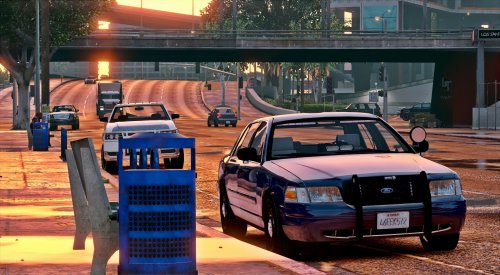 I would never make a rookie mistake like that VCF is the first change :) I have the handling mod in so cars stick the ground like shit to a blanket so should be good. I'll let you know once I've tested it.
- 71 comments
- 24 reviews
-
-
- 1
-
-
Hey bud, I'm gonna throw this in fbi instead of police4, is there anything in the meta that's particularly important I need to edit the fbi meta with to make it 100%, or is it simple changes?
- 71 comments
- 24 reviews
-
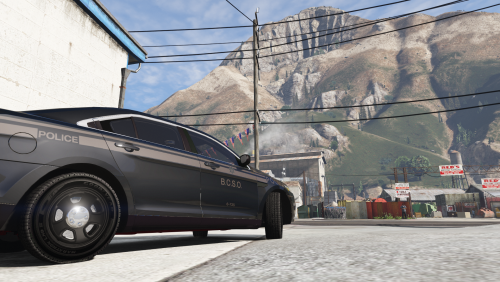 Bro, This is god damn beautiful. I beg you to make this skin for other vehicles recently released, I would happily let you know which ones and we can talk about some re-imbursement for your time and effort.
 -
I have not even downloaded or used it yet, so I can confidently proclaim its fucking awesome. The pics make my balls wet, cant wait to use it in about 3 & 1/2 minutes. "Yes, it is definitely illegal to stuff a midget with coke and treat him like a Piñata."
- 71 comments
- 24 reviews
-
-
- 1
-
-
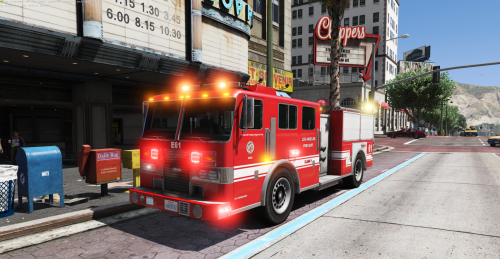 Hey Bud, really pleased to have both your Fire+EMS as ELS vehicles. Any idea how the edit the VCF to reflect firetruck sirens. It would be appreciated. Thanks.
- 11 comments
- 9 reviews
-
 @LowRid3R Bro.. i just got the highway collision callout. Fucking amazing dude. Well done. That was class. With that kinda realism, you should expand and make a highway traffic collision callout pack. Not just hit and runs but any kinda highway collision that needs police fire and ems response with immersion line this.. well done man.. well done...
- 166 comments
- 75 reviews
-
-
- 1
-