Sleepwalker
Members
-
Joined
-
Last visited
Everything posted by Sleepwalker
-
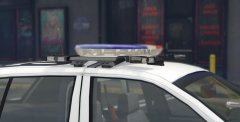
From the album: Police Vehicle Showcase
-
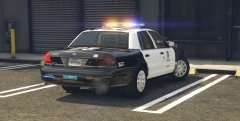
From the album: Police Vehicle Showcase
-
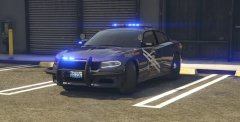
From the album: Police Vehicle Showcase
-
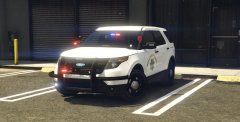 good luck! and thank you :D
 -
From the album: Police Vehicle Showcase
-
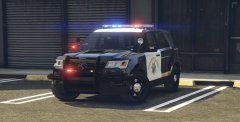
From the album: Police Vehicle Showcase
-
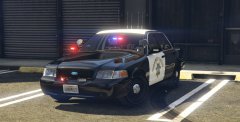
From the album: Police Vehicle Showcase
-
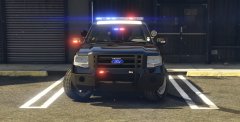
From the album: Police Vehicle Showcase
-
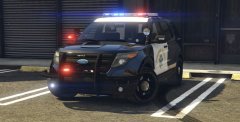
From the album: Police Vehicle Showcase
-
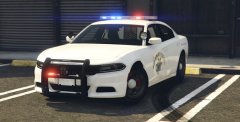
From the album: Police Vehicle Showcase
-
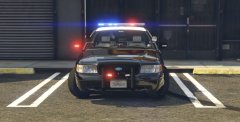
From the album: Police Vehicle Showcase
-
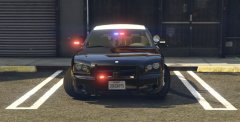
From the album: Police Vehicle Showcase
-
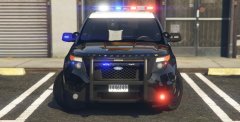
From the album: Police Vehicle Showcase
Added my own custom Go Rhino logo texture. -
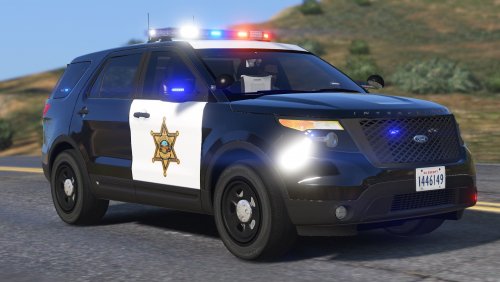 Overall this is a great vehicle and it is a pleasure to use on any patrol, speed enforcement and traffic alike. Pros- Great emergency lighting Spotlight models are amazing Drives and handles great as a police3 drop-in Interior is pretty decent for an Explorer in GTA V Dat interceptor badging on the hood! Cons/ Future improvements- Atomic tires kind of break immersion when you are zoomed in the to wheels. Would love some RSA's in the future More extras, such as a flipped up/ flipped down spotlight that you introduced in your BCSO pack I added my own newer style Go Rhino logo texture on the rambar and it looks great with this car!
- 65 comments
- 19 reviews
-
-

- 1
-
-
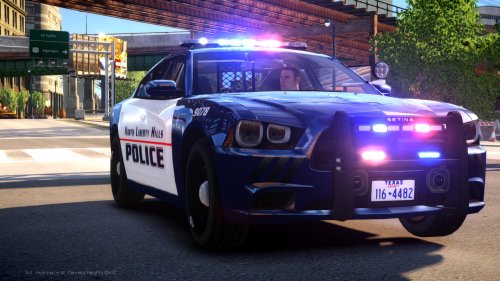 why is the spotlight on the newer tahoe placed through the windshield and not the a pillar? is there anyway to remove it?
- 48 comments
- 5 reviews