


PattyB0Y
Members
-
Joined
-
Last visited
Everything posted by PattyB0Y
-
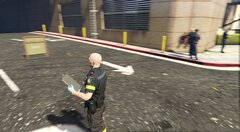
From the album: My Gallery
Peel Regional Paramedic Services - EUP -
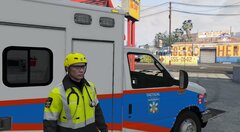
From the album: My Gallery
-
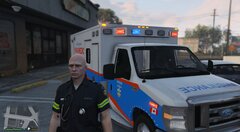
From the album: My Gallery
-
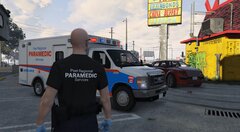
From the album: My Gallery
-
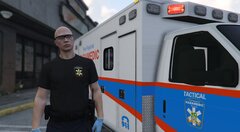
From the album: My Gallery
-
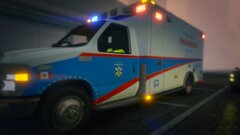
From the album: My Gallery
-
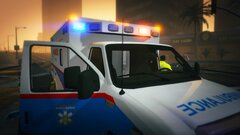
From the album: My Gallery
-
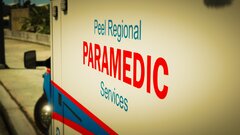
From the album: My Gallery
-
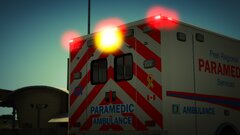
From the album: My Gallery
-
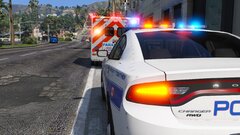
From the album: My Gallery
Thoughts on ambo blues and reds? -
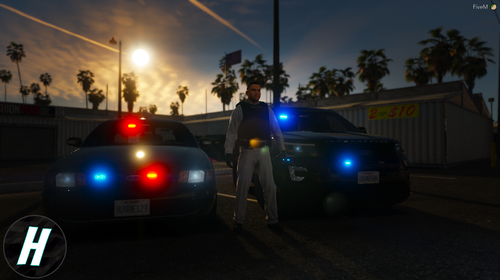 WOOOOOO !!!
 -
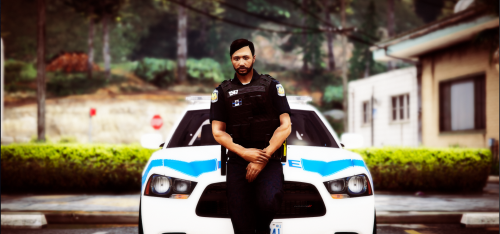 Navigate yourself over to mods > update > x64 > dlcpacks > eup > dlc.rpf > x64 > eup_componentpeds.rpf Once you've reached this directory using OpenIV, copy the contents the belt models into the appropriate OpenIV folders. The contents from the downloaded 'mp_m_freemode_01_male_freemode_hipster' folder go into your OpenIV 'mp_m_freemode_01_male_freemode_hipster' which includes 'accs_diff_001_a_uni.ytd' and 'accs_001_u.ydd'. The contents from the downloaded 'mp_m_freemode_01' folder go into your OpenIV 'mp_m_freemode_01' which includes 'teef_diff_008_a_uni.ytd', 'teef_diff_003_a_uni.ytd', 'teef_diff_002_a_uni.ytd', 'teef_diff_001_a_uni.ytd', 'teef_008_u.ydd', 'teef_003_u.ydd', 'teef_002_u.ydd' and 'teef_001_u.ydd'.
- 7 comments
- 1 review
-
-
-
From the album: My Gallery
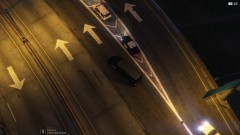
What started out as a police pursuit, ended in a serious rollover on the North Interstate 5 ramp off of La Puerta. -
From the album: My Gallery
-
-
-
From the album: My Gallery
-
-
-
-
-
From the album: My Gallery
-
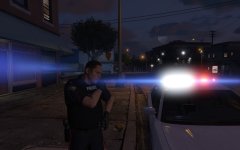
From the album: My Gallery




