
Mr.DudeMan
Members
-
Joined
-
Last visited
Everything posted by Mr.DudeMan
-
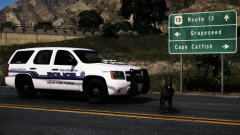 love taking drugs off the streets (hate dom)
 -
-
-
-
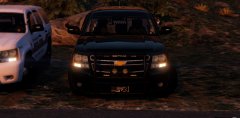 im in the other tahoe
 -
-
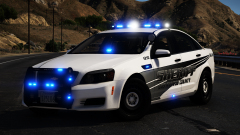 hate dom love caprice
 -
-
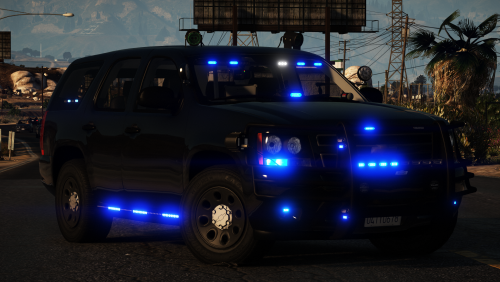 make sure you guys use the vcf i made i made a custom scan pattern for the visor lights !
- 33 comments
- 34 reviews
-
-

- 3
-
-
-
-
okay
-
-
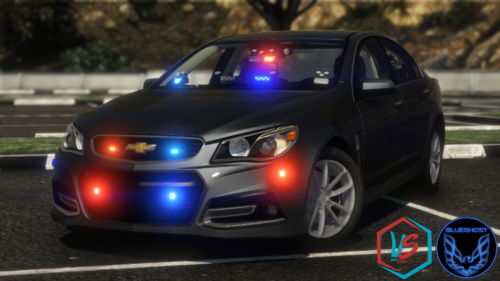 this one is there is no modules in the middle for the third brake light so this one is built for cvpis
- 41 comments
- 6 reviews
-
-
so hot
-
 big thanks for that
 -
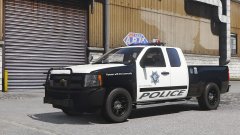 Anybody know what could be causing this? It only happens when I add the lightbar and the pushbar
 -
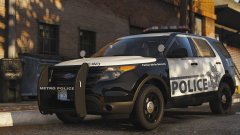 very nice very nice yaaaay!
 -
-
-
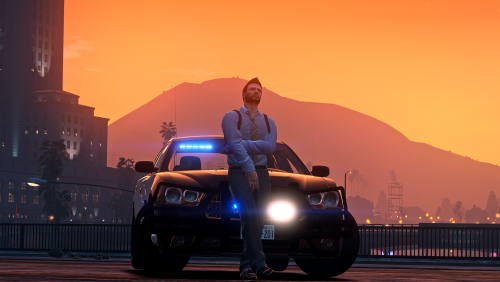 they are not fine look at the cvpi they are mounted way too low look ar first thirty minutes video you cant even see in front in first person
- 28 comments
- 5 reviews
-
-
- 1
-
-
man in every umarked and slicktop you made visors lights are mounted wrong and you never fix it
- 28 comments
- 5 reviews
-
good pack but visor light on cvpi is mounted way too low none of the models have police equipemeint inside according to the picture and videos wich will make police work impossible
- 28 comments
- 5 reviews
-
-
- 1
-
-