
Mr.DudeMan
Members
-
Joined
-
Last visited
Everything posted by Mr.DudeMan
-
-
-
 you need to zig zag in the street until you reach the red circle ignore the path after you reached the yellow circle it takes some time bit you will reach the red circle heres a video of a traffuc brreak
- 221 comments
- 63 reviews
-
-

- 1
-
-
-
just did a 4 lane traffic break in a chp fpiu thank you for that :))))) best call ive answered
- 221 comments
- 63 reviews
-
-
- 1
-
-
-
-
-
-
you were and will always be my favorite modder you care about your friends unlike that one vegetable that did unmarked cars you put tons of efforts in your mods you put tons of research in nysp pack you did not care about hate or negative feedback and alex sad to see you go but i agree with everything you said lspdfr is about to shoot itself in the foot with the new update so long mr t0y
-
 knew it when it was just a model in zmod time flies
 -
 for some reason when a ped license is expired its always over 500 days how can i fix that
- 1,743 comments
- 172 reviews
-
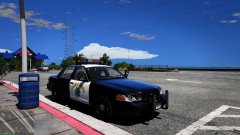 thank you mr nysp
 -
for some reason when a ped license is expired its always over 500 days how can i fix that
- 1,743 comments
- 172 reviews
-
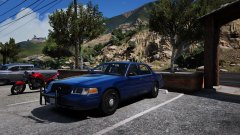
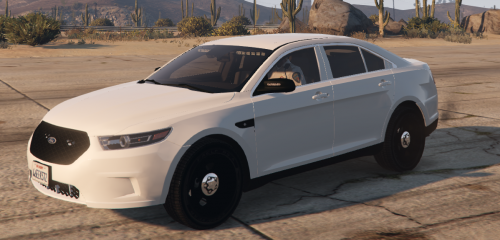
From the album: unmarked
-
From the album: CHP
-
-
-
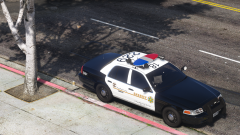 bet @FRGamer loves it
 -
-
-
-
-
-