


Tumi007
Members
-
Joined
Everything posted by Tumi007
-
it's a problem with my internet provider. i tried with another wifi and works
-
I already do that, it's a website problem or my problem? I tried from the smartphone too. (with wifi connection, maybe that's the problem)
-
Hi, when I try to download mods from this website after completing the captcha, the browser (chrome) says that the page lcpdfr.com doesn't work. [ERR_EMPTY_RESPONSE]
-
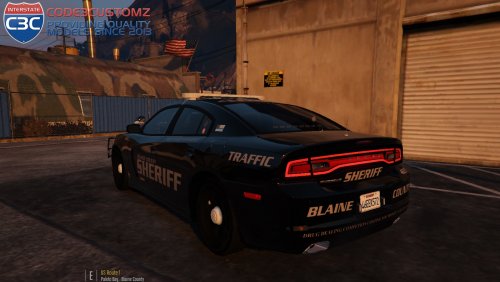 The car is awesome but some improvements to the lightning will be appreciated (Am I the only that have some problems with the lightning?)
- 34 comments
- 17 reviews
-
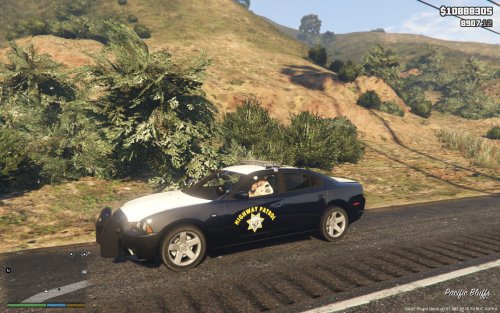 Is the Charger in the pictures Carperino's Charger? That Charger has a different lightbar...
- 6 comments
- 1 review
-
-
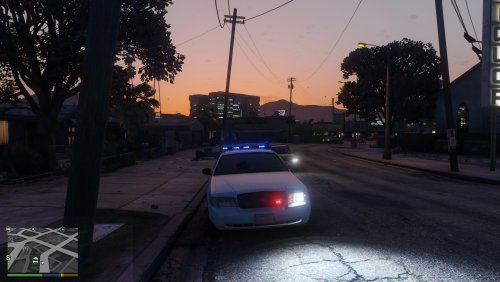 I have problems with this car. The emergency lights are not working correctly. How to fix it?
- 25 comments
- 6 reviews
-
 What car is it? And how to set only blue lights?
 -
 Try to change the language of your pc to English (you need to download the language pack)
- 587 comments
- 106 reviews
-
in the mods folder, delete update.rpf
-
Found the fix: shader quality=high
-
The same problem happens with original police vehicles (police buffalo and police interceptor too). I tried to verify the game files with the right commandline but it doesn't find anything wrong. I don't want to re-install the game :( I think that the post fx files are corrupt but maybe this isn't the problem
-
If you have the CD version of the game (NOT STEAM): or simply follow the instruction in the rockstar support: https://support.rockstargames.com/hc/en-us/articles/205778987-GTAV-PC-General-Troubleshooting-Installation-Issues-Crashes-Freezes-Poor-Performance

-
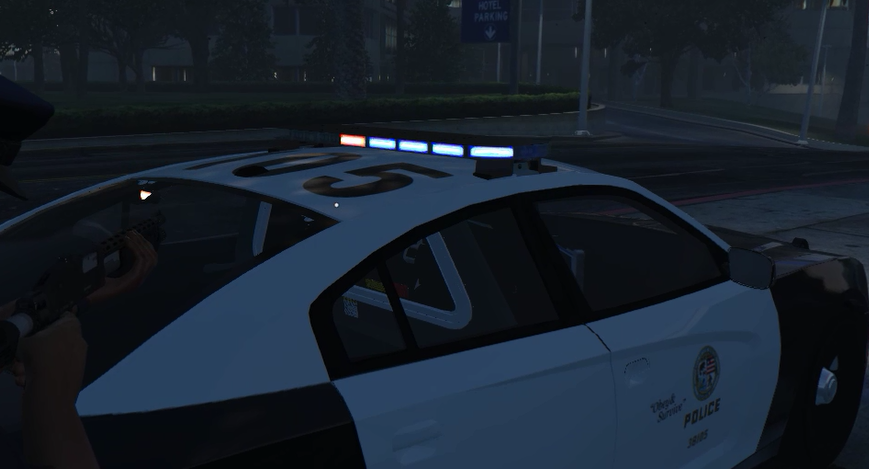
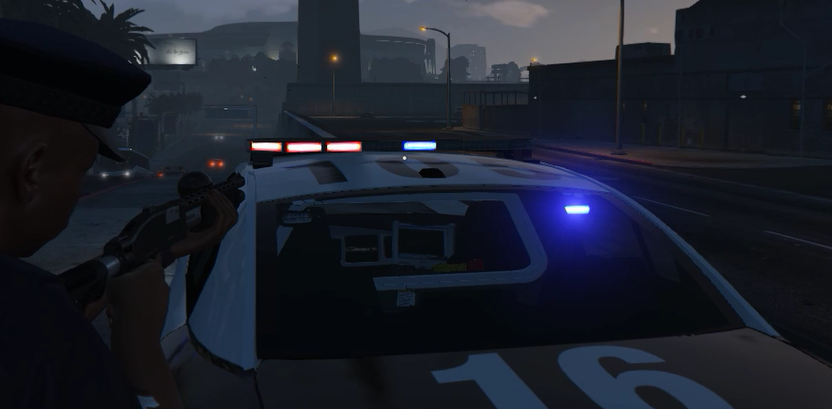
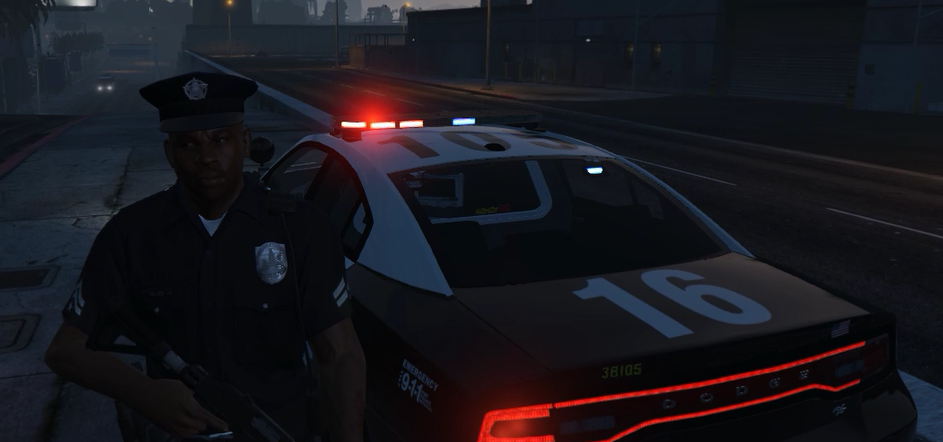
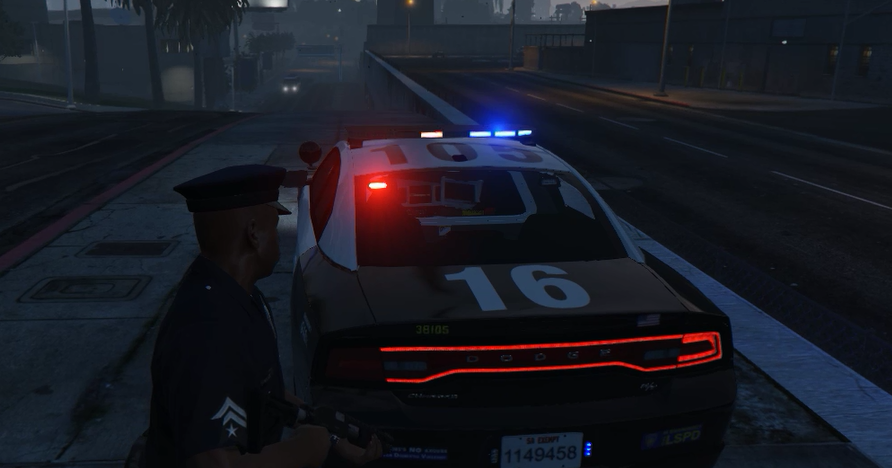
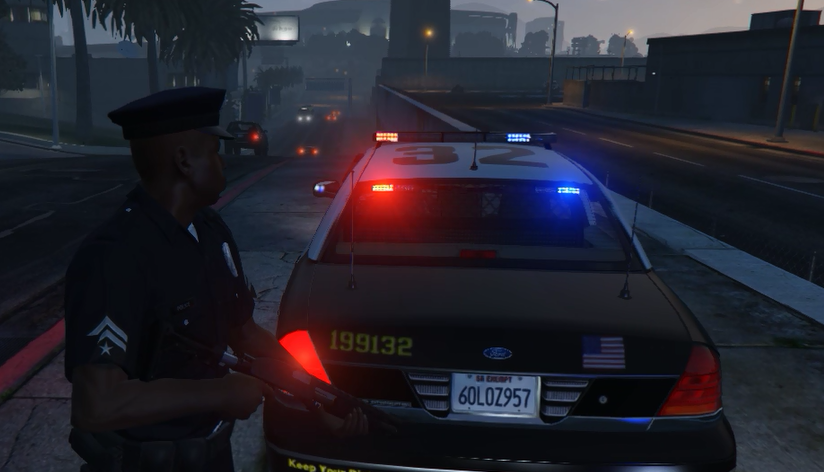
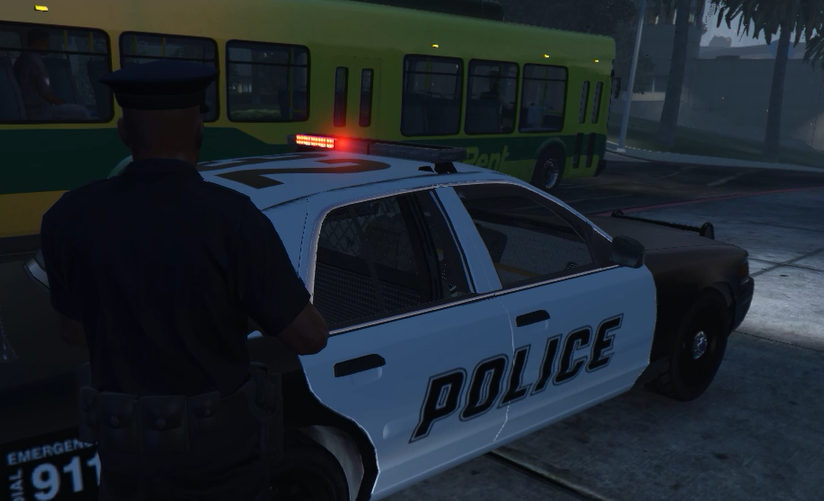
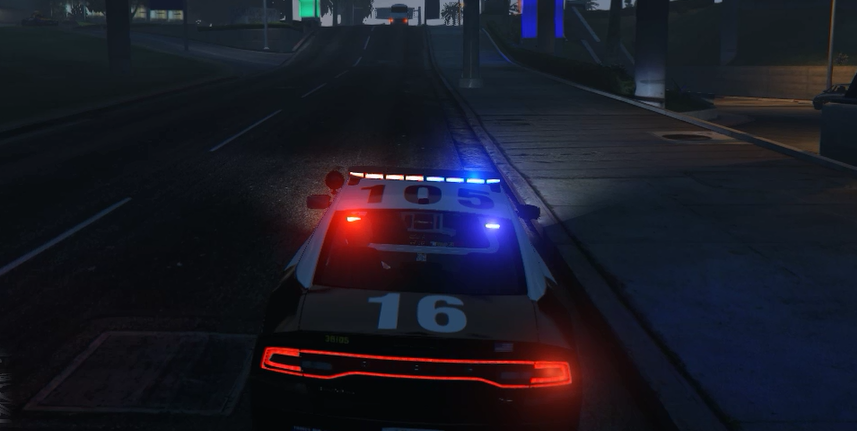
Hello everybody I'm having a problem with lightbars & leds in my GTA5.... I think i messed up something when replacing files or maybe I deleted some files... I'm not english so i can't explain the problem really well, but these are the photos of my problem... As you can see, the lightbar (With all police vehicles) doesn't work correctly... in this photos i have the mod RadianceV, but this problem persist with vanilla graphics and the mod "improved spotlight and led lightning"






-
-




