HvyMetal
Members
-
Joined
-
Last visited
Everything posted by HvyMetal
-
 I think it's because there is a updated version of the LSPD First Response. http://www.lcpdfr.com/files/file/7792-lspd-first-response/
- 1,915 comments
- 242 reviews
-
 Looks to be a good mod. However. The issue I have is after I press "Request a bait car" button. I the get the following message. It keeps crashing the LSPD mod.
- 211 comments
- 28 reviews
-
Thanks for the info. That worked the best.
-
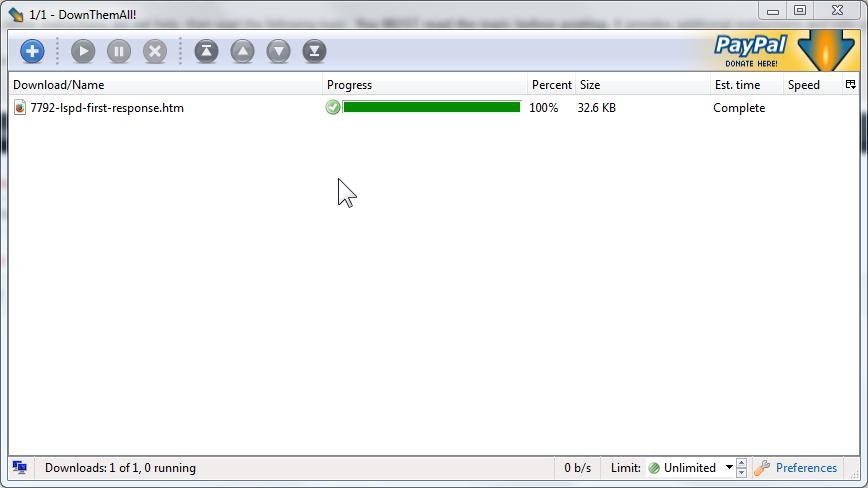
Thanks. I am using WinRAR. The files still downloads as a HTML file
-
When downloading the LSPD First Response 0.2B beta either rar or zip file. It is downloading as a HTML document. Is this correct? What am I doing incorrect? Thanks