


rjmf22
Members
-
Joined
-
Last visited
Everything posted by rjmf22
-
Well I wasn't sure where to get what I needed, so I used your template. By last part, i meant the "massacro2" part. I left that out because I assumed it was the start of a new vehicle. Sorry for all the questions, I'm a newbie at this And thank you for the help!
-
Did you know if there was a video on this? I copied and pasted you template, and my game crashed, not sure if I was supposed to copy the last part as well?
-
Thank you both! I'll have a look now, much appreciated!
-
Title is pretty self explanatory, I was wondering how I would add more slots for cars? Also, does anyone know where I would go to replace policeold1 and policeold2? Thanks!
-
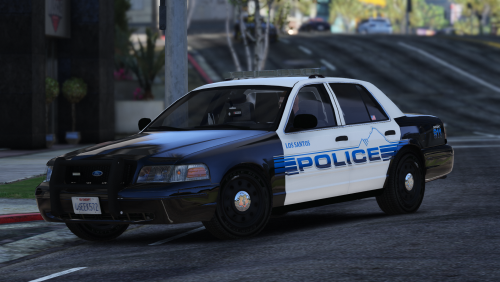 Hey Great download and many thanks! Could you make a variant for TheHurk's 2016 FPIU ELS version? I tried putting it on and t didn't work
- 25 comments
- 10 reviews
-
-

- 1
-
