
CVPIfan
Members
-
Joined
-
Last visited
Everything posted by CVPIfan
-
 Ah, no harm done.
 -
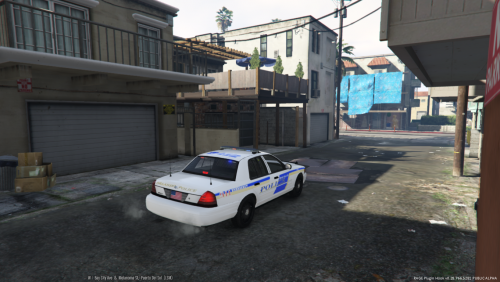
And I happen to have lived my entire life in Orlando... As of my original comment OPD hadn't ordered their FPIUs yet, and I'm thrilled every time I see one of the streets lol. I see the new Chargers regularly (not a fan of the lighting package...) The FPISs are only used for Community Service Officers, I didn't include them because they have a slightly different decal setup than a regular OPD cruiser.
-
 I actually have an all-blue Wingman in my Vic currently. I just want the FHP Wingmans. Code 3 wants $1,000 apiece for them; which is a bit expensive for something I'll rarely use...
 -
I want those TAs out of the CVPI; they'd look so good in my Vic IRL :P
-
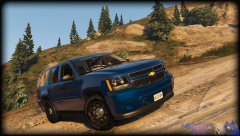 Nooo!!! I'm sick of Arjents.... I want to see a Liberty II or a Legacy on this beast. I wholeheartedly agree on the dual spots though lol
 -
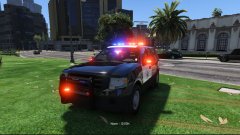 Ah, 10-4
 -
Umm, you do know the car won't require Radiance to work, right? Radiance just changes the way the lights look; it doesn't require a special car, even the vanilla cars work (although the colors are a little washed out)
-
 Truer words were never spoken.
 -
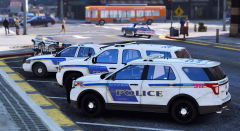
Ooh, pretty. . . I have to admit, I've never actually seen a marked OPD Police Utility, it's not a bad fit.
-
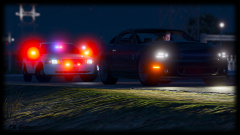 I hope you're right; but Bxbugs has identical-looking taillights on all of his CVPI models, and pretty much everyone else has followed suit it seems. . .
 -
Why does everyone use the inaccurate taillights??? They're supposed to have a strip of un-illuminated red plastic across the bottom like this: https://www.instagram.com/p/BBTbw4GEgUo/
-
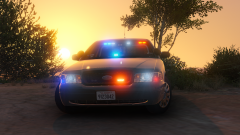 This. (In before the Bxbugs fanboys )
 -
Yeah, according to a friend of mine who specs emergency lighting for the county's fire rescue department, that's actually a custom build deal which can be anywhere from 24" to 50" depending on the options selected. . . And, yes, you can put a 48" bar on any vehicle you like, you just have to buy the vehicle-specific strap kit.
-
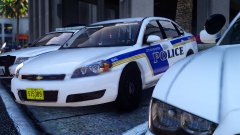 Beautiful! I live in Orlando and see OPD all the time!
 -
If you're talking about the Liberty SX series, all sedans are equipped with the 48.5 inch bar while most SUV's and trucks require the 50 inch version thanks to Whelen's bracket system. In fact, Whelen doesn't manufacture a 43 inch lightbar. (I own 5 Liberty SX8's IRL and both of my local departments use the Liberty as well)
-
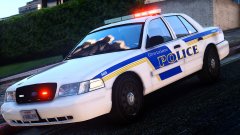 Yay! My hometown!!!
 -
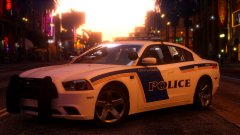 Do I spy Orlando Police Department?
 -
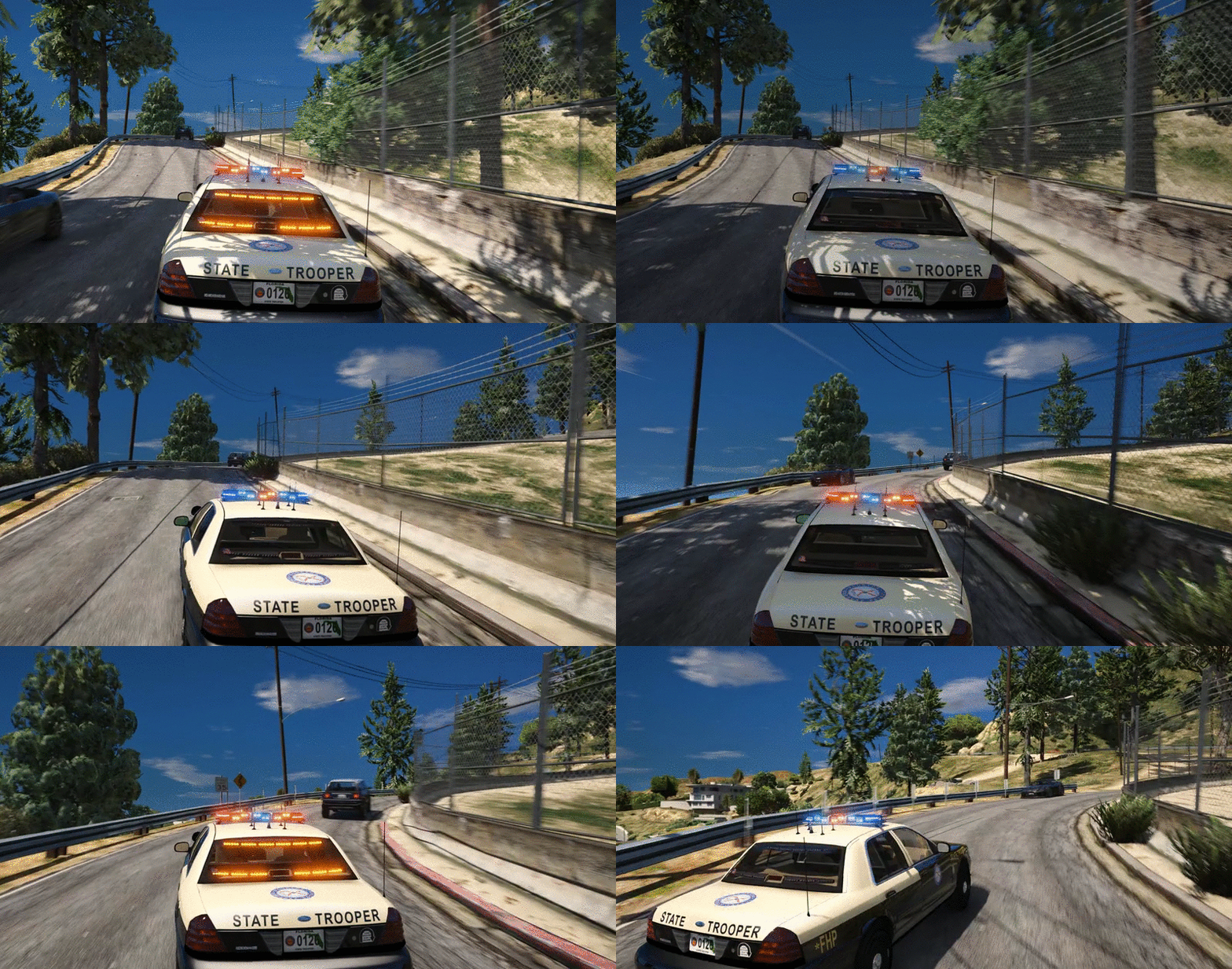
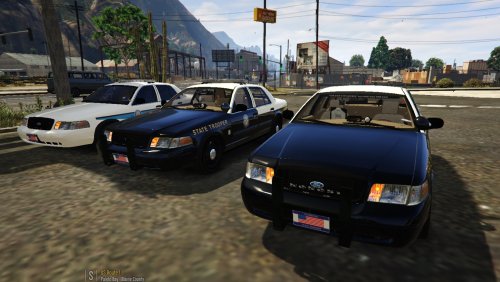 That is what's supposed to happen, but most troopers (at least in the Orlando area) have overridden their cruiser's programming and use red/blue all the time. In fact, I haven't actually seen an FHP unit run one color. . .
- 60 comments
- 21 reviews
-
Actually, xAzDKr is correct, I can also confirm, as a Floridian and as a huge fan of FHP, that FHP exclusively uses red/blue emergency lighting (more in-depth explanation below) The picture S0berDrunk posted shows half of the lightbar modules activated: https://www.youtube.com/watch?v=scIolyYLViQ The GIF at the top of the file description is accurate in that regard, however, most FHP cruisers do not have headlight flashers. You see, Florida Highway Patrol did a massive 2 year study to determine the most effective emergency lighting and flash patterns. So all FHP units were programmed to flash all red during the day when stopped, all blue at night when stopped, and both colors when responding. Some FHP troopers didn't like the single color system and circumvented it; which is why some FHP cruisers flash red/blue when stopped (like the cruiser shown in the video above)
- 60 comments
- 21 reviews
-
-

- 3
-
-
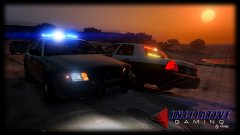 FHP's my favorite local department! Does help my CVPI is almost identical to their unmarked cruisers :P
 -
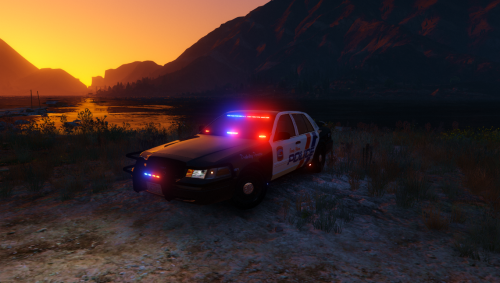 It literally says 'slicktop' in the title. Just put it in the police4 slot if you're so worried about it not having a lightbar.
- 41 comments
- 29 reviews
-
-
OPD is almost as big as Orange County Sheriff's Office, actually :P They use marked and unmarked CVPIs, Impalas, Chargers, Caprices, and Tahoes. Taurus's are unmarked only, and OPD doesn't use the Explorer, unfortunately :( EDIT: I live in Orlando, BTW