



BeastyBill88
-
Joined
-
Last visited
Everything posted by BeastyBill88
-
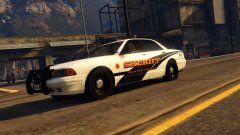
From the album: BeastyBill88's Gallery
I've started on my sheriff's vehicle now first of the vapid stainer, this is a replicated version of @BradM's 4k Blaine County Sheriff Pack so thank you @BradM for the idea. These are currently for my personal use at the moment unless I can get permissions to release them.© Images by BeastyBill88
-
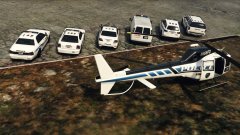
From the album: BeastyBill88's Gallery
My LSPD Fleet completed with the new liveries, I saw these skins for the real life counterparts made by @BradM, but as I only use templated version of the stock cars I decided to try and replicate the skins. So thank you @BradM for the idea. These are currently for my personal use at the moment unless I can get permissions to release them.© Images by BeastyBill88
-
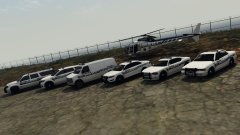
From the album: BeastyBill88's Gallery
Completely my LSPD fleet with the new liveries I saw these skins for the real life counterparts made by @BradM, but as I only use templated version of the stock cars I decided to try and replicate the skins. So thank you @BradM for the idea. These are currently for my personal use at the moment unless I can get permissions to release them.© Images by BeastyBill88
-
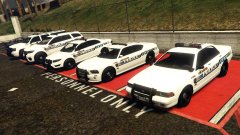
From the album: BeastyBill88's Gallery
I saw these skins for the real life counterparts made by @BradM, but as I only use templated version of the stock cars I decided to try and replicate the skins. So thank you @BradM for the idea. These are currently for my personal use at the moment unless I can get permissions to release them.© Images by BeastyBill88
-
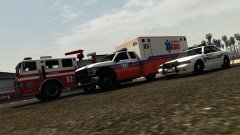
From the album: BeastyBill88's Gallery
© Images by BeastyBill88
-
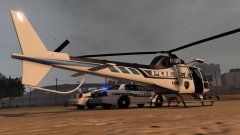
From the album: BeastyBill88's Gallery
Thank you @BradM for the idea from your LSPD mini pack I attempted to made a matching livery for the police maverick. These are currently for my personal use at the moment unless I can get permissions to release them.© Images by BeastyBill88
-
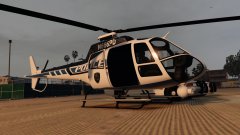
From the album: BeastyBill88's Gallery
Thank you @BradM for the idea from your LSPD mini pack I attempted to made a matching livery for the police maverick. These are currently for my personal use at the moment unless I can get permissions to release them.© Images by BeastyBill88
-
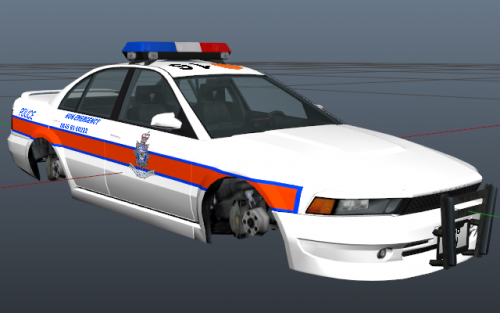 Lol I actually live in the South Humberside area! Nice skin by the way :D
 -
From the album: BeastyBill88's Gallery
© Images by BeastyBill88
-
From the album: BeastyBill88's Gallery
© Images by BeastyBill88
-
From the album: BeastyBill88's Gallery
© Images by BeastyBill88
-
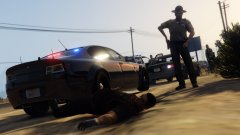
From the album: BeastyBill88's Gallery
© Images by BeastyBill88
-
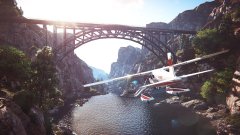 You're welcome mate! I have to say your screenshot looks far better than mine lol :P
 -
-
 Didn't know about paste bin, its not very often that I have to show my full RHP log lol. I think it might be the callout clean up as it started after I put the suspect in cuffs and then the lag started.
- 329 comments
- 53 reviews
-
Been having a problem with the stolen tanker callout after I've finished it I get major lag every few seconds and my RH log is just filled with this Now I can't post my full RHP log because its so big it causes the page to stop responding lol.
- 329 comments
- 53 reviews
-
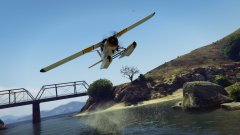
From the album: BeastyBill88's Gallery
© Images by BeastyBill88
-
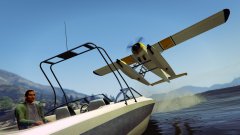
From the album: BeastyBill88's Gallery
© Images by BeastyBill88
-
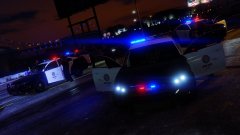
From the album: BeastyBill88's Gallery
© Images by BeastyBill88
-
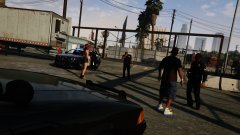
From the album: BeastyBill88's Gallery
© Images by BeastyBill88
-
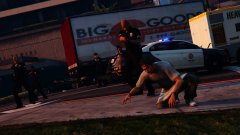
From the album: BeastyBill88's Gallery
© Images by BeastyBill88
-
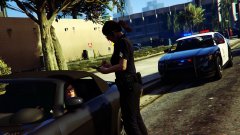
From the album: BeastyBill88's Gallery
© Images by BeastyBill88
-
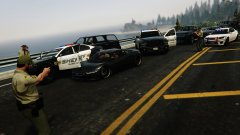
From the album: BeastyBill88's Gallery
© Images by BeastyBill88
-
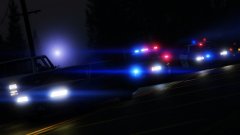
From the album: BeastyBill88's Gallery
© Images by BeastyBill88
-
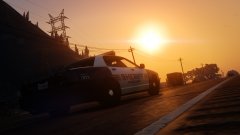
From the album: BeastyBill88's Gallery
© Images by BeastyBill88



