Skip to content
View in the app

A better way to browse. Learn more.

LCPDFR.com

A full-screen app on your home screen with push notifications, badges and more.

To install this app on iOS and iPadOS
  1. Tap the Share icon in Safari
  2. Scroll the menu and tap Add to Home Screen.
  3. Tap Add in the top-right corner.
To install this app on Android
  1. Tap the 3-dot menu (⋮) in the top-right corner of the browser.
  2. Tap Add to Home screen or Install app.
  3. Confirm by tapping Install.

OfficerJamie

Members
  • Joined

  • Last visited

  1.    OfficerJamie reacted to a file: Deadly Weapons
  2.    OfficerJamie reacted to a file: SuperCallouts
  3.    OfficerJamie reacted to a file: XScanner
  4. Possible to have a version where the taser is removed from the holster? For CopHolster Plugin?
  5. OfficerJamie started following OJL Designs
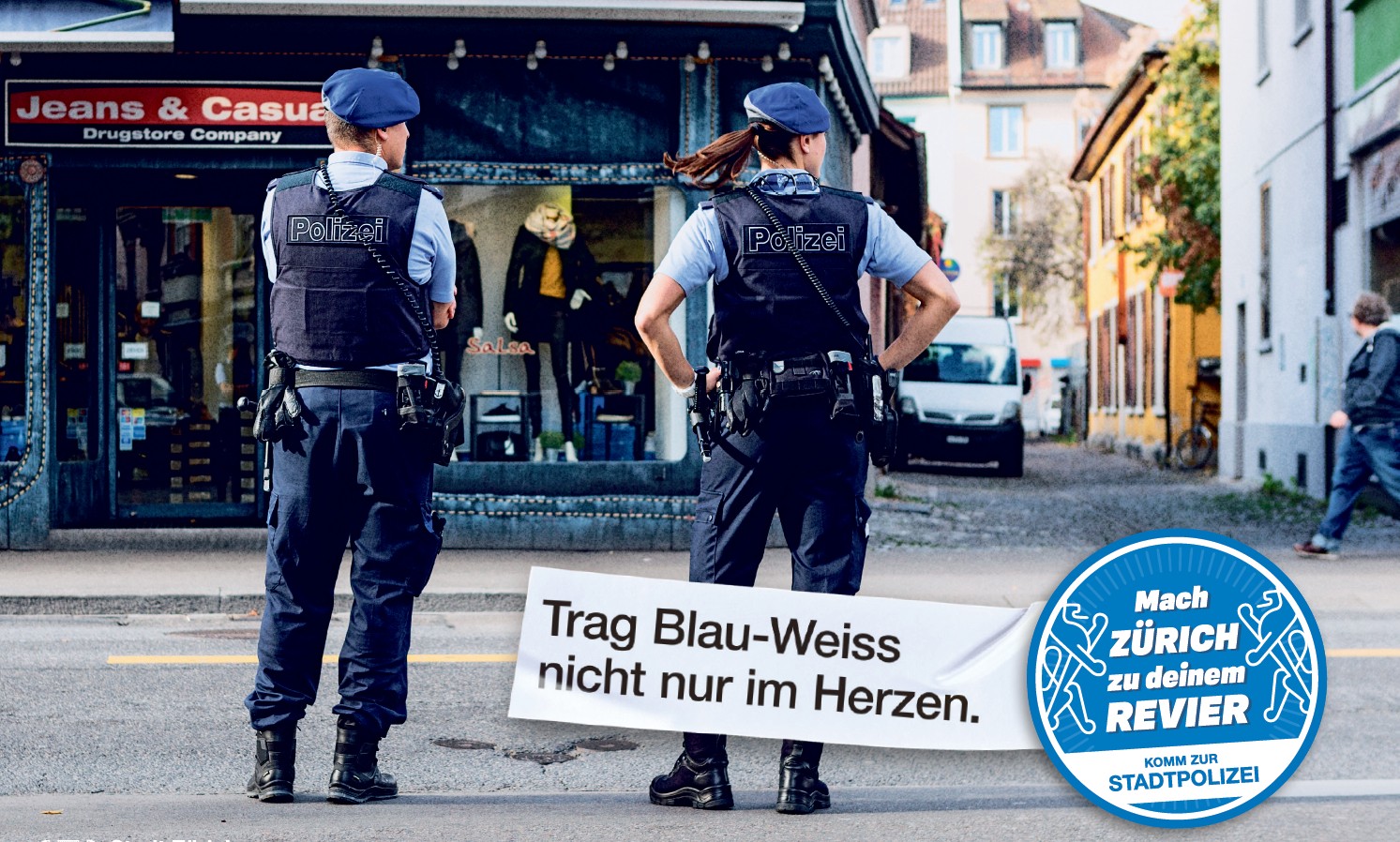
  6. Kannst du auch das Fahrzeug mit dieser Textur kreieren? Das Fahrzeug wäre der Stadtpolizei Zürich
  7. Besteht die Möglichkeit auf den Skin?
  8.    OfficerJamie reacted to a file: LSPD First Response
  9. @FluffyModsAmazing work, is it possible to make a Glock19 Pistol Replace. Is it also possible to add Lined up Iron Sights for the pistol? I don't know how the editing works in the weapons.meta.
  10. OfficerJamie started following opus49
  11. Can you make a US Park Ranger Livery like this:
  12. Can somebody make a US Park Ranger Skin for the Tahoe?
  13. @AgentDZNWhen will the Pack be complete, or at least the wonderful Tahoe? Thanks for the great Pack
  14. OfficerJamie started following ChicagoFire26
  15. Hello everybody I would like to know if somebody could make a Vest Texture based on some pictures of my Department. Thanks
  16. OfficerJamie started following THPStudio
  17. Hello everyone I would like to know if anybody could make a Vest from my Department. I have some Pictures for reference. @HANAKOHope this helps for some great Vest Modders. Thanks and have a great Day
  18. OfficerJamie changed their profile photo
  19. Just rename the police files into sheriff2 Hope I could help

Account

Navigation

Search

Search

Configure browser push notifications

Chrome (Android)
  1. Tap the lock icon next to the address bar.
  2. Tap Permissions → Notifications.
  3. Adjust your preference.
Chrome (Desktop)
  1. Click the padlock icon in the address bar.
  2. Select Site settings.
  3. Find Notifications and adjust your preference.