Schroeder
Members
-
Joined
-
Last visited
Everything posted by Schroeder
-
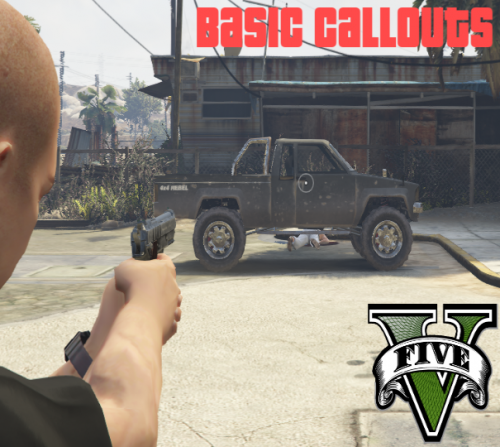 For Vehicle Explosion callout, markers for vehicle and witness are not disappearing once 'Code 4' and are darting around to random objects on the map once the two objects de-spawn.
- 58 comments
- 12 reviews
-
-
-
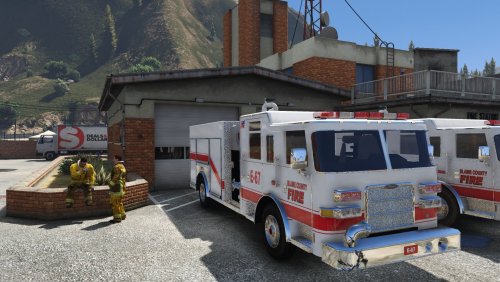 Very nice model! Is there any chance of an ELS version with a bit more lighting to be released?
- 18 comments
- 4 reviews
-
-
-
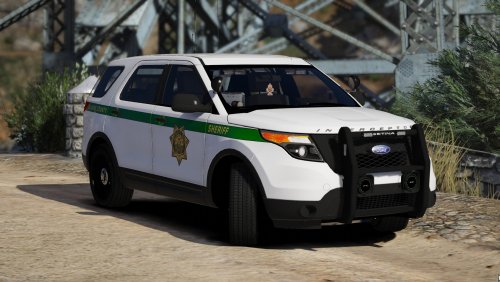 Have you figured out anything with the rotator lightbar CVPI yet? Having same issues as PeteMalloy, but i've tried putting it into policeold2, policeold1, police, and sheriff all with the same result with carcols only (carvations are corrupted and cannot get them to work after multiple attempts at download).
- 60 comments
- 23 reviews
-
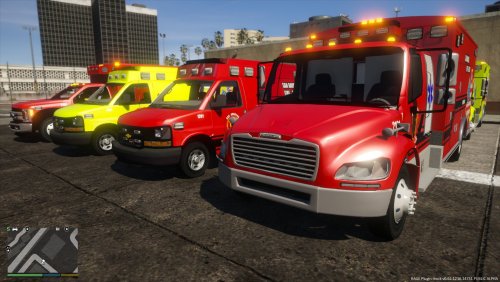 Could you make similar skins for the Pierce Arrow XT Top Mount and Arrow XT Ascendant Quint?
 -
-
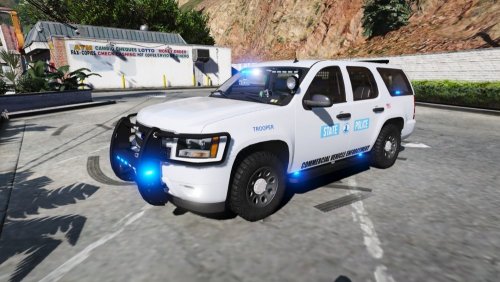
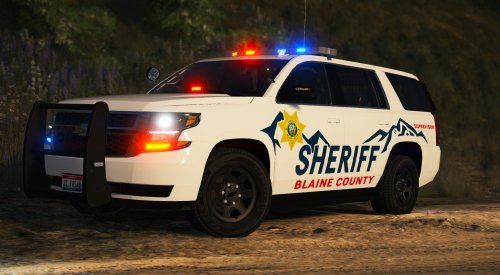 Very well done skin! Looks awesome with all blue ELS. BTW, also works with Gump's K9 pack FPIU and 2011 CVPI.
- 6 comments
- 7 reviews
-
-

- 1
-
-
-
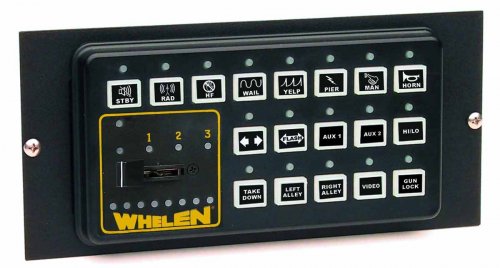 That is hilarious!! I am using that exact same skin for my BCSO cars (2014 charger and 2013 FPIU slicktop w/all blues)! Amazing skin, amazing cars, beautiful all-blues ELS, and one hell of an EXCEPTIONAL siren!!
- 27 comments
- 5 reviews
-
Is there any possibility of an unmarked Ford Bronco being published? Been searching for one for ages! Only one's I've found are marked.
-
Have you thought about the FN Five SeveN?
-