


MentalBladeStall
Members
-
Joined
-
Last visited
Everything posted by MentalBladeStall
-
-
 I don't have that option but its ok its working fine and I'm loving it. Thanks for the help though.
- 108 comments
- 16 reviews
-
-

- 1
-
-
Thanks for the response I tried that earlier to no avail but after a reinstall and a computer reset it is working flawlessly now. It must have been my computer blocking something as every time I launch it in the main "plugins" folder and not "plugins lspdfr" folder rage has to open it as windows is blocking it for some weird reason. I had it in the "plugin lspdfr" sub folder that is the reason the police were staying and not leaving. In the normal "plugin" folder it works as advertised but now I have to allow rage to enable it prior to GTA launch. Well worth clicking O.K. one more time to have such a great modification.
- 108 comments
- 16 reviews
-
Love the mod but a question how do you make them leave after the call? I have like 8 cops just blinking on the map after one call out that just stay stagnant?
- 108 comments
- 16 reviews
-
-
- 1
-
-
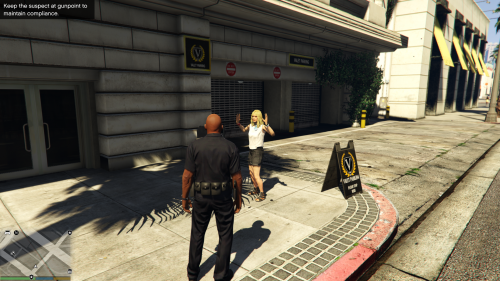 Love the mod tremendously but I am a first person player and I am not able to get this to work in first person only third. Works flawlessly in third but in first it pulls up my hands and has led to some great shootouts and fights but doesn't arrest. I will check my profile to make sure it's not something I have set wrong and will edit or remove this if it was my own boneheaded fault. Regardless thak you for all you do for this community and Merry Christmas to you also!
- 54 comments
- 22 reviews
-
-
- 1
-
-
 Would love to hear the back story of this and somewhat interested to see the outcome.
 -
I saw the ....hopefully tonight.... got excited and then noticed it was just the usual when is it be released hubbub got depressed. No rush guys I'm just happy looking forward to not pulling a gun on everyone to handcuff them.
-
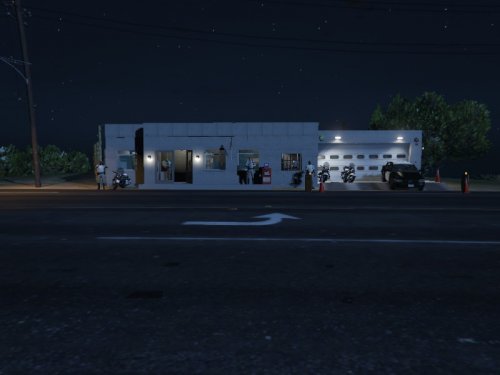 I love the concept but when playing on max settings the grass comes through the floors everywhere. Perfect for those that don't use max settings but its like I'm walking through a greenhouse on max settings. Perhaps a better location that isn't in a grassy area. Besides that great job.
- 8 comments
- 1 review

