



Xiphos
Members
-
Joined
-
Last visited
Everything posted by Xiphos
-
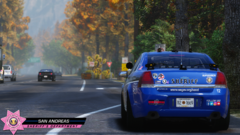 Is this an addon map? Love the cruiser!
 -
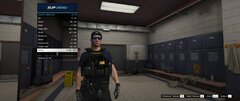 Is the vest available for download?
 -
Have you got the LOD's set up correctly?
-
No problem, is there any help at all out there that even shows how to do this a little? Need to progress on my LASD Prisoner Transport Bus 🙂
-
Is there a tutorial on how to make these types of templates?
-
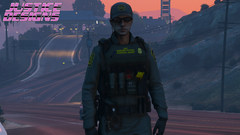 I love that! I recently did the exact CBP loadout for airsoft.
 -
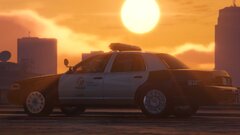 What graphics do you use?
 -
I've made the exact model body camera for ped models which I will be releasing soon
-
LAPD - Number under the door seal on LAPD cars are called "Shop Numbers". This specifies each vehicle independently for fleet maintenance. The last three numbers of the shop number (used to identify all vehicles operated by the city) are reprinted on the roof to help air units visually identify cars. On the trunk is a number that identifies which division the unit belongs to (e.g., a 25 would be "South Traffic Division" or a 3 would be "Southwest Area"). NYPD - The unit's shop number is printed on the rear decklid. The shop number is also printed on the rear side panels above the gas intake, along with the number of the unit's assigned precinct.
-
I had the same thing all day, I then messed around with my DNS server settings and the site started working then.
-
**UPDATE** Type of Part: Development Model Release & Ped Model Accessory Brand: Axon Model: Body 2 Release Date: Coming soon (Date TBA)
-
Absolutely love your work! Following this topic 😄
-
I'm still working on my LAPD stuff don't worry. I'm also working on SAHP/CHP style pack with 100% realism. I've just been busy with work and family issues.
-
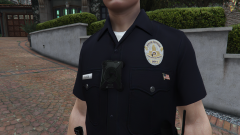 Deffo! I'm still working on bits at the moment to make it 100% perfect.
 -
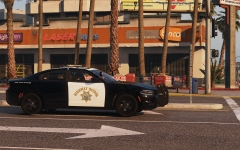 Gorgeous photo!!
 -
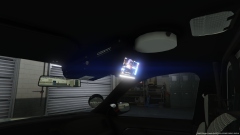 Not yet, still working on some things for the vehicle and trying to lower vehicle size as currently the file size for _hi model sits at 9mb.
 -
Most of the main/big modders create their coloured vehicle templates in 3DS Max. Does anyone have a link to a tutorial on how to do it?
-
No, to make mods for GTA V, it must be done in Zmodeler 3.
-
Since I've found this model again, I will be creating different models of this bike starting with the LAPD version for my realistic pack.
-
Upon searching the downloads as I previously remember a bike as DEV, I finally found it, link below. Click here!
-
Absolutely great work! I used TheHurk's base model for my mods and I have made a lot of alterations to the vic.
-
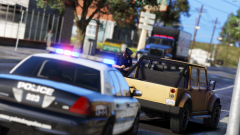 What graphics are you using?
 -
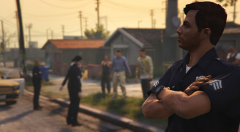 Great work! loved Southland.
 -
 Mods/Update/x64/dlcpacks/eup Drag and drop the "LSPDFR" folder into your GTA V directory.
- 2,346 comments
- 236 reviews
-
-

- 1
-
-
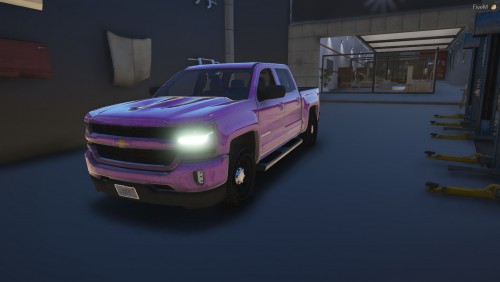 Great work! Looks really detailed and impressive.

