Due to overzealous filtering on Microsoft’s side, some emails to Outlook and Hotmail addresses may not be delivered. If you’re affected, please use a different email address or try again later.
Currently working on a LAPD inspired ped pack which will be for EUP. All items will be 3D modeled and not just textures. This will be lore-friendly. Any suggestions / requests, Please search for my Works in Progress topic of PM me.


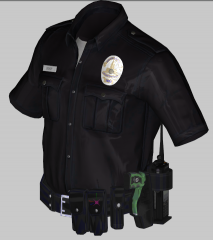
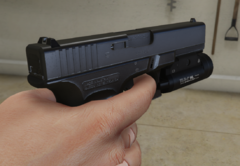
.PNG.12d31323e939a0d51b591aaef66f79c6.PNG)
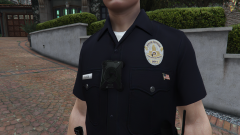

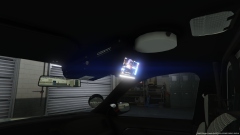



Recommended Comments
Join the conversation
You can post now and register later. If you have an account, sign in now to post with your account.