
SnowtigerJr
Members
-
Joined
-
Last visited
Everything posted by SnowtigerJr
-
-
-
And you replaced the model and rebuilt it in openiv?
-
Oh, that must be annoying then :/ I know that no one else has done this car without snow, so it would be a popular download, for sure :) the snow is a pain in the ass.. I'm in the desert with a snow police car hahaha
-
can you please release the car model without the snow? I'd really appreciate that and would use the skin. Please :)
-
What do you mean? How? I put the .dll and .ini in both "C:\Program Files\Rockstar Games\Grand Theft Auto V\Plugins" and "C:\Program Files\Rockstar Games\Grand Theft Auto V\Plugins\LSPDFR" yet it never appears ingame. Is it in the wrong destination?
-
Well the zip folders name is "BreathalyzerRAGE.zip" so I'm guessing yes.
-
RagePluginHook.log
-
And how do I do that? Sorry
-
Hi, I press shift O and breathalyser doesn't work or even come up at all.. I looked in the .ini file for it, and yep, the buttons are shift + o. I've installed the .ini and .dll in GTA V>Plugins folder. Am I doing something wrong?
-
Wow, I was actually wondering if someone was doing this the other day. The snow on the vehicles are cool in snowy areas, but in normal LS, its annoying lol. Bump for relevance!
-
Thank you for your help :)
-
OMG IT WORKED THANK YOU
-
Second time someone has told me to do this, but I just don't get it. I hate how its hard to mod. god.. I just don't understand how my mods will work when the files are in a separate folder, or how the game is going to start when there are duplicate files Wait. Does asi loader prioritise mods folder first before GTA V original files? Eg. when I launch the game, it will run x64 from mods first instead of GTA V?
-
Hi, how come sometimes when I install a mod my GTA updates and other times it doesn't? For example, I changed my police officer skin with a Norwegian police officer and it went through smoothly.. But when I put through a car skin, it updated 2gb.. I don't understand..
-
 @Dimention I have the same problem. I'm so annoyed.
 -
OMG IM HAVING THE SAME PROBLEM! I "INSTALL" THE SKINS/MODS AND MY GTA V UPDATES A 2GB PATCH. WTF ;_;
-
I'm not sure what I'm doing wrong, but everytime I try to install a car skin or player skin, GTA V just goes and does a 2gb update and then the skins aren't even there still... Here's what I'm doing. I open a police skin with rar and drag a file, like "s_m_y_cop_01.ytd" to "GTA V > x64e.rpf > models > cdimages > componentpeds_s_m_y.rpf" and then when I go to play GTA V, IT UPDATES 2GB AND NO SKIN. What am I doing wrong :(( I WANNA BE A COOL POLICEMAN, NOT A GENERIC ONE :( PICTURE RELATED. ITS THE FRUSTRATION I'M EXPERIENCING TRYING TO INSTALL MODS. Idk how to edit the post, but it sounds confusing. I don't open the skin with rar, I open the rar folder containing the skin and drag the skin inside the rar folder to the 'apparent' correct destination. I use openiv.

-
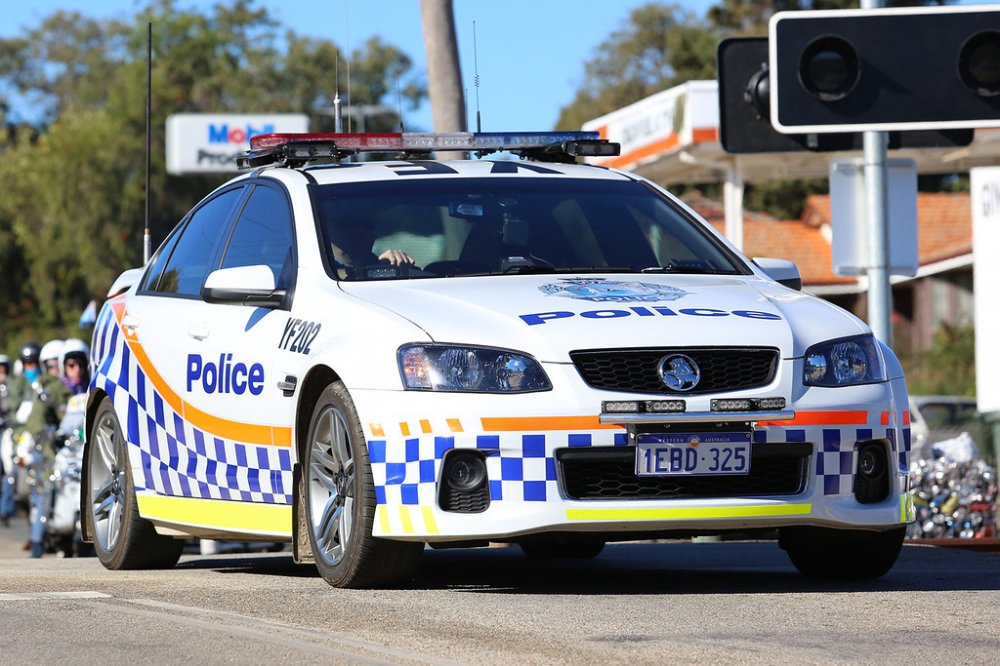
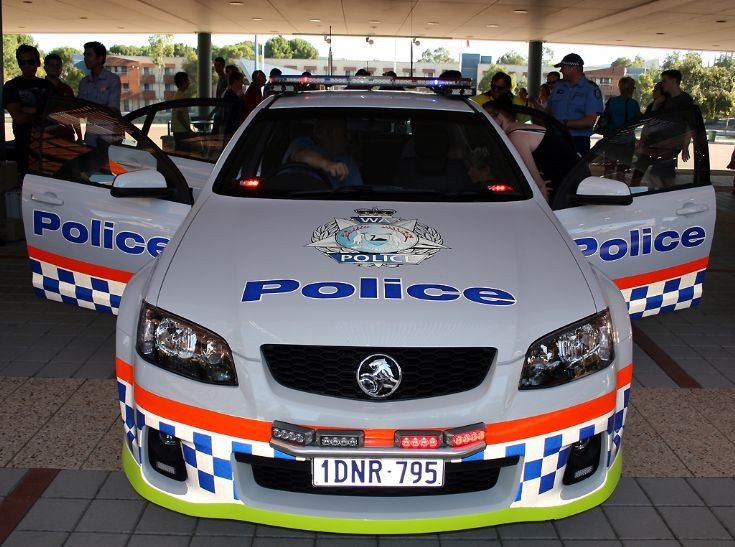
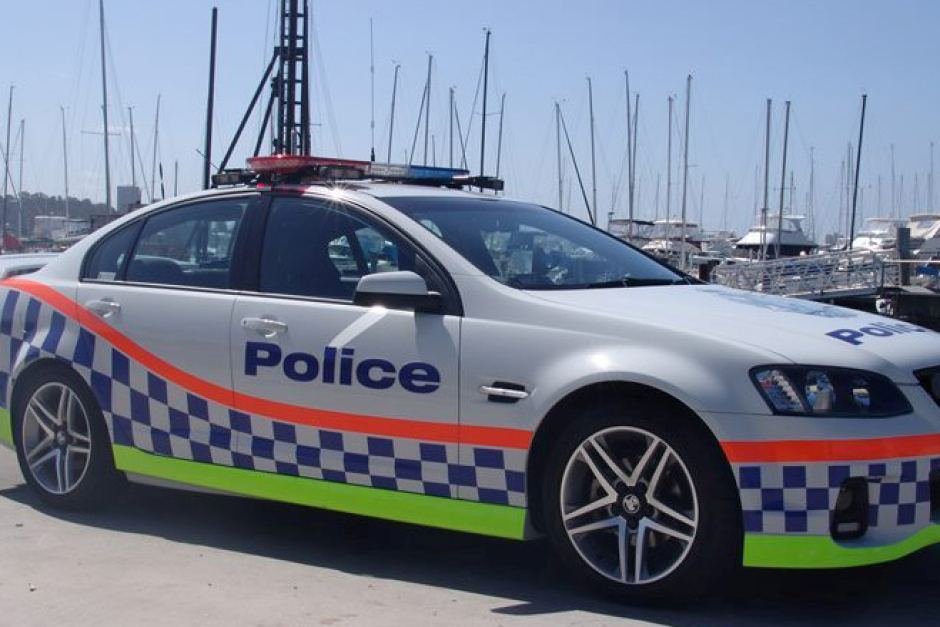
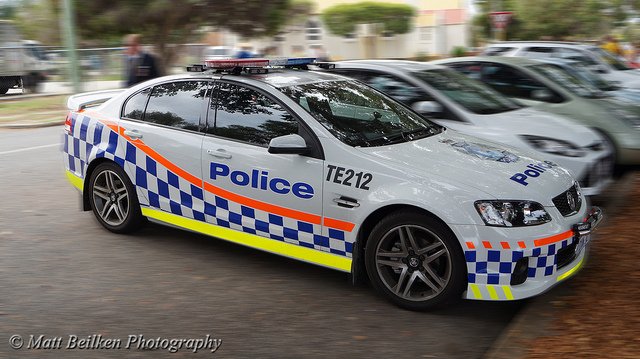
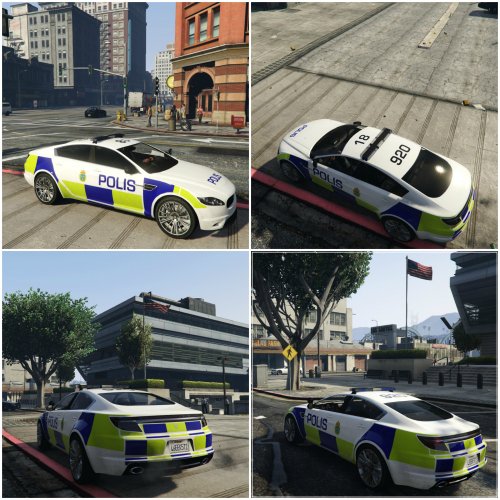
I was wondering if there was someone out there who can make a police car skin? I'm in LOVE with the WAPOL (Western Australia Police) car and their appearance, and would absolutely love to have the WAPOL car skin in GTA V to play as.. I was wondering if anyone would actually be able to do it for me?