


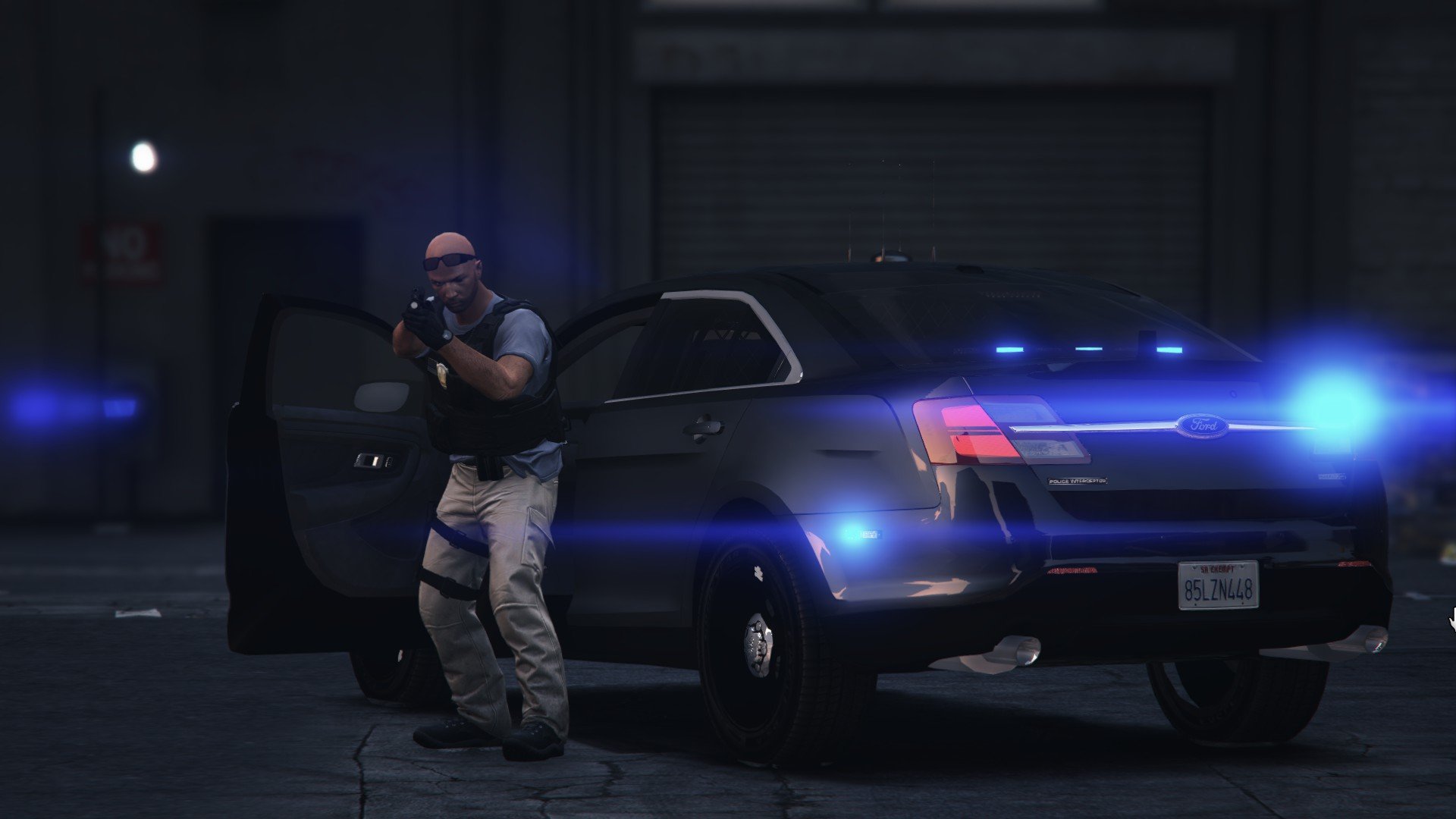

Arxhive
Members
-
Joined
-
Last visited
Everything posted by Arxhive
-
 Love it, my only issue is the backdoors don't automatically close, and there's no audio upon closing/opening doors.
- 95 comments
- 38 reviews
-
Amazing! Thank you so much for this fantastic release bro, Looking forward to many patrols with this gorgeous vehicle!
- 95 comments
- 38 reviews
-
 Oh my god dude...
 -
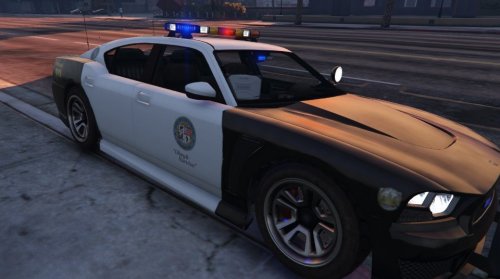 Can't wait for you to add the PPV wheels as well as a arjant version for the next release. I've been trying to crank out some skins for this vehicle. :)
- 54 comments
- 19 reviews
-
 <3 are you releasing this monster?
 -
Love this model. Literally, the only thing it needs is proper PPV wheels rather than the stock buffalo S wheels.
- 54 comments
- 19 reviews

