Scuderio
Members
-
Joined
-
Last visited
Everything posted by Scuderio
-
-
-
 Looks very cool! Is that IronicRainbows base?
 -
Ahh cool! :) I really think you should get a community ribbon for uploading so much for the community :)
-
I asume that the Taurus won't be also uploaded as a dev, right?
-
 You can hide the Hud with pressing in the right stick on your controller
 -
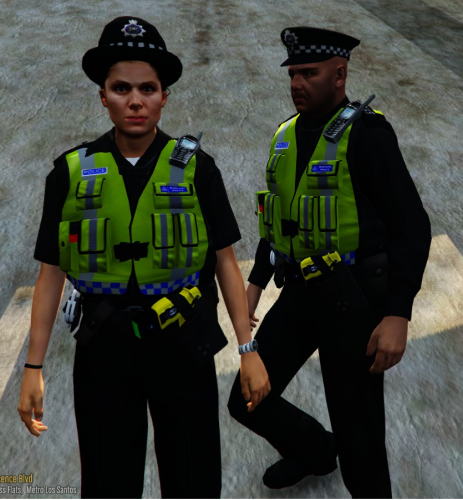 Awesome peds, very well made. Haven't found any issues yet, but if I find some I will tell you :)
- 53 comments
- 13 reviews
-
-

- 1
-
-
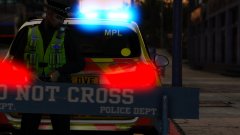 There are only a few models, which are good on the first look. But when you look again you see the poor quality
 -
-
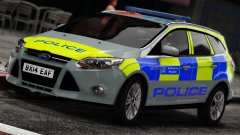
From the album: British Law Enforcement pictures
© Scuderio
-
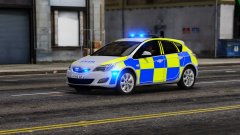
From the album: British Law Enforcement pictures
© Scuderio
-
From the album: British Law Enforcement pictures
© Scuderio
-
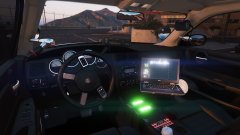 Lore or not?
 -
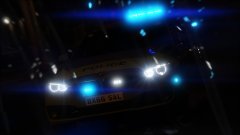
From the album: British Law Enforcement pictures
© Scuderio
-
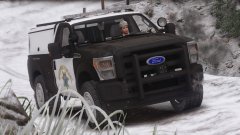 ;D
;D -
From the album: Californian Law Enforcement pictures
© Scuderio
-
Lundy's, but I redid most things on it
-
Pack einfach mal die Trainer Dateien in den Scripts Ordner
-
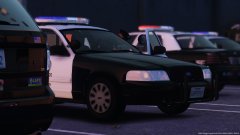 It's FCVP71's Just edited the lightbar glass tint
 -
Thanks ^^
-
From the album: Californian Law Enforcement pictures
© Scuderio
-
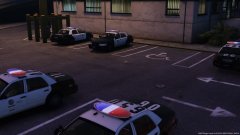
From the album: Californian Law Enforcement pictures
© Scuderio
-
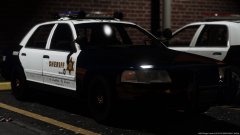
From the album: Californian Law Enforcement pictures
© Scuderio
-
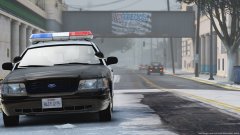
From the album: Californian Law Enforcement pictures
© Scuderio
-
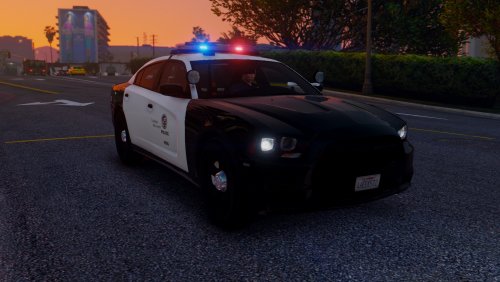
Update on the 2009 LAPD Dodge Charger. Remember that this is a W.I.P. and yes interior equip will be added too!

.png.23bc02a16457b9b7ed74ee3e4b14e260.png)