Slendis
Members
-
Joined
Everything posted by Slendis
-
-
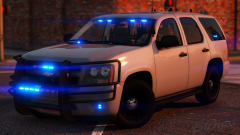
From the album: Slendis Screenshots
© Slendis
-
 🙃
🙃 -
-
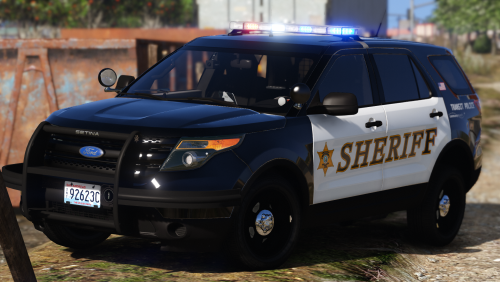 - The wraparound is not optional because on the real life vehicles they are permanent and I wanted them to be as close to the real thing as possible. - About the 2015 Tahoe skin - I'm aware of this but there is unfortunately no way for me to fix it since the LOD makes it look this way, and I am not capable of fixing it. - The wheels on the CVPIs also dissapear because of the LODs, that's just how the author set it up. - I made the color on the 2013 not-changable because I only saw black versions of the real thing and again, I wanted this to be as close to the real thing as possible. I set the status to "completed" because I was happy with how the pack was, and I did not plan to update it since most of the things I'm not capable of changing/fixing. I appreciate you pointing this out though. Sorry but I won't. They don't use it IRL. I don't know why this would be happening. My only clue is that you might have NaturalVision installed, and NaturalVision adds some folder(s) that messes up the cars. Thank you, but sorry I probably won't. First of all, I don't have one and they don't have them on the F150 IRL either.
- 19 comments
- 15 reviews
-
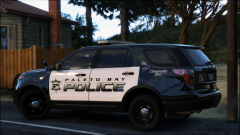 slendis x getinmybelly collab????? :thinking:
 -
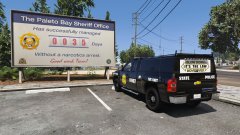 You should move the unit number from under the Chevy badge.
 -
That's weird, they work fine for me (as seen in the screenshots). I don't know what could be causing that, maybe your game is loading the wrong LOD? Uhh, I think I use "police" for the 2015 FPIU because that removes the leaning into corners, and it doesn't roll for me as far as I can remember.
- 19 comments
- 15 reviews
-
-
-
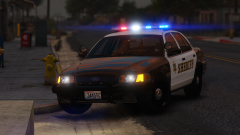 I was supposed to, but I got some stupid ass error all day that made me unable to release it. Hopefully today.
 -
-
Check my profile 🙂
-
I made one, but then accidentally deleted the Z3D file so I can't do any more work on it. And the livery material is all fucked up so the skin is matte.. I will not include it in the release on FR, but I might do an exclusive release for the server I run since it doesn't reach the quality I wanted.
-
From the album: Slendis Screenshots
Another car that will be included in the BCSO pack.. Release tomorrow guis 🙂© Slendis
-
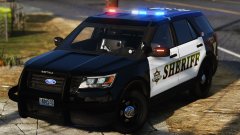
From the album: Slendis Screenshots
A little pack I've been working on for the past couple of days, it'll include 7 vehicles all which will be somewhat accurate to it's real life counter part. Expect release in the next couple days.© Slendis
-
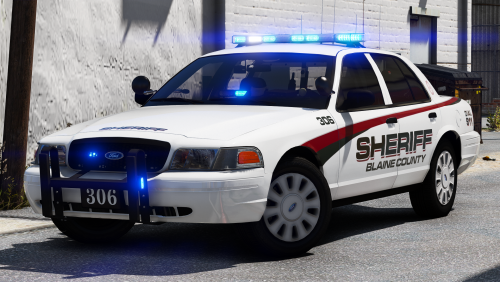 This is not a problem with his pack, it's most likely a problem with NaturalVision. I've only really seen this issue pop up when you install NaturalVision, and you are supposed to delete some kind of folder from NaturalVision to make it work again.
- 43 comments
- 16 reviews
-
-

- 2
-
-
 excuse me this is my screenshot
 -
-
-
 Pretend like I liked all your recent pictures
 -
-
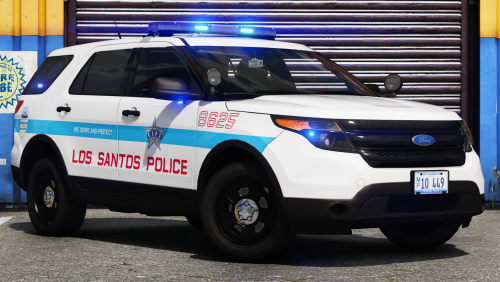 I think I used "police" as the handling if not it would lean into the corners.
- 24 comments
- 3 reviews
-
-
- 1
-
-
I might absolutely expand it in the future with one or two CVPIs, possibly one or two newer style FPIUs if @iansonwheels ever finishes the SoundOff lightbar and maybe even another Tahoe.
- 24 comments
- 3 reviews
-
-
- 2
-
-