Slendis
Members
-
Joined
Everything posted by Slendis
-
 what fuck you want?????
 -
wtf u didnt tell me ur back????
-
From the album: Slendis Screenshots
Not much to say I guess..? I've just had a lot of free time now because of COVID-19 so I unintentionally started remaking some of my old packs including NHP so I might release an update of that.. who knows?© Slendis
-
-
coroña
-
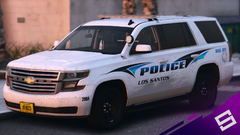 tribal tattoo livery
-
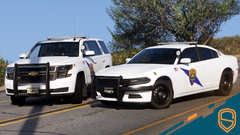 Serving San Andreas for 85 years
-
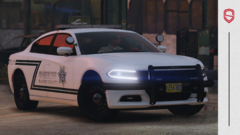 Comeback is official...?
-
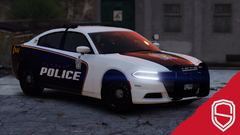 The comeback??
-
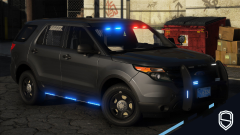 Even sooner:tm:
-
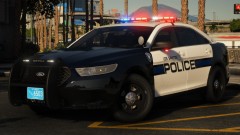 Soon:tm:
-
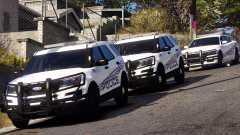 Detroit Rock City
-
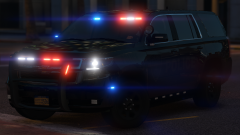 hello
hello
-
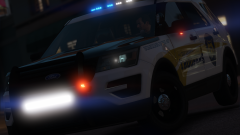 San Andreas State Pooper joie
-
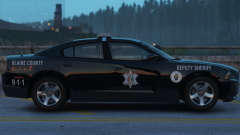 Feel the H.E.A.T.
-
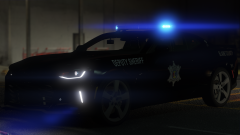 Community Action Team
-
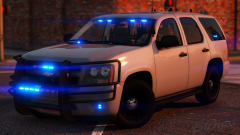 Gump car
-
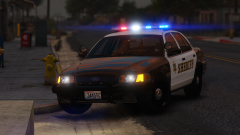 Viccie
-
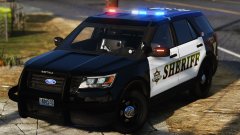 Snoho
Snoho
-
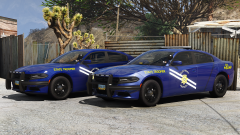 SAHP (NHP really)
-
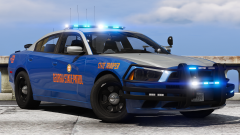 State PoPo
-
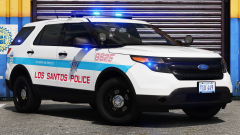 Chiraq
-
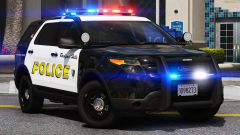 California? (no)
-
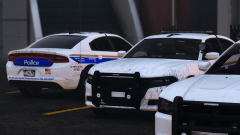 Long time no see
-
-
From the album: Slendis Screenshots
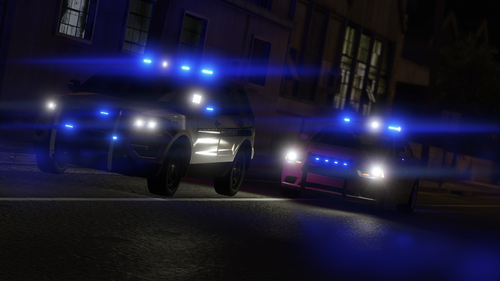
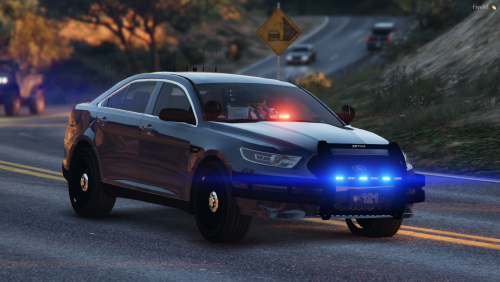
"tribal tattoo livery" to quote Jay. Little pack I'm working on, including a brand new 2020 Tahoe, 2013 Tahoe and I'll probably make a 2006 CVPI as well. Might actually release a pack for once ;)© Slendis
-
You can join my Discord server using this link https://discord.gg/UyQNtH2 for more information!
-
From the album: Slendis Screenshots
Next year is the 85th anniversary of the San Andreas Highway Patrol and to celebrate the occasion SAHP has a new anniversary car design. The Highway Patrol debuted the retro design on social media earlier today, in contrast to the current black design. The new look is white, with the 1985 SAHP logo on the door. The San Andreas Highway Patrol was created in 1935 in response to San Andreas seeing a significant rise in highway fatalities - around 50 of the anniversary cars will be deployed around the state.© Slendis
-
From the album: Slendis Screenshots
Alright so I'd say the comeback is sort of official now..? Got my new PC a couple of days ago so now my game runs smooooother than ever before.© Slendis
-
From the album: Slendis Screenshots
Heyo. Been a while since I was on any modding website really. But just recently I've been getting slowly back into GTA V and Zmodeling again. Anyway, found an image of this Charger on Google and thought it looked pretty cute, so I made it. Still a lot of work to be done like the interior for example, but it's getting there.© Slendis
-
-
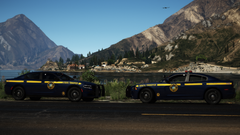 scumbags
 -
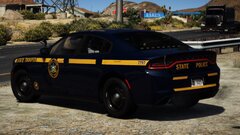 Scumbag
 -
 Sounds like you have not correctly copied your patchdays into your mods folder. It's very much supposed to be white. Not sure why that would be happening. Everything worked fine in my game, try reinstalling the model and the ELS.ini. Also make sure you do not have tint on your vehicle. Huh? Please advise further. No, sorry. Unfortunately not, as the Warwick Police do not use the Charger IRL.
- 63 comments
- 37 reviews
-
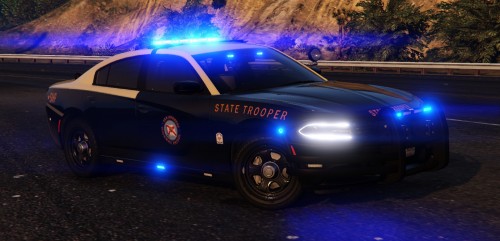 Looking at pictures, the Valor glass looks very thick. And the compression on both the Valor mounts and on the speakers seem weird. Both of these things are farily easy to solve. It also looks like you may be using the wrong Charger spotlight mount, but don't quote me on that because I really don't know to be honest. I'm not going to post a 3/5 star review because of this, because the overall quality of the vehicle is 5/5 and because I have not tried the vehicles myself yet. But either way, a very well executed vehicle. A for effort, B+ for execution due to some things like the compression being overlooked.
- 30 comments
- 21 reviews
-
-

- 1
-
-
It should be there? It was the last time I used it at least. I do believe it would look very nice. But unfortunately, Warwick Police does not use any Chargers. Extra 5 and 6. Your latest one.
- 63 comments
- 37 reviews
-
-
- 1
-
-
I believe that has something to do with the slot you put the vehicles in. Did you change the slot they are in? And if so, what slots are the cars in?
- 63 comments
- 37 reviews
-
-
I can, but I'm going to choose not to do so - just because of the simple reason that I don't want to open every vehicle file, delete the pushbar, decompound the extras to delete the lights etc. I'm not exactly sure what you mean.
- 63 comments
- 37 reviews
-
-
-
-
From the album: Slendis Screenshots
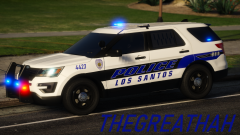
Another one of the cars that will be in the LSPD pack that is incoming this Friday!! This one is a lot different compared to the other cars, it's K9 and uh it has side runners? (sorry) Keep an eye on the download page on Friday!!© Slendis, Chappie
-
From the album: Slendis Screenshots
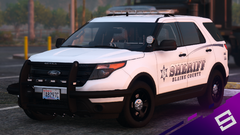
A kind of big pack I have been working on for a couple of weeks now, started it because I saw the cars on LivePD and they looked really nice haha. Pack includes two FPIS', four FPIUs and a Vic. Should be released sometime early next week, basically whenever I stop being lazy to create the MIF for the pack. haha bye© Slendis, Chappie
-
-
You know it 😄 bet u wont STFU and tell me whats wrong I guess it would, but from what I've seen and know, Detroit PD does not use slicktop FPIUs.