Slendis
Members
-
Joined
Everything posted by Slendis
-
From the album: Slendis Screenshots
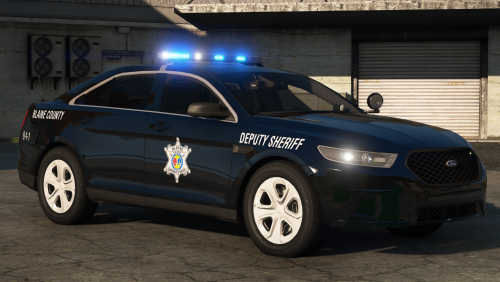
Yes hello please. Three car pack I made, mostly for personal use but if people want the cars I might release them. Includes 11 CVPI, 18 Charger and 18 FPIU.. might make their ghost 14 Charger too if I feel like it..© Slendis
-
From the album: Slendis Screenshots
© Slendis
-
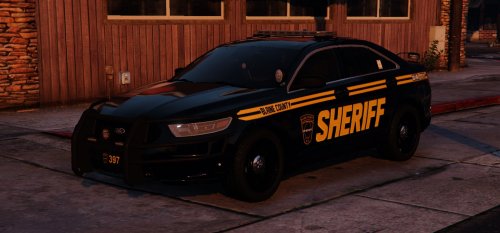 "also comes with a Grapeseed livery." "I'm aware the spotlights don't shine on the ground...I can't get the corona in the right spot for it not to flip. Got tired of it."
- 12 comments
- 9 reviews
-
-

- 2
-
-
-
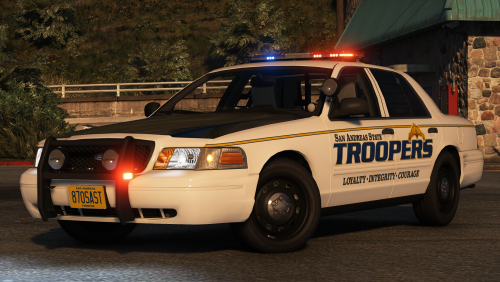 Remove the tint in the trainer 🙂 Nope, that's actually how they run their Tahoe pushbars.
- 31 comments
- 24 reviews
-
-
 Unfortunately not as Thehurk would not give me permissions for his base model - and I will not use Him1250's base model as I think it does not reach the level of quality I want. Would've loved to have one in the pack, but unfortunately not.
 -
-
-
From the album: Slendis Screenshots
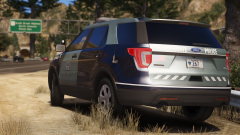
Pack I've been working on for this past week or two. Includes everything from their CVPI to their pickup truck with an ATV in the bed of it 😉 More updates soon or something..© Slendis
-
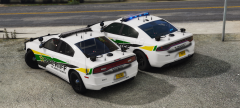 What about putting the blacked-out hubcaps on the 2014 too?
 You can change this by editing the VCF. <LstgActivationType>auto</LstgActivationType> change auto to manual if you would like three stages of lighting. The only thing I could guess is causing issues is a file in OpenIV. Go download my NHP pack, and get the file in the MUST INSTALL folder or something like that and it should fix your issue.
- 46 comments
- 27 reviews
I was not aware of this. I'm using the same base model as @thegreathah, and from what I know he's not been having any issues. I'll talk to him about it and see if he might know how to fix it. I'm aware. Read the pinned comment on top.- 46 comments
- 27 reviews
Alright, so I came to the conclusion that the no-taillight bug seems to be happening to people using NaturalVision only since the people that reported the bug have been using NaturalVision. I have still yet to be able to pin-point the issue, but I think it has something to do with NaturalVision. According to @Chappie, adding the default carcols file back seems to add the coronas again, but the light itself will not light up. I am still working actively with trying to solve this issue.- 46 comments
- 27 reviews
-
-
- 2
-
It's really weird because this is not happening for me, but I had two other people report having the same issue but I'm not having it and neither was the guy taking my screenshots. I will definitely look into it and try to fix it. Unfortunately not, since I always forget not to map all lights to one emissive (lol) I'll try and not forget next time. I did not know they had one actually. If you have pictures of this I'd be glad to add it if I can get a hold of a base model.- 46 comments
- 27 reviews
From the album: Slendis Screenshots
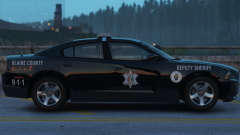
Another car that is going to be a part of my upcoming pack together with a 16 FPIS, 16 FPIU, 05 CVPI, 09 Charger, 15 Tahoe, 13 Tahoe and the Camaro I uploaded pictures of earlier.. I probably forgot a car but yes hope you can wait until Chapper boy is done. Now I'm going to go to bed so wish me good night please gn bye© Slendis
 Sometimes? dumbass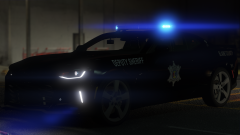
From the album: Slendis Screenshots
Hehe, part of a little Richland County based pack I'm working on. Really happy I could make this one 🙂© Slendis
I made this model a looooong time ago when I first started modeling.Code 3 Z3.