






Serving San Andreas for 85 years

By Slendis
- 2,237 views
- View Slendis's images
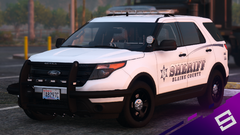
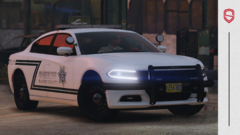
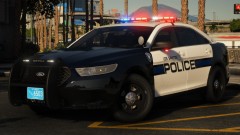
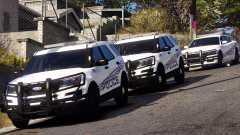
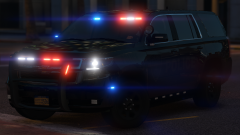
Next year is the 85th anniversary of the San Andreas Highway Patrol and to celebrate the occasion SAHP has a new anniversary car design. The Highway Patrol debuted the retro design on social media earlier today, in contrast to the current black design. The new look is white, with the 1985 SAHP logo on the door. The San Andreas Highway Patrol was created in 1935 in response to San Andreas seeing a significant rise in highway fatalities - around 50 of the anniversary cars will be deployed around the state.


Credit
Slendis, GeorgieMoon, Matt, OfficerFive0, Carper, iansonwheels, RobertTM, HDgamerzPC, OfficerUnderwood, Getinmybelly
Copyright
© Slendis
Recommended Comments
Join the conversation
You can post now and register later. If you have an account, sign in now to post with your account.