




Ersteman
Members
-
Joined
-
Last visited
Everything posted by Ersteman
-
I ve gotten into satire patrols with the current political trends. If your easily offended by political trend based play, I'd avoid this album.
-
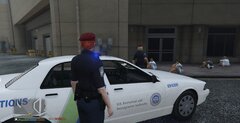 Immigration Patrol
-
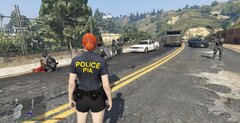 ... mmmm... something looks.. wrong here.
-
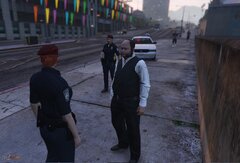 Wait... this is my solicitation call????
-
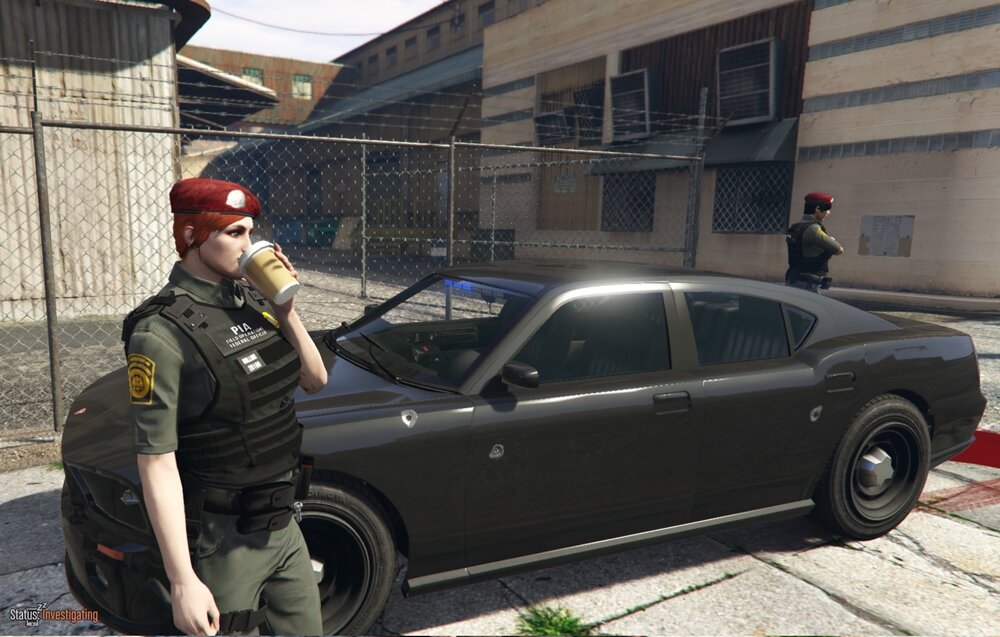
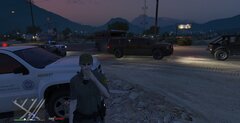 Always time for coffee night
-
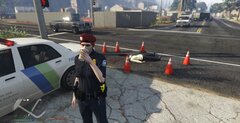 Coffee when you can
-
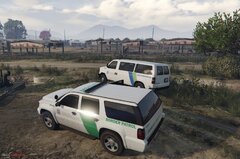 PIA Immigration sweep transport
-
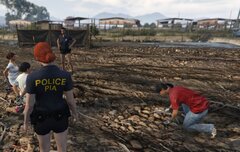 PIA Immigration sweep
-
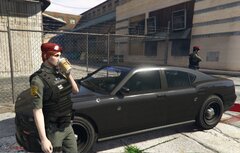 Bullet holes, coffee and trailing blood. Another LS Day.
-
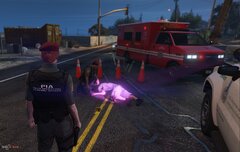 Died from a fall? Must be drug related.. must be.
-
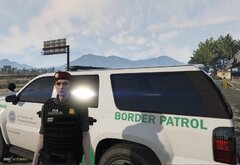 PIA Proud.
-
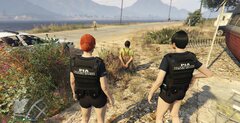 Another who just couldn't follow decent society.
-
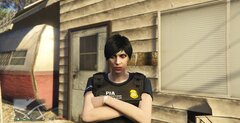 We are PIA. We have no sense of humor.
-
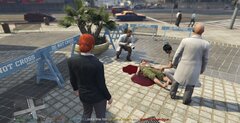 Senseless hate crime killing.
-
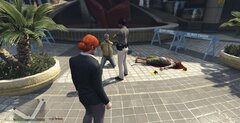 Not my doing ( this time... )
-
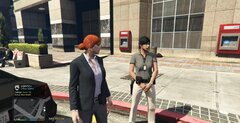 So, what's for lunch?
-
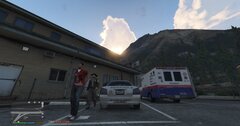 Enjoy your stay... scumballs.
-
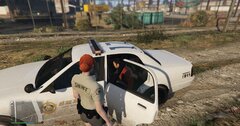 NON PIA A warrant, many priors, concealed weapon. Illegal Refugee
-
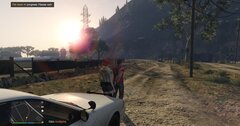 NON PIA Attempted Sexual Assault Suspect
-
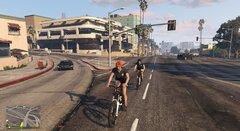 not really safe, but patrol needs done.
-
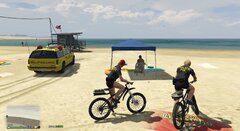 easier community policing
-
-
-
From the album: PIA Patrol
-
From the album: PIA Patrol
-
My PIA custom mod is unlisted. You can contact me if interested in it. However, it can cause butthurt in some. Thus, it's unlisted.
-
From the album: PIA Patrol
-
-
From the album: PIA Patrol
-
From the album: PIA Patrol
-
removed and moved up. I defer to your knowledge and status... however. I have never.. heard that once before. Like in all the years... <shrug> But, I would listen to anything they have to say to you @OfficerMcDoobie They been doing fixing a long time 🙂
-
removed to defer to below
-
@CWIGGY71 hi! Any court charge you have in compulite can and will be randomly added via compulite. So if you modify the court charges in the file, poof. You will begin to see them show as warrents also. You cannot make one appear more than another in the basic editable files. You would have to go into the core files. The localization file only carries these for randomizing the possible. Which basically say... look at all the charges available under file charges = then randomize if one is present = then randomize what if yes. OutstandingWarrant=~y~Outstanding Warrant:~s~ {0} ArrestWarrantFor=~r~Arrest Warrant for {0} I was looking to see if I had screenies from my mod doing so, but no. I never took any of how they show. <shrug> Anywho, this is the file to add charges to if your interested in modifying some new ones in. Or modify the ones that exist. SteamLibrary\steamapps\common\Grand Theft Auto V\plugins\LSPDFR\CompuLite - "can_be_warrant" determines whether the charge will be included in the list of possible ped arrest warrant (true/false). If not set, default value is true. Oh.. I almost forgot. You can try to use the ( albeit ) small API's from the creator BejoIjo Corp. API & FAQs - Google Docs
-
@OfficerMcDoobie Hook to the game in progress? Sweetie.. you launch with rage. Not ' hook ' into an ongoing one. See.. we both needed a minute. Launch the game via rage. Not the launcher then rage.
-
you really need to get the installer version. pull that folder out.. and use installer. Because most of that belongs just in the game file. and cross checking what is where is a pain.. yeah.. I am not going to do that. Installer version sweetie.. 😉 but meanwhile.. I must be off for now. you figure it out.. take that break I mentioned. Have some <censored by PIA> and feel alive before you keep at it. 🙂 🦄
-
there where are your LSPDFR ini etc? Did you use the installer.. from your desktop? If manual you should still have lspdfr etc. whats in that LSPDFR folder of yours?
-
see I am gta 1.0.2845.0steam rage 1.1041327.16500public. green to go! 🙂
-
You probably didnt generate a report on crash. <shrug> it ask you to. i have no idea why your system is showing the extensions like that. I am going to assume your other folders are there? Plugins.. usermusic.. etc? HOLD ON.. see the suspicious issue. Did you install RAGE from the RAGE page.. or the included in LSPDFR? Cause you got no LSPDFR ini showing. whats an RPHHS? your files are a bit of a mess. LSPDFR folder.. but no lspdfr ini or unistall. I think you have the wrong rage by the date on it as modified. whats your RAGE version number? Hold shift when you start it ( rage ) then look lower left corner of GENERAL tab.
-
PS alone should do it. ( printscreen.. then open in PAINT 😉 ) desktop file list.zip there are a bunch of the 64LETTER.rpf.. but those are core game updated. not your issue 🙂 oh.. I put an arrow where the rage logs are. wait.. I have to ask this... your not on a mac, right? is GTA even on mac?? 😛
-
Poo.. wrong tree to bark up for age being a thing. I am no 20 something myself.. or 30.. beyond that.. nunya 😄 let me get a screen of my file list to show you. This is what it should lookie like
-
mmmm.. I do not think if RS launcher or STEAM makes a difference once your RAGE is in. Your log should be the same data location as I posted, minus STEAM if not acquired there.. But I have no idea if there is any difference in using that launcher. Yes.. it can be frustrating starting a new modding trip. Believe me.. I have over 4k hours between old rim and SE rim. I know the perils and tears of modding and creating mods. 😄 Walk away, take a break. Have a cuppa. Give it another look after a pause 🙂 Meanwhile.. distract yourself. I recommend dancing and wine. Or <censored by PIA>. It always helps. If you can figure that log location out.. do post it. If need be I ll pull in a pro at this stuff who is a mod. 😄
-
you didn't waste my time.. I am helping to add a new officer 😉 second.. you have tried this game with mods before. did you totally clean it all out with a verification of game on steam? Or even better.. delete everything.. the whole game folder and uninstall and reinstall. If you had any corrupt files from trying.. it screwed you. Even better.. do you also have your rage log? Posting it here can help me or more so.. the support mods. SteamLibrary\steamapps\common\Grand Theft Auto V\Logs
-
From the album: PIA Patrol
-
You do need / want both scripthooks. There is your first misunderstanding of OPENIV and still EUP. There are only 2 parts that go in OPENIV. Mess up any of the 3 and you screw the game. And probably your single player to. You will if your replacing cars etc outside of mod folder. The instructions for ( to stay with EUP for training) are right there on the page or readme for most mods. Like mine. I basically include an dummy's guide to how to add. ( Mostly because when I started.. people were notorious for releasing a mod and just assuming you knew what to do with it. That f*qing sux) From EUP: Installation: 1) Place RAGENativeUI.dll into your root GTAV folder (if you don't already have it). 2) Extract the contents of Plugins in the archive into your GTAV Plugins folder. 3) Open the RPH console in-game (default F4) and type "LoadPlugin EUPMenu.dll" (without quotations). THEN you add Law and Order via OPENIV THEN Serve and Rescue. In that order 😉 But again, he is really good for easy and good instructions. 🙂 Most are! your hooks go in the main folder for gta v SteamLibrary\steamapps\common\Grand Theft Auto V Then your ready for basic patrols in the world.. and much coffee and bullet holes. Don't overthink it much. It only sounds daunting as your new. Believe me, once you do it your like.. oh snap. Then it just goes. Not a hard learning curve, it just seems it looking in from the new side. 😉
-
I absolutely DID NOT SAY do not get scripthook. Minus that your screwed on a lot of function. Yes.. you should make sure LSPDFR is working before you add anything anywho 🙂 OPENIV is a must. You cannot install cars or things that add to your 'actual' gta v without it. IE: EUP needs it to have a place to store the info to give you clothing / uniforms / gear. Cars need it to NOT overwrite your game files. Or to be able to add new cars at all. Nothing.. nothing that is not a plug in goes anywhere other than install via openiv unless it's a setup to install itself like LSPDFR. You need to create a folder in your GTA data that literally is called " mods " minus the " Then when your in openiv you tell it yes.. copy to mods before you make any changes. You only.. only put things in the mod folder copy of openiv. Plugins do not count. IE Stop the Ped, Compulite, callouts.. There is no time sink involved in modding here, unlike a lot of games. The time sink is just on the amount what's you do. Adding cars can be a slow thing. Skins for them. ( making mods ) But the learning.. nah. At most once you know what the buttons do, you just click and move on. IE: EUP still... EDIT / OIV install.. yes mod.. yes mod Close OIV Close EDIT Close openIV done. 😉
-
Well first.. last I heard menyoo was not currently functioning. Do not hold me to that. With that one patch that occurred around christmas a lot of things went down, and the lack of a current scripthookv and scripthook.net hurt a lot. It was like a gift from heaven when it came around. So a lot of nothing could be done. For now I would keep it simple. Load up LSPDFR and EUP at first.. nothing else. Make sure you have EUP as a functioning mod folder via OPENIV before going on. Then worry over things like other mods. QOL I honestly recommend Beijojo plugins. Easy to install, great for all your police work. Home | BejoIjo Plugins Then the callouts and the rest. Yes, those are much more meat and varied 911 and other interactions with the world as an LEO. Grammar police and the other things are more QOL ( quality of life ) that make the game more ' real ' and Emuuurseeeve. Better EMS is a must have. Lest your medics are killing more in car crashes and running over people, or never finding the way to you. 😉 But for sure.. make sure you have EUP working. If it is, you have a solid and setup correctly mod folder. you need to make sure you have a back up for you GTA Launcher btw.. so when a patch does come.. you do not get screwed out of playing waiting on updates. Ask us how once you have mods working 🙂


