Bobbtom
Members
-
Joined
-
Last visited
Everything posted by Bobbtom
-
Thanks, Could you most the changes you made to the vehicle so that I could change them myself?
-
The police transporter has the two rear seats in the back, so would replacing it with the ford explorer work?
-
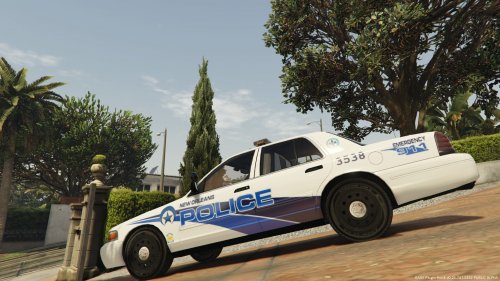 Whose model did you use?
 -
In the current version of LSPDFR, when you call in a state patrol unit as backup, an all white stainer with no liveries will spawn. I asked this before and one of the mods said that it may be replaced in the future.
-
Also, the only replacer i see is the 1999 model, but with a tan interior. Is there one with a black interior?
-
-
Thanks for the reply. I understand your point on this. However, will the all white stainer used by the State police be replaced at some point? With a texture is lore friendly.
-
Would it be possible to integrate this mod to replace the all white stainers when state patrol backup is called?
-
dbock's vehicles are great, but are there any replacers? The only replacers I found are for SAHP crown vics. Are there any LSPD crown vics? What about crown vics for the sheriff cars?
-
Are there any 2008 or 2011 crown vic models out yet that the community was waiting for back in August?
-
Anyone know when the 2011 CV will be back up? If not, is there somewhere else I can get it?