


M3Stang
Members
-
Joined
-
Last visited
Everything posted by M3Stang
-
Hey guys, happily playing LSPDFR but not without some issues. I cant play LSPDFR if I install simple native trainer with scripthook. Are there any other trainers out there that play nice with LSPDFR? Im sure someone has done it but I keep looking around and cant find anything online about this. Also, the console doest come up when I press F4. Anyone have any input on that? Thanks guys!
-
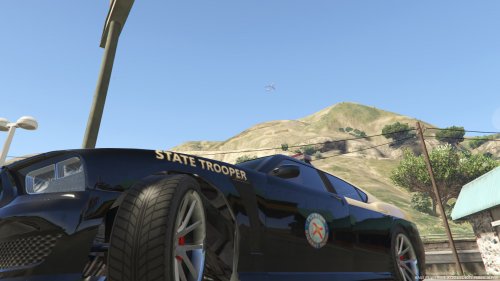 I'd like this one. I live in Orlando lol. I was using some OCSO skins on GTA IV. Love the central florida skins.
- 41 comments
- 2 reviews
-
As far as textures im not of much help. I was having that problem on my gaming desktop with windows 10 after weeks of no problems with ENBs and many mods. Suddenly one day I started having texture loss and crashes really bad. Reinstalled video drivers and it didnt fix it, removed some more recent mods as well to no avail. Put my windows 7 hard drive back in and back to no problems. Now I am ENBless though but still have the same core mods. I was running Eyecandy which from my understanding is pretty demanding of a computer. My MacBook Pro 13" has a 2.9 GHz dual core i7 with the 3.6 GHz turbo boost thing 8GB of DDR3 and an Intel 4000 integrated graphics card. I am able to run the game comfortably at medium settings with some mods.
-
I have ran it on my 13" Macbook Pro. I had the same issue with mine. You have to make a shortcut of launchgta4.exe right click said shortcut click properties at the end of the " in the target field put a space then -nomemrestrict -norestrictions just like that with the space in the middle. This isnt the one I used back when I did mine but this should work. Unfortunately not near my Macbook at this time so cant check. Correction: Put a space after the last " in the target field then copy and paste those two like that. Example: This is for EFLC but its the exact same thing that it has to look like at the end.
-
This happened to me as well. I was getting texture loss even though previously with the same mods everything was ok. I resotred my stock backup GTA with no ENB and still texture loss and crashing. Reinstalled graphics driver same thing. Swapped over to my other installation of windows and tried lcpdfr on that and it worked fine. I have yet to figure out what was wrong with my Windows 10 installation but probably wont go back to it since I dont like 10 that much anyway. I saw some errors when pressing the "~" key when the textures got so lost that the game became unresponsive.
-
Update: I put in my other hard drive with Windows 7 on it and LCPDFR. This one works with no problems at all. So this leads me to believe that somehow something broke in Windows 10. No idea how or why.
-
I actually replaced my GTAIV folder with the stock with only lcpdfr and ELS installed in it and no other mods that I backed up before doing anything else. Problems still persist with no ENB.
-
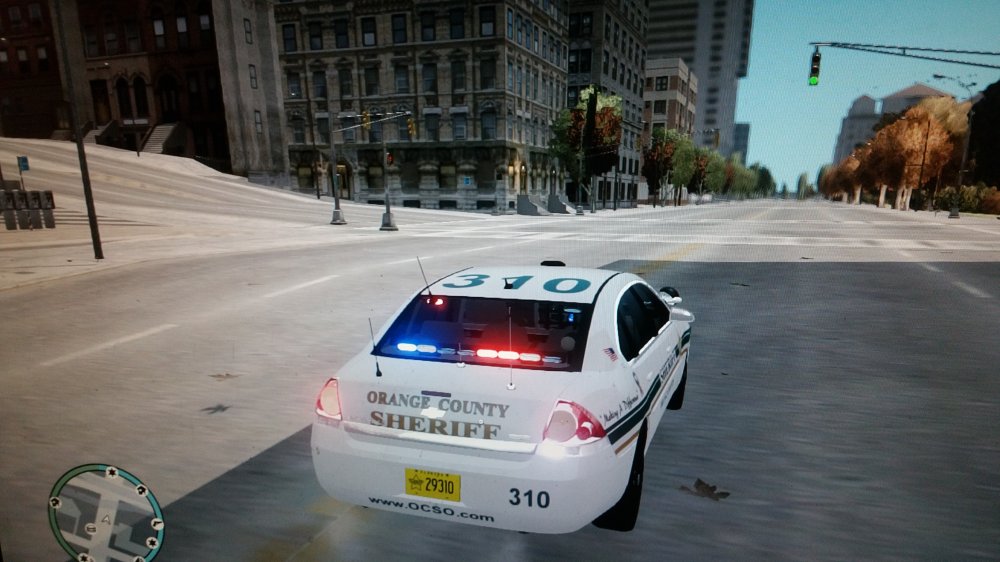
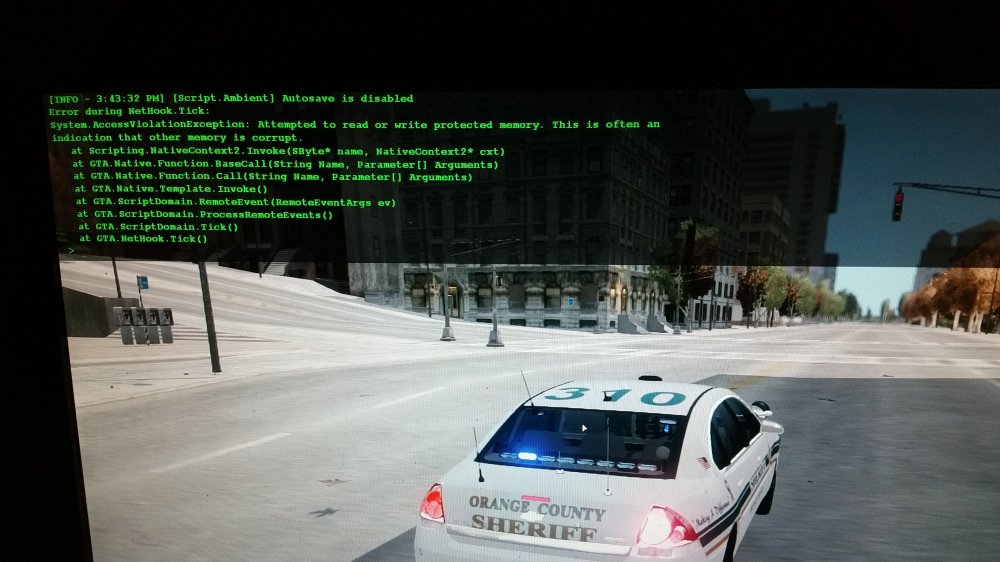
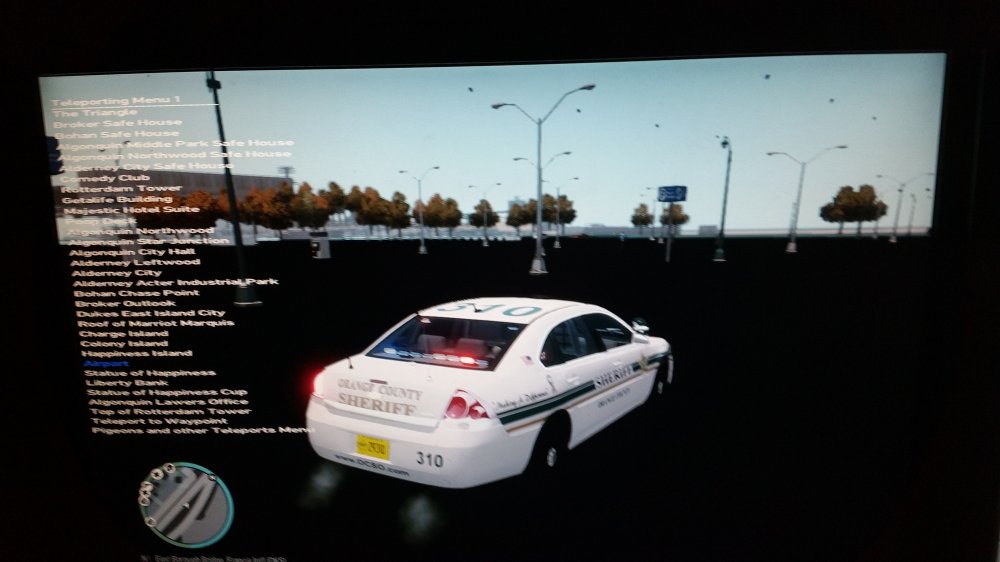
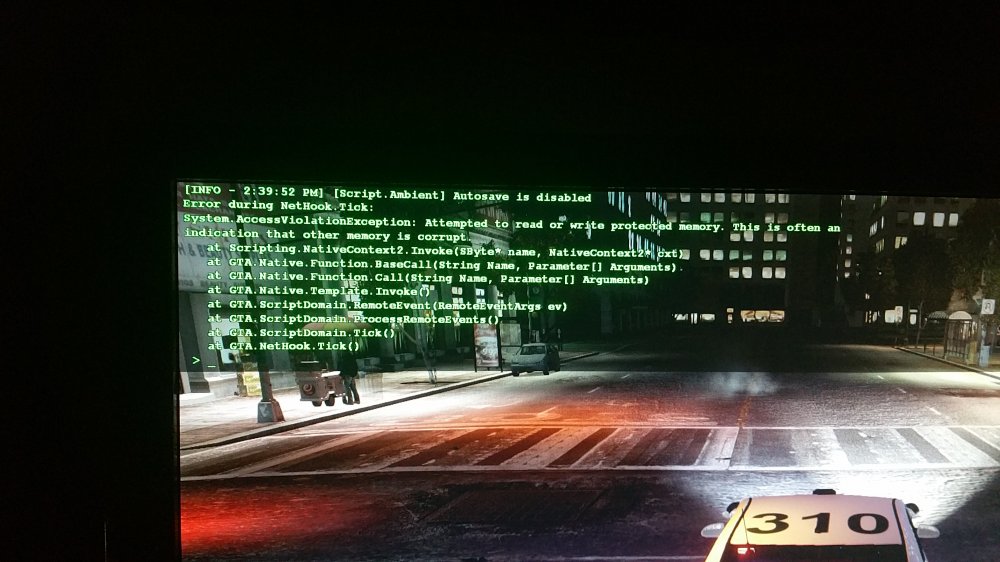
Here are some more examples. My computer runs COD advanced warfare at highest settings no problem so im really starting to think that these problems are specific to GTA IV and not like I messed something up last night. And here is some other text from diagnostics. Sorry for triple posting. Cant figure out how to edit like I can on other forums. [INFO - 13:22:22] Gameversion - 1.0.7.0 [INFO - 13:22:22] XLiveLess present - skipping xlive changes [INFO - 13:22:22] Improving ELS compatibility [INFO - 13:22:22] AdvancedHook 0.38 (C) 2010-2015 LMS - Initialized [INFO - 13:22:22] E-Mail: lms@lcpdfr.com [INFO - 13:22:22] Permission granted for LCPDFR & ELS only [INFO - 13:22:22] Thanks to listener, aru, #iv-modding and cp702 [INFO - 13:22:22] Attaching exception handler... [INFO - 13:22:22] Exception handler attached [INFO - 13:22:22] Patching game functions... [INFO - 13:22:22] New instance created: ELS [INFO - 13:26:37] An exception occured [INFO - 13:26:37] Minidump saved [INFO - 13:26:37] Process: 720000 Address: 5040403 (Faulting module: C:\Program Files (x86)\Steam\steamapps\common\Grand Theft Auto IV\GTAIV\d3d9.dll loaded into process space at 4290000 - function offset without PE header is: DAF403) Code: C0000005 Registerdump - EAX: 5040403 EBP: 647BFBF4 EBX: 0 ECX: 699E920 EDI: 1 EDX: 14A3BAC EIP: 5040403 ESI: 56 ESP: 647BFB18
-
Ok interesting. When the game crashes after loosing so many textures this error comes up. Also I am noticing that no cars are spawning. Normally, alot of AI cars spawn and now none of them are at all. I removed traffic flow same result.
-
Thanks for the responses guys. While my specs may be lower end, up until last night it was running fine with eye candy and all that. I ran the LCPDFR checker and it said that I suddenly had 2 ASI loaders. I found that I had both dsound and xlive so I removed dsound and the game ran better for a few minutes then it started to be weird again. Another thing I have noticed is that suddenly, the game thinks my video card has 3GB of ram when a few days ago it said the true 1.5GB. Maybe it is related to that?
-
Hey guys, new here. I have been playing LCPDFR for quite a while, problem free, but not without crashes which I am starting to find out is normal from time to time lol. Anyway, I have been playing without issues. Today, I changed my CPU cooler to one that is much more efficient then the cheapy one that was previously in there. I didnt like my CPU temps and didnt feel like cleaning the caked up dust out of the 7 year old heat sink. So I ordered an Artic Cooler Pro 7 I believe it was called, and installed that and it was all pretty straight forward. I did have to remove my graphics card and mother board to get rid of the old mounting studs for the old fan assembly. I put everything back together and go to play LCPDFR and initially everything was good except for unusually long loading times. Last night I noticed longer than usual loading times as well. (Last night I actually transplanted the internals of this computer to another case before this incident). The CPU temps were MUCH lower under load which I was expecting and was happy to see. So I as I was playing I noticed that suddenly the roads were just smooth and unrendered looking. After that, my cruiser would get stuck in it and I would have to wait for the textures to load. Sometimes now buildings will just disappear and the loading times will get SUPER long. I dont know whats going on as I havent done anything to the game. Only thing ive done is physically touching the hardware. I have EyeCandy ENB running along with a host of other mods. Too many to list. So with my specs I have been playing at the highest settings with no real drop in FPS. Occassionally I would get a drop here and there but no big deal. I changed the CPU cooling assembly thinking the computer would overall perform better not worse! Under load im seeing 67 degrees C and before the upgrade I was seeing 86 degrees. Any idea what could be up? Thanks guys, looking forward to being an active member on here! Here are my specs: Intel Core 2 Quad Q8400 @ 2.66 GHz 8GB of DDR3-1333 nVidia GeForce GTX 590 1.5 GB WD Raptor hard drive 10000 RPM Windows 10


