
jpw914
Members
-
Joined
-
Last visited
Everything posted by jpw914
-
-
-
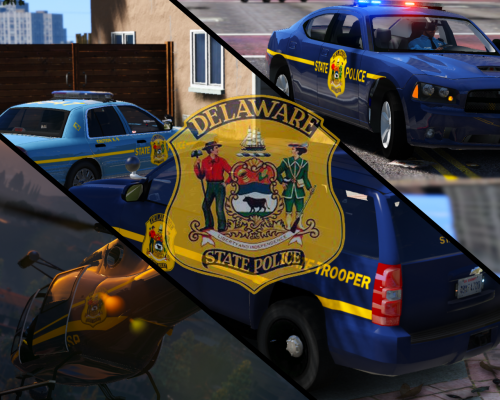 Good Morning SOberDrunk, Again you have outdone yourself. I initially did not think i would enjoy this pack much but the detail in the vehicle's skin is well done. I cannot wait to see what you have planned for the future. Jason
- 32 comments
- 4 reviews
-
-

- 1
-
-
-
Hello, I was thinking about some of the calls I have gone on in the past with Pd that i have not seen yet. Home burglary, store theft, vehicle broken into, and drive byes. Merry Christmas, Jason
-
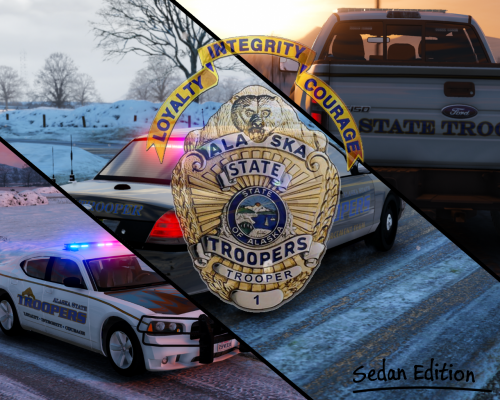 I really enjoy this pack, the skins are highly detailed. Are you going to be making a ford explorer skin? Great Job, Jason
- 54 comments
- 12 reviews
-
 I love this car. Fords are my favorite. Running calls with the Ford interceptor and Ford Utility Interceptor is awesome. My only suggestion is to add files for the police two spot in the download. I think this will save you time in the long run from having to help people with the same question over and over. J
- 202 comments
- 51 reviews