

Ryleyy
Members
-
Joined
-
Last visited
Everything posted by Ryleyy
-
I have the same problem and also have this installed. Is NVR bugged rn?
-
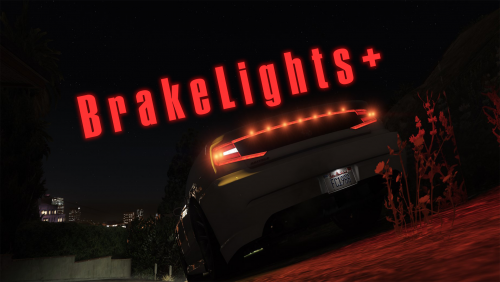 Why should they do that? Why wouldn't they just come on when you brake like they're suppose to because they're brake lights?
- 43 comments
- 13 reviews
-
-

- 1
-
-
 Just want to mention the lights on the rambar are shining to the back of the car on the 14 & 16 charger and the fpis.
- 70 comments
- 30 reviews