PO.Thomas
Members
-
Joined
Everything posted by PO.Thomas
-
 Hungarian translation: Sound=Sziréna Lights=Fényhíd Traffic Stop=Közúti ellenőrzés Old translation For 6.0 version Hungarian translation: Sound 2=Sziréna 2 Scan plate=Rendszámtábla ellenőrzés Back up=Erősítés
- 133 comments
- 13 reviews
-
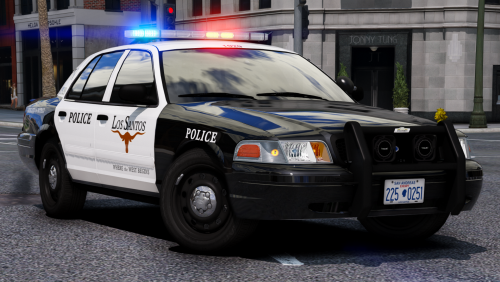 I really love your pack, this is what I need! Thank you so much, amazing cars!
- 283 comments
- 95 reviews
-
-

- 1
-
-
Hungarian translation: Sound=Sziréna Lights=Fényhíd Traffic Stop=Közúti ellenőrzés
- 133 comments
- 13 reviews
-
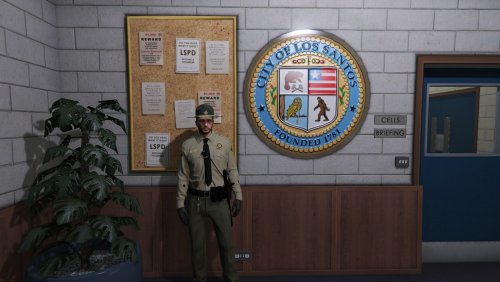 I didn't have enough patiance to make outfit to almost every uniform but you create it, im very glad thanks!
- 6 comments
- 3 reviews
-
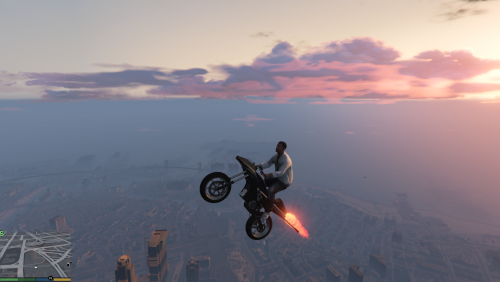 Very good mod!
 -
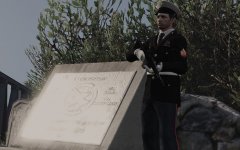 Oh god! When I saw that pictures I realized worth the wait! :D (If you find some problem in my sentence, I really sorry, but I only learning English)