


LeGhost
Members
-
Joined
-
Last visited
Everything posted by LeGhost
-
-
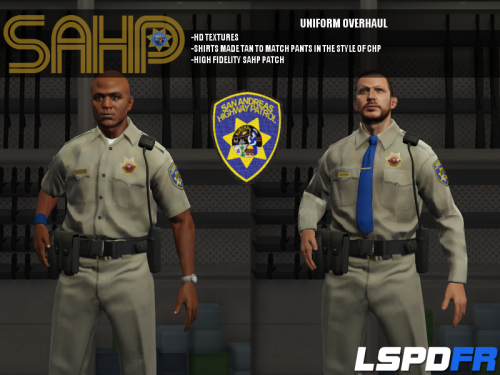 This may seem like a dumb question to all you experienced guys out there but I'm pretty new to LCPDfr so please bear with me. Whenever I download these mods they download as single .rar files and not as the folders so I can't access the files inside them. Am i doing something wrong? Is this supposed to happen? This looks like an amazing texture pack and I would really like to use it. Any help would be greatly appreciated. Thanks!
- 95 comments
- 17 reviews
