thegreathah
Friends of LSPDFR
-
Joined
Everything posted by thegreathah
-
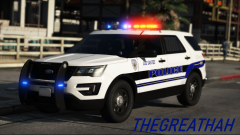
From the album: thegreathah's Pictures 2020
Still werkin' -
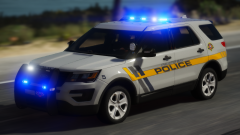 Woahhhhh. This looks really really good.
 -
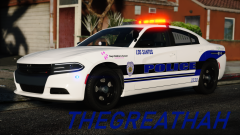
From the album: thegreathah's Pictures 2020
Getting closer to completing the pack! Should be done by the end of next week. -
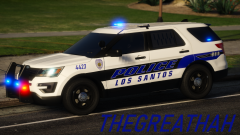 ELLLOOOO LOVEEEEESSS
 -
From the album: thegreathah's Pictures 2020
Progress is being made on my updated GPD inspired LSPD pack. I have made a mPower Lightbar in zmod which is on this car. Let me know how you think it looks! It isn't perfect but it definitely does the job for me. -
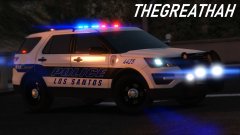
From the album: thegreathah's Pictures 2020
May add a new car or two to the GPD pack I currently have up, as well as update the old with reflective textures and such! -
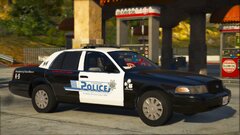 Really Aesthetically pleasing.
 -
.thumb.png.180e1e1b34c0d9e530cde88c2e4609f6.png) Update looks much better
Update looks much better -
 Holy. Shit. Looks awesome my dude.
 -
-
Select the running lights and make copies. Keep them the same emissive texture. Select the lights in vertex mode. In the LOD panel go to options and give them an id of 0. Then d the same in polygon mode just for sure, then attach to extras. As for getting the drl to turn off at other times I'm not sure tbh. May have to remove them or just attach them to the headlights or something (Or make them the same id as the proper headlights).
-
Did you create any part of the cars? ie textures? Or did you just put a bunch of different LAPD cars in your game and want to release them?
-
I have the same problems with my cars. The only solution I have found is to use coronas and that way at least there will be some light emitting from a light-bar at long distances, even if they look worse than just the plain old textures
-
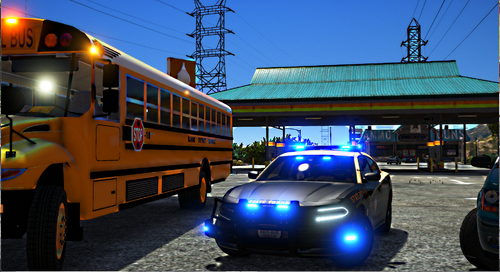 OMG YES! These are definitely going in my game. Great job and congratulations on the degree!
- 71 comments
- 11 reviews
-
-

- 2
-
-
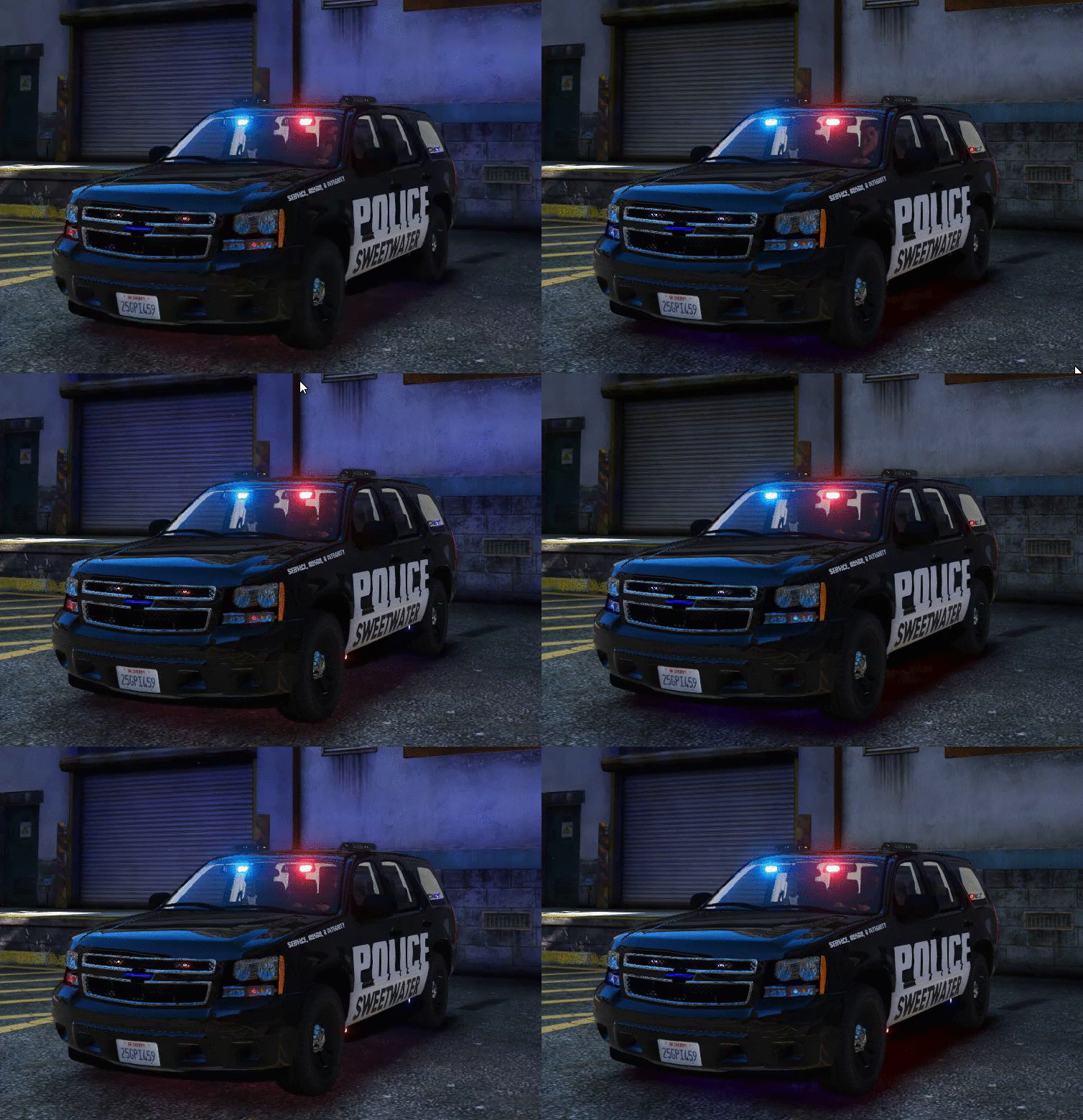 I know the lighting is based off the video, but the rl visor lights are actually different than the ones in the model, making the yours look oversized. Would recommend editing the avengers (the lights on your model) to look more like Viper S2s or replacing them with an inner edge, it won't be exact but it will look more correctly scaled.
- 8 comments
- 2 reviews
-
-
Need to see it dechromed and outfitted before I can really say, but definitely looks more like the new expedition than a Tahoe imo. Disappointing.
-
-
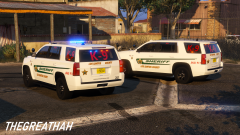
From the album: thegreathah's Pictures 2019
-
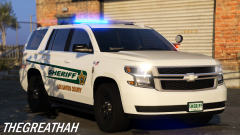 Thank you! Hopefully these will be some of my best yet!
 -
From the album: thegreathah's Pictures 2019
I am just about wrapping up my update for my Sarasota County Sheriff's Office Inspired pack. Pack will consist of 4 Tahoes (I have more but I don't want to inundate my file with them) and probably an Impala. I'm using the most updated real life department vehicles as inspiration, and I haven't seen an Impala or older style Tahoe in a long while, hence my hesitance to include more of them. The only vehicle in the actual department I am totally missing is a Caprice. I don't have a model that I consider "good enough" to include in the pack, and I don't have the time or the wherewithal to fix one for myself. I'm also happy with the current lineup so I don't want to mess with it too much. At the same time, I am working on updating my Venice Inspired pack. I am making all the vehicles work with reflective textures, and updating the textures themselves. Hopefully this pack's update will be uploaded this week. -
From the album: thegreathah's Pictures 2019
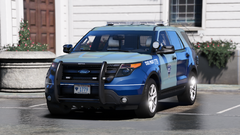
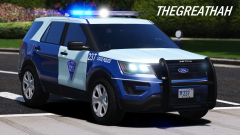
One Piece of the Massachusetts inspired pack. It will include 3 Los Santos Police Department vehicles, 1 San Andreas State Police vehicle, and 2 Los Santos Sheriff Vehicles. The Los Santos city police will be based on Arlington, Watertown, and a few other small departments around Boston. SASP will be based on MSP (As seen here). The county vehicles are undetermined but will probably be inspired or partly based upon Essex County Sheriff's Department. -
This topic has been moved to the appropriate forum. Please post in the correct location in the future.
-
This topic has been moved to the appropriate forum. Please post in the correct location in the future.
-
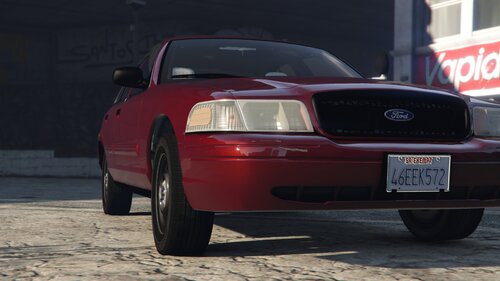 This is fantastic. It made me want to make Crown Vics again. And the poly optimization is a huge plus. Can't say enough good things.

.thumb.png.180e1e1b34c0d9e530cde88c2e4609f6.png)