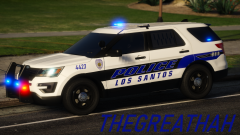
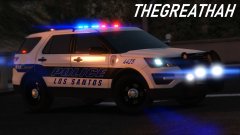
thegreathah
Friends of LSPDFR
-
Joined
Everything posted by thegreathah
-
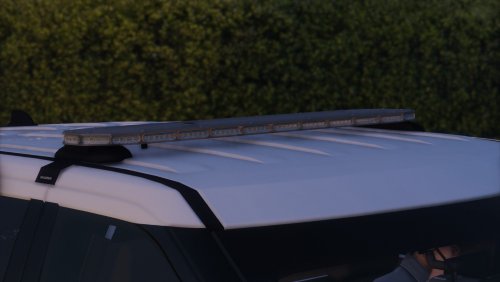 Hey y'all. Here is a quick mPower Lightbar. I know there are some better one's being made for the community, but I really needed this to do some models, so I decided to make it myself. Feel free to use it, but remember to use proper credits when you upload with your files. (You may also release this on cars you intend to be unlocked but make sure you have any other creator's permission to release THEIR items unlocked.) You may convert this file or do whatever you'd like with it. Thanks y'all! Note: This will not be receiving updates and may only be reuploaded as a DEV file if you make significant changes. You must know how to use zmodeler3, I will not provide support. If you feel so inclined, I would appreciate a donation to 'keep the lights on' through my paypal on the side of the page. https://discord.gg/jkbtxWHa
 -
.thumb.png.2ab768efcbe65de23a7d11999ca83cb8.png) I'll probably do a Valor pack with updated bases and similar lighting to that old model in the next couple months.
I'll probably do a Valor pack with updated bases and similar lighting to that old model in the next couple months.- 46 comments
- 5 reviews
-
-

- 1
-
-
-
-
 You can set it to do that in the file yourself by switching the line from auto to manual. But irl the vehicles do not use multi-stage lighting so it isn't included here.
- 18 comments
- 4 reviews
-
Thanks! And yeah, I actually tried implementing the TA because I've seen it in use a lot more recently, unfortunately the way ELS is set up it made it super annoying that the TA and the rear window dominator was just wayyyy too synced up - just looked super wrong. I think the Impala still has the TA function in the pack, so you can see where my mind was at with that lol. I still may try to implement it at some point in the future if I can figure out how to make it look nice.
- 46 comments
- 5 reviews
-
Definitely looking to add the street crimes Tahoe at some point in the future, the thing is just so sweet! Thanks for the video! Also! You play the game EXACTLY how I play and it's great to see someone using all the features correctly and realistically.
- 18 comments
- 4 reviews
-
-
- 1
-
-
-
Police 3 is probably the best for the sedan, but I do admit that no handling line is perfect. All of them feel a bit too fast and bit too janky.
- 46 comments
- 5 reviews
-
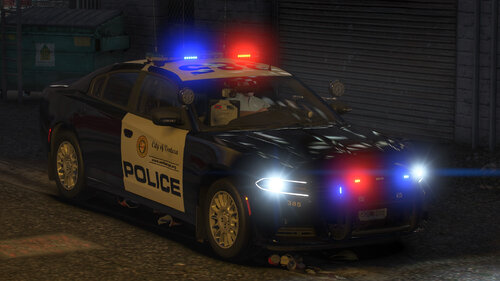 Lovely livery!
 -
Hey, glad you are enjoying! Not sure about your issue - I can't seem to replicate. Do you have any visual mods installed?
- 18 comments
- 4 reviews
-
Video Preview: Look inside file for instructions for reflective liveries and working dials
- 18 comments
- 4 reviews
-
-
-

- 8
-
-
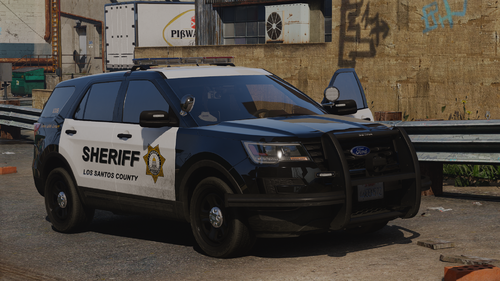
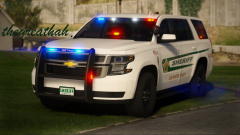
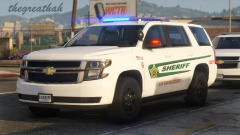
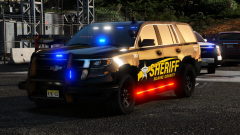
Sarasota County Sheriff's Office Los Santos Sheriff Pack - 2022 Edition (DLC/ELS) Created by thegreathah Installation Guide (video links to Doug1637's tutorial on installing DLC) https://www.youtube.com/watch?v=K0zYxm1Mhjk Unit List - scso1 - 2015 Patrol Tahoe scso2 - 2015 Slicktop Tahoe (Marked) scso3 - 2018 Patrol Tahoe scso4 - 2017 DUI/Traffic Unit Tahoe scso5 - 2020 Patrol Tahoe scso6 - 2020 DUI/Traffic Unit Tahoe scso7 - 2014 Patrol Caprice scso8 - 2014 TAC Caprice scso9 - 2014 Patrol Impala scso10 - 2014 TAC Impala scsok9a - 2018 K9 Tahoe (Ryker) scsok9b - 2020 K9 Tahoe (Kye) TESTERS- Echoo SteeloB itssevantime jurassictwizzler Thank you to everyone who made this project possible through parts, feedback, or other assistance. Thanks to the community for your support and help over the years.
- 46 comments
- 5 reviews
-
-
-
- 17
-
-
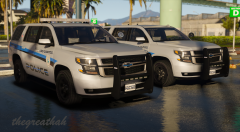
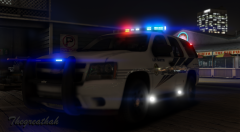
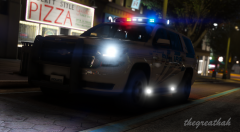
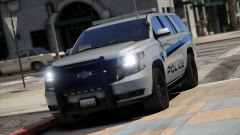
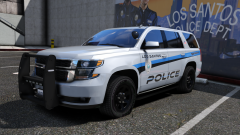
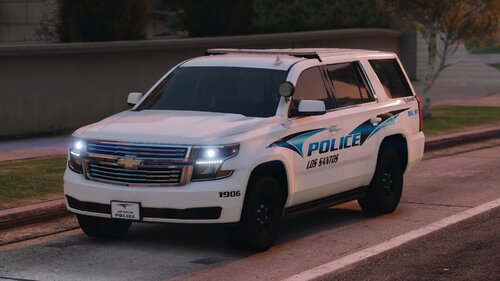
A Collection of WIP and release pictures of some sexy Tahoes
-
From the album: HAH's Hoes
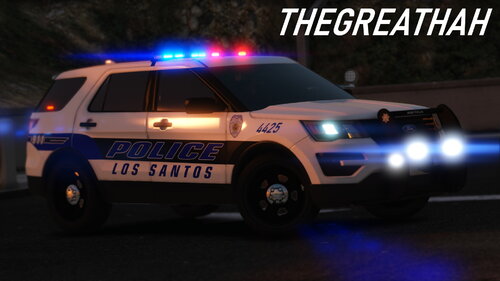
A bit of a preview to an upcoming release! -
 Hey there. You'll need to go into your Open IV application and pull the vehicle meta file out. Once there and opened in notepad or whatever you want to use to edit it, Ctrl+F to find the slot you want to edit and then edit the handling line of said slot. You can use the search function in Open IV to find the meta file.
- 33 comments
- 4 reviews
-
Probably won't be adding it as I am only adding cars used by the actual department. However, I am working on an updated Tahoe Sheriff pack which should be out soon!
- 33 comments
- 4 reviews
-
Hey sorry, been away a few days. I have not been able to reproduce the problem in my game (I am using Ultimate Backup) as all the rear doors seem to open normally. The 2020 FPIU template is in the file under the regular 2016. Seems it wound up there by accident. You can look at the credits for where base models came from.
- 33 comments
- 4 reviews
-
-
- 1
-
-
No no! It could definitely be because of the model. Do you happen to know which FPIU it was on?
- 33 comments
- 4 reviews
-
Reason is you can use it for either vehicle. Thanks for checking it out and the kind words! That is an odd bug that I hadn't noticed but I'll check it out when I can. I use stop the ped over the native detain function so maybe that is it?
- 33 comments
- 4 reviews
-
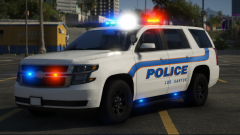
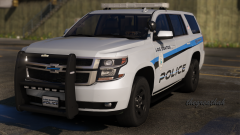
Hey y'all Here is a brand new version of my previously released GPD pack. It has been completely redone with new lighting, textures, etc. You can read more of the contents in the file, but to give a brief overview: Reflective Textures (One ghost livery car for unmarked DUI patrolling) Custom ELS Brand new textures Accurate interior to the actual department (to the best of my ability) KNOWN BUGS: (These are not game-breaking, and I would appreciate you not messaging me or commenting about them as I already know) · Some Glass Does not Shatter · Reflective Textures have low LODs after L0 (Cannot figure out how to fix this) · Handling is poor when you do not assign properly in vehicles.meta Thank you for downloading! Leave a review if you enjoy/have criticisms.
- 33 comments
- 4 reviews
-
-
-
- 17
-
-
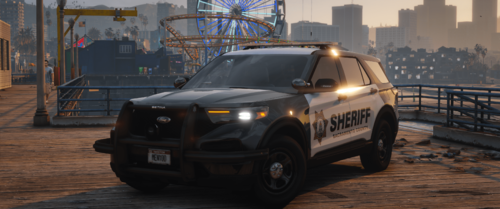 Looks absolutely stunning.
 -
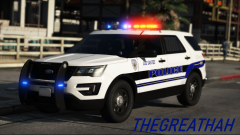
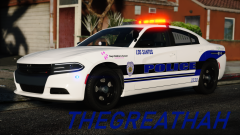
My GTA V Screenshots from the year 2020
-
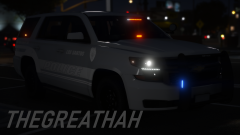
From the album: thegreathah's Pictures 2020
-
This topic has been moved to the appropriate forum. Please post in the correct location in the future.

.thumb.png.2ab768efcbe65de23a7d11999ca83cb8.png)