




Kilyin
Members
-
Joined
-
Last visited
Everything posted by Kilyin
-
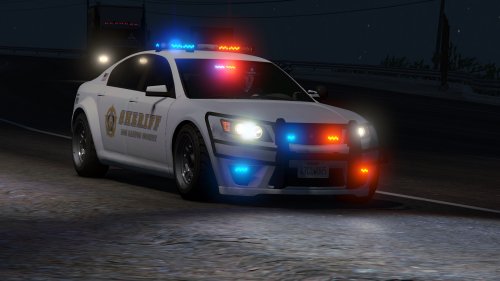 This might be a dumb question, but how would you install both the marked and unmarked version if replacing police3? Or is that possible?
- 47 comments
- 15 reviews
-
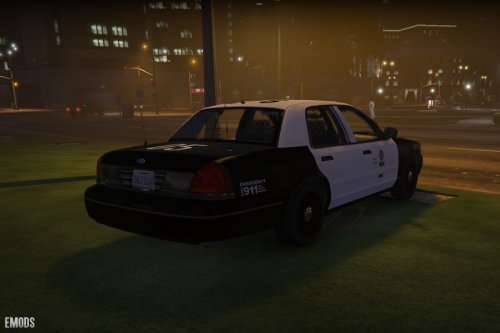 That would be cool since this model is better than the original 99 one, the LODs work and the textures don't change/disappear when you walk away from the car... along with some other improvements I noticed.
- 20 comments
- 3 reviews
-
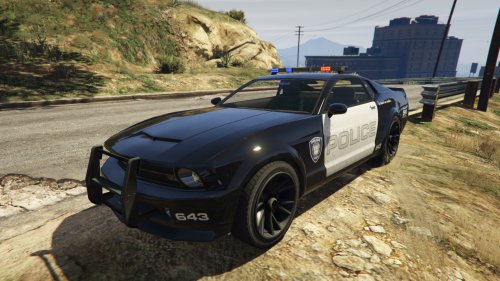 Unfortunately I do not. I believe the template for the car has to support it but beyond that I don't know jack about car models.
- 35 comments
- 9 reviews
-
 Use http://pastebin.com/, if it's too big for that you may need to trim it.
- 3,646 comments
- 306 reviews
-
-

- 1
-
-
-
-
the model is locked. meaning you can't see it in openiv model view and you can't technically edit the model without some sorcery.
-
But you can get around that by setting the date back on your computer... unless the patched that recently.
-
Weird, it was released a few days ago and was available for quite some time... I managed to download it.
-
Downloaded new update, made the changes to vehicles.meta and carvariations.meta... but the multiple liveries don't seem to work... is it just me?
- 35 comments
- 9 reviews
-
 downloads your entire hard drive to Albo's cloud drive so that he can sift through it slowly and carefully.
- 1,915 comments
- 242 reviews
-
Dunno if it matters, but I noticed in the .ini file you have: //Default: TransportVehicleModel=POLICET TransportVehicleModel=POLICE I put a T on the end, just in case it isn't harmless.
- 1,915 comments
- 242 reviews
-
-
- 1
-
-
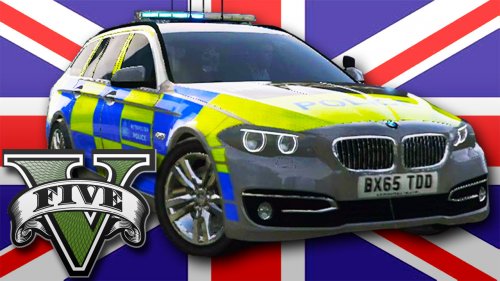 I guess as long as it doesn't cause stability problems. I know huge models in GTAIV did.
- 22 comments
- 20 reviews
-
This is the biggest GTA5 model file (.YFT) I've seen. It's at least twice to three times the size of any other I use and I have quite a few car mods installed.
- 22 comments
- 20 reviews
-
I didn't quote anyone, that's why there isn't a quote.
-
Actually, I forget which police car Stanier is, going to check. Yeah pretty sure it's "police" in x64e.rpf\levels\gta5\vehicles.rpf
-
 Hm, I left it at Shift-G... but I can try to change it and see if it works. Yeah I just changed it to shift-Z...and it worked as expected. I have no idea why it would keep reverting.
- 342 comments
- 49 reviews
-
-
-
He released it as an alpha, and it was just updated about 20 mins ago with some improvements/fixes. No need to be a dickhead... at least he's contributing something.
-
 "Made lightbar on top, extra 1 option in trainer, allowing you to run as slicktop." Can you explain how to do this in Simple Trainer? And thanks for the update.
- 371 comments
- 38 reviews
-
http://www.lcpdfr.com/files/file/8287-added-emergency-vehicles-by-dbock-ft-the-cvpi/
-
Mod page says Put to\x64e.rpf\levels\gta5\vehicles.rpf\ , which I'd assume is correct but I installed it as a standalone. I think I like dbock's crown better (installed both) as it has LODs.
-
I figured it out thanks to: http://www.lcpdfr.com/forums/topic/50909-adding-a-new-emergency-vehicle-is-possible-now/ In carvariations.meta I had to enable them and then add the FLAG_HAS_LIVERY in vehicles.meta.
-
Is there a trainer that allows you to change liveries? Simple Trainer has the option but it doesn't seem like it does anything.

