




sergeantFrank
-
Joined
Everything posted by sergeantFrank
-
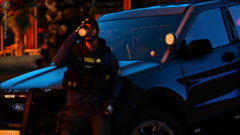
From the album: While On-Patrol
-
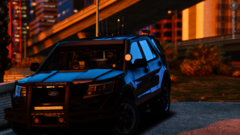
From the album: While On-Patrol
-
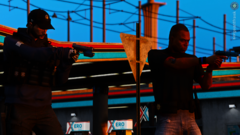
From the album: While On-Patrol
-
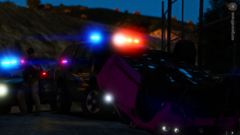
From the album: While On-Patrol
-
From the album: While On-Patrol
-
From the album: While On-Patrol
-
From the album: While On-Patrol
-
From the album: While On-Patrol
-
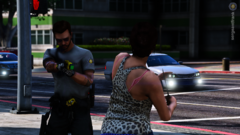
From the album: While On-Patrol
-
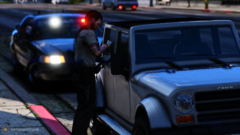
From the album: While On-Patrol
-
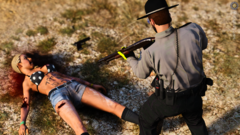
From the album: While On-Patrol
-
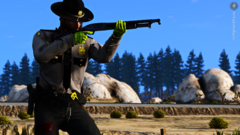
From the album: While On-Patrol
-
From the album: While On-Patrol
-
From the album: While On-Patrol
-
From the album: While On-Patrol
-
From the album: While On-Patrol
-
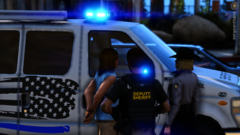
From the album: While On-Patrol
-
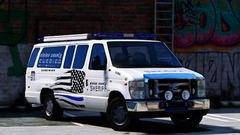
From the album: While On-Patrol
-
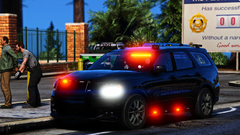
From the album: While On-Patrol
-
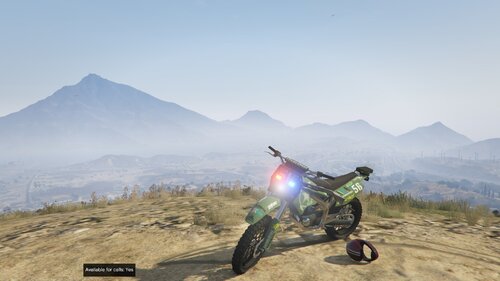 M14? lmao... Really doubt that matey, check your sources Mr. get it right. I didn't give him a low-star rating, i expressed my confusion with this thing. Nobody should call this work, because all this is is putting 6 objects on a vehicle wich do not go well together, but everyone has his taste. I don't care, but don't start bashing me, for writing my thoughts lmao.. It's a dirtbike with vanilla skin, with a floating M16 on the side and an alpr on the dirtfender. sure bud, nice work. The thing i don't understand, if he can't take criticism on this low level, then yeah, he should move on, but i don't know what he's expecting on a different site, doesn't matter where you uploaded if it's well... shit.
 -
hi just a question alpr on a dirtbike. why? omg i just saw the m16 on the side seriously...
-
From the album: While On-Patrol
-
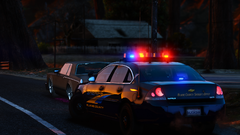
From the album: While On-Patrol
-
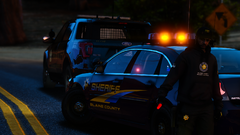
From the album: While On-Patrol
-
From the album: While On-Patrol


