rukrim
-
Joined
-
Last visited
Everything posted by rukrim
-
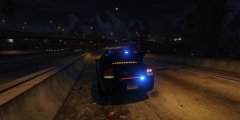
From the album: LSPD/LSSD/LSHP Dodge Charger 2009 Traffic Unit
-
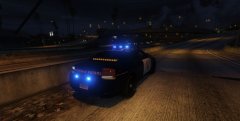
From the album: LSPD/LSSD/LSHP Dodge Charger 2009 Traffic Unit
-
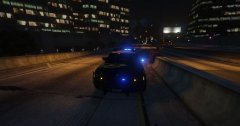
From the album: LSPD/LSSD/LSHP Dodge Charger 2009 Traffic Unit
-
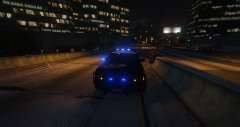
From the album: LSPD/LSSD/LSHP Dodge Charger 2009 Traffic Unit
-
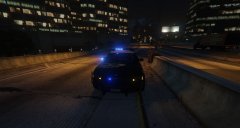
From the album: LSPD/LSSD/LSHP Dodge Charger 2009 Traffic Unit
setina pushbar with proper collision and configured as an extra -
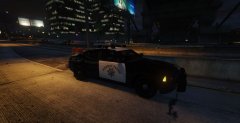
From the album: LSPD/LSSD/LSHP Dodge Charger 2009 Traffic Unit
-
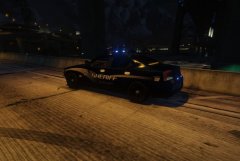
From the album: LSPD/LSSD/LSHP Dodge Charger 2009 Traffic Unit
optionall steelies wheels. -
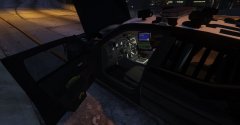
From the album: LSPD/LSSD/LSHP Dodge Charger 2009 Traffic Unit
-
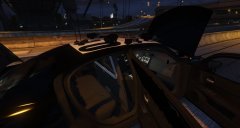
From the album: LSPD/LSSD/LSHP Dodge Charger 2009 Traffic Unit
Partition for detained suspects -
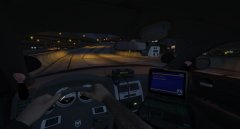
From the album: LSPD/LSSD/LSHP Dodge Charger 2009 Traffic Unit
radio, police computer, dashcam, etc. will add more in the future Fixed morriors reflectilion . Original model didnt have correct mirrors reflection -
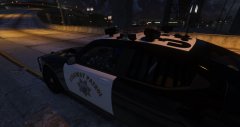
From the album: LSPD/LSSD/LSHP Dodge Charger 2009 Traffic Unit
Code 3 lightbar ANPR system Iron bars at the back doors' windows -
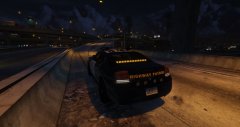
From the album: LSPD/LSSD/LSHP Dodge Charger 2009 Traffic Unit
Traffic advisor Included -
-
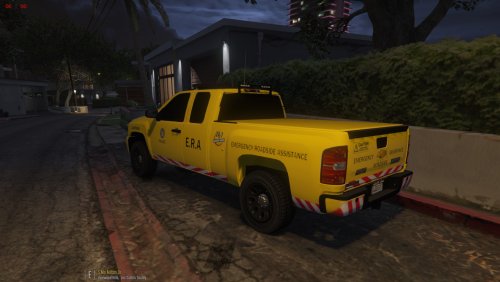 Looks awesome . now that you have tha visualsetting, you can change the lightbar and strobe lights of any car to all blue, or other colors withouth depending of the coronas that show blue and red always. Enjoy :D. iam going to release a special charger (2009) in some hours with all blue lightning but optional red and blue. :D
- 18 comments
- 1 review
-
-
some piece of advise: change the color of the lights to yellow and install this visualsetting: visualsettings.dat this will remove coronas and will make all lights fully yellow and brighter. now your skin fits better eh? :D
- 18 comments
- 1 review
-
-

- 2
-
-
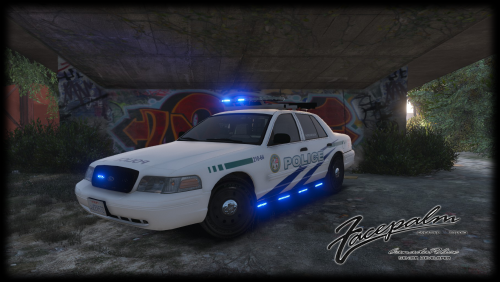 Thank you!! I love your model....also i made all blue textures and now all the lights are blue....also changed the visual settings : visualsettings.dat With this file replaced on update\update.rpf\common\data , it removes coronas from the lights and make lights brighter....so now its possible to color all blue wihtouth seeeing red lights :P
- 50 comments
- 11 reviews
-
tak Take all ''police'' files and rename them to policeold2.ytd, policeold2+hi.ytd, policeold2.yft and policeold2_hi.yft Then add them to update\x64\dlcpacks\patchday4ng\dlc.rpf\x64\levels\gta5\vehicles.rpf\ Then the carvarations lines put them in the carvarations located on update\x64\dlcpacks\mpchristmas2\dlc.rpf\common\data In the carvarations lines change <modelName>POLICE</modelName> to <modelName>policeold2modelName> After adding those lines, jsut save and replace the carvaration.meta file. thats it :D, enjoy :P Just spawn it in game as policeold2
- 50 comments
- 11 reviews
-
-
- 2
-
-
@CanadapoliceOfficial Very nice :D. Only thing is that the siderunners from the right side of the car are not working properly....there is a line of led lights that its showing like one part of it, and the other part seems to be back of the siderunner bar...if you know what i mean... Also the template supports only the L0....not the other lods....which would be amazing to have them also in the other lods. Finally the lightbar dissapears at the distance....but you know.....the code3 was alterated and all the models that has it have this problem..hope you can fix that :D
- 50 comments
- 11 reviews
-
-
- 1
-
-
-
-
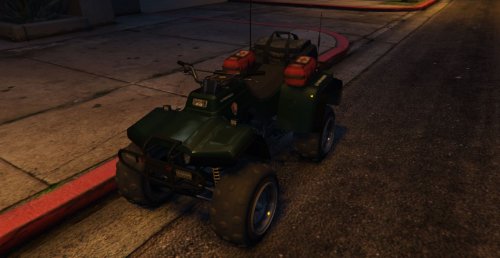 Thats so strange....many of the ones that couldnt got it to work they fixed it just replacing with my metas......I run out of ideas man.....if the files are correctly placed and the lines of each file were well placed the model ahould spawn. There isnt a difficult step when installing add on cars. If it is not working for you is because you may have another mod that messed up all you configurations of dlcpacks...or other things. Srry man....but I cant help you if there is no accurate details of your problem. The mayority hot it to work. So please if you want to make sure why it is not working start searching why, because Iam not at your computer and iam uncapable of seeing what you installed before. And one thing that is for sure is that this a problem with your files (me and others could spawned it withouth problems)
- 58 comments
- 5 reviews
-
-
Thank you!! , I will uv map this model soon. I will let you know before it is released so that you can make some good liveries/skins for it.
- 58 comments
- 5 reviews
-
-
- 1
-
-
Yeah man, you r right, I should have asked before. I always ask for permission for any skin or part that I use from others. I was in a hurry while updating and forget to ask you. I will change it asap if it need to. Sorry :( .
- 58 comments
- 5 reviews