



RestrictedArea
Members
-
Joined
-
Last visited
Everything posted by RestrictedArea
-
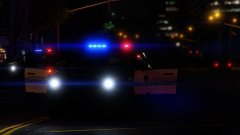
From the album: LSPDFR
I love this car download: http://www.lcpdfr.com/files/file/13331-lspd-pack-20132016-explorer-2015-charger-2016-impala-2013-tahoe-2011-cvpi-els-style-lighting/ -
-
-
-
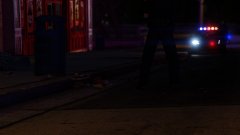
From the album: LSPDFR
with a nice view of tha female booty and the charger -
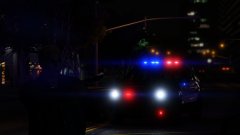
From the album: LSPDFR
Hah got them! FPIU: http://www.lcpdfr.com/files/file/13331-lspd-pack-20132016-explorer-2015-charger-2016-impala-2013-tahoe-2011-cvpi-els-style-lighting/ -
From the album: LSPDFR
Still in love with this car: http://www.lcpdfr.com/files/file/13331-lspd-pack-20132016-explorer-2015-charger-2016-impala-2013-tahoe-2011-cvpi-els-style-lighting/ -
From the album: LSPDFR
download: http://www.lcpdfr.com/files/file/13331-lspd-pack-20132016-explorer-2015-charger-2016-impala-2013-tahoe-2011-cvpi-els-style-lighting/ -
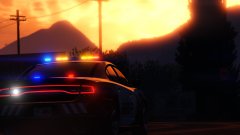
From the album: LSPDFR
-
I'd really like to have an option to add police cars to LSPDFR which would be able to respond when requested: the much used Highway patrol vehicles, state troopers or even fib, or iaa would come to save your day. I mean wouldn't it be great when there's a hostage situation or something like that, to request the feds instead of the lspd
-
 Sorry but y are you hating so much, this is placed in the textures section of GTA V modifications plus I do not even have the authors' permissions to upload their models, so I won't do so since im not allowed to! The links have been included in the readme.txt from the start of this modification and under the "Models:" on this page! "Cars included" stands for the cars i have made textures for and doesnt need to stand for the models. I did forget to add the latest link, since it was updated just yesterday, which is the FPI's, but with little effort you could have found it yourself! scheme stands for the scheme on the cars, not the textures, just like irl, the cars stand for the cars in game, not the models! With little effort you could have found the models in the spoiler box under models! Finally, one guy who understands! Thanks for backing me up :)
- 14 comments
- 5 reviews
-
-

- 1
-
-
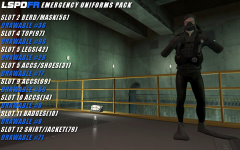 i believe his arms are missing
 -
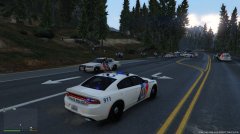 uhm i dont think i need all of you guys...
 -
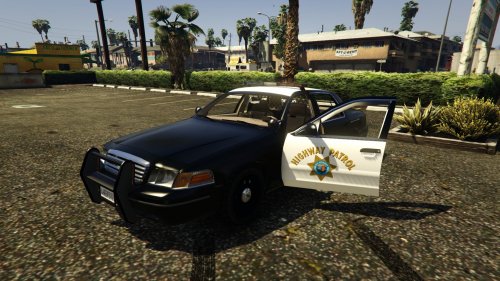 you have the worst luck of the world, your job has been done and uploaded 20 minutes before yours by another author
- 2 comments
- 1 review
-
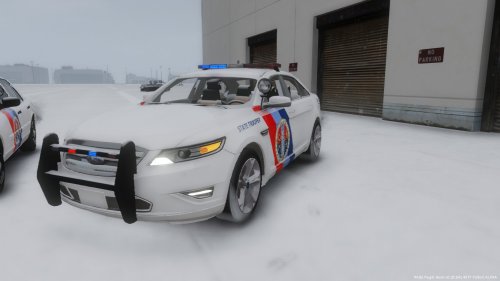
The San Andreas State Troopers are back, with a new scheme and new (real) cars, their new scheme is inspired by the New Jersey State Police. Cars included: -2008/2011 CVPI (depends on what model you download) -2015 Dodge Charger RT -1999 CVPI -Ford Taurus Police/FPI Sedan Models:
- 14 comments
- 5 reviews
-
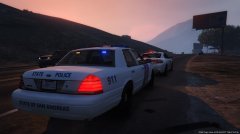 will do
 -
textures for cvpi and charger
-
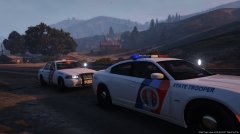 textures for charger and cvpi
 -
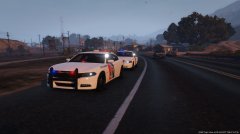 textures for dodge charger and cvpi
 -
its placed in the gta v section, you can do it today though
-
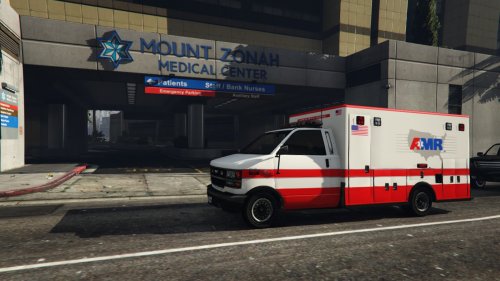 Replaces one of the ambulance skins for an AMR ambulance, which serves in more than 40 states (including San Andreas (California)) in the US and transports 3 million patients a year. Installation instructions in Readme.txt
 -
OMG.. HAVE YOU EVER MET THE SIMPSONS!?! (Sorry for that) First of all, GTA V car modding is still very limited atm. We arent able to remap the cars yet, so we have little space to work with. For example, we can't edit the buffalo more than the logos and the colours, which makes it impossible to do the giant "SHERIFF" text etc. Secondly, we can't change the lights yet, so they'll stay red and blue. I honestly think that only the state highway patrol cvpi and charger will look decent, but these vehicles would be hard to make too. If I were in your place, I'd wait for the GTA V modding community to be bigger. - Jozua
-
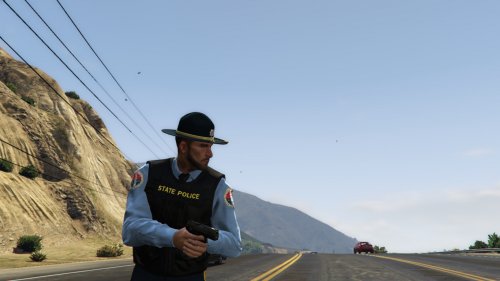 Replaces the Sheriff Department's male officers with these state troopers. Based on the State troopers of Alaska and Delaware. Made for my San Andreas State Troopers (vehicle) pack, which can be downloaded here:
- 3 comments
- 2 reviews
-
-
- 3
-
-
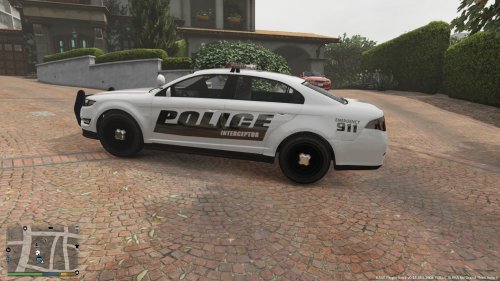 Only sides should have been edited to the Police interceptor logo, the back shouldn't (you can do that, i've done it myself with modding the police3). Plus you've modded the wrong file, veshare, while you should have edited the police3 texture files. but okay the logo looks great... 2 stars
- 3 comments
- 1 review
-
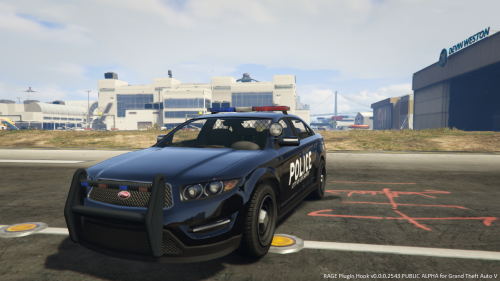 this mod changes the skins of the stanier, the buffalo and the interceptor police cruiser. I liked a black skin and a font and combined them (in my opinion it turned out pretty nice). Readme.txt included with installation guide.
- 4 comments
- 2 reviews


