SerekgPL
Members
-
Joined
-
Last visited
Everything posted by SerekgPL
-
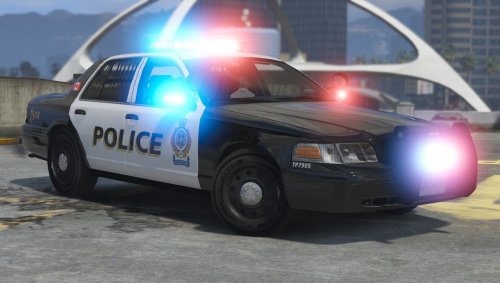
 Yes, it'll be bad and I won't download car like that, but Smokey's CVPI don't have anything from 1999, I'm right? And the differences between 1999 CVPI and 2006 are really hard to see, for me his car is 100% 2006+ but I might miss something.
 -
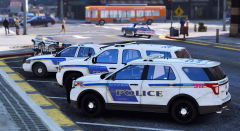
From the album: Police work all over the world! [SerekgPL GTA V imagines]
Yay, that's always something to celebrate -
So you think that if you'll call it like that, people won't download it? And says "Hey, don't download it, this title saying 2013 but this is 1994!"
-
If your problem with Smokey's LAPD CVPI is only a wrong year of the car, that I think this is weird.
-
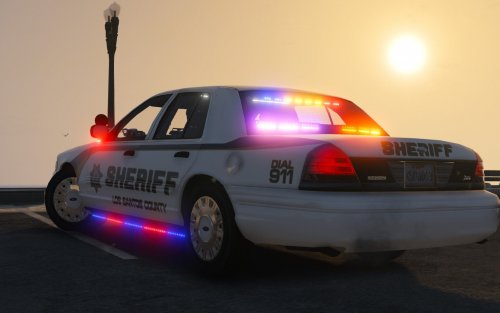
 There are a few problems with a Arjent version: First, please add some lights at the back (like on picture) and on the front of the Arjent they should be a white lights but it's yellow, please fix it (picture)
- 80 comments
- 19 reviews
-
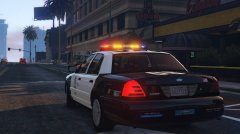 2009 LAPD Charger.
 -
-
You can change the language in the top left corner.
-
You can use it for now: https://pl.gta5-mods.com/vehicles/1999-ford-crown-victoria-lapd
-
-
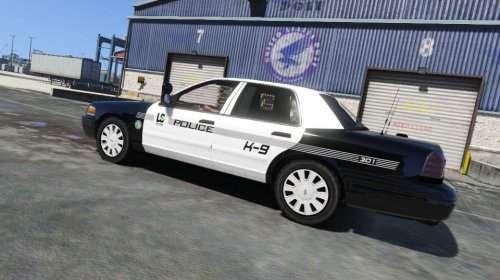 Dope! BlackJesus's Tahoe will be cool ;) And please add this text at the back.
- 5 comments
- 2 reviews
-
-

- 1
-
-
Spotlightcams will be better I think.
-
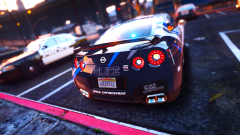 Excellent as always!
 -
Okay, I'll wait ;)
-
Epic! Great Arjent
-
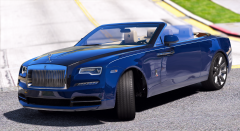 Thank you!
 -
Thanks bro!
-
From the album: Random gallery and videos [GTA V]
-
-
-
-
-
YASSS! New Arjent is comming! <3 You don't know when, right?
-
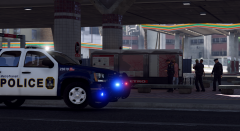
From the album: Police work all over the world! [SerekgPL GTA V imagines]
-
nvm.