
Mitchin
Members
-
Joined
-
Last visited
Everything posted by Mitchin
-
-
 This is an excellent mod that is tip of the spear. Absolutely would recommend to anyone. Very user-friendly too.
- 95 comments
- 38 reviews
-
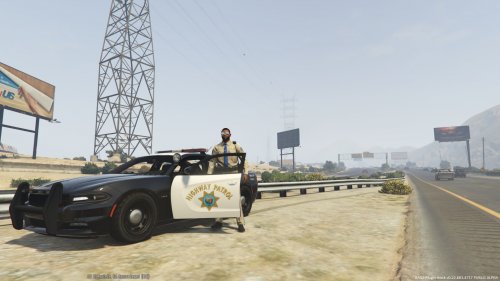 This is an excellent skin for an excellent vehicle mod. I would recommend this to anyone.
- 11 comments
- 4 reviews
-
-
 awesome
 -
Really looking forward to it
-
-
-
-
 What is the install path for the cars without mod folder? I know the readme says GTAV/mods/x64e/levels/gta5/vehicles.rpf but is it another path for no mod folder? I am an idiot. Never mind.
- 55 comments
- 4 reviews
-
-
-
-
I have to leave for a little bit but as soon as I get back I will check it out and let you know.
- 55 comments
- 4 reviews
-
They say that they are updating LSPDFR today. If it turns out that it works, do you think you could do an install video for your car mod?
- 55 comments
- 4 reviews
-
-
Not trying to be a hag or anything, but do you think you could provide a video on installing your mod? Just so I can see what the process is. I really like your mod and would like for it to work but I would need a video to reference.
- 55 comments
- 4 reviews
-
Ok. I think I follow. The update and x64 folders, do I use the folders straight from the GTA 5 Directory folder or copy the folders from OpenIV? Also, are you saying that your mod wont work with the Ill gotten gains 2 update? Thanks for bearing with me, I am just a little new at figuring this process out.
- 55 comments
- 4 reviews
-
I am totally confused from step 6 and on where it talks about rpf files with the ASI instructions. I am trying to add your mod but want to do it correctly. can you dumb it down for me? So far, I have created the mod folder and put it in my main GTA file and I am ready to start adding the files in OpenIV in the mods folder but dont know what to add.
- 55 comments
- 4 reviews