Skip to content
View in the app

A better way to browse. Learn more.

LCPDFR.com

A full-screen app on your home screen with push notifications, badges and more.

To install this app on iOS and iPadOS
  1. Tap the Share icon in Safari
  2. Scroll the menu and tap Add to Home Screen.
  3. Tap Add in the top-right corner.
To install this app on Android
  1. Tap the 3-dot menu (⋮) in the top-right corner of the browser.
  2. Tap Add to Home screen or Install app.
  3. Confirm by tapping Install.

Targeted

Members
  • Joined

  • Last visited

Everything posted by Targeted

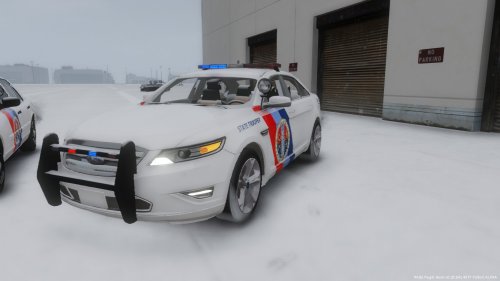
  1. What snow mod is he using Looks nice. Fits the cars.
    Amazing work! could you add these to LSPD aswell?
  2. But we can't decide that Exiled and danny have to.
  3. Exiled is making the Car textures not Danny
  4. I agree due to the hat on the LSPD not being the correct one.
  5. Didnt mean too! but I need a backup.
  6. Could you add a Backup with it? I forgot to make a backup by mistake,
  7. Because why not? Snow mods Exiled is making some cars once he gets his repairs finished aswell as North yankton in canada, so why not??
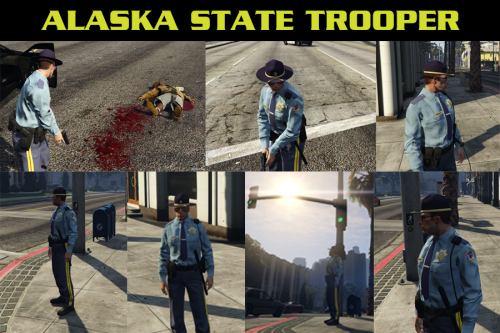
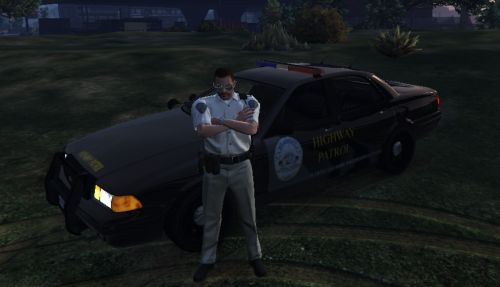
    Fantastic the hat isn't quite right but that could be fixed with the sheriff hat anyways Good work!
  8. How do you make these?!!?!?
  9. I want a alaska state trooper car skin because I like the cars in the show aswell as I live in alaska so. I am quite new and don't know how to create my own skins etc
  10. Does this mod add a new car? Or does it just change the textures?

Account

Navigation

Search

Search

Configure browser push notifications

Chrome (Android)
  1. Tap the lock icon next to the address bar.
  2. Tap Permissions → Notifications.
  3. Adjust your preference.
Chrome (Desktop)
  1. Click the padlock icon in the address bar.
  2. Select Site settings.
  3. Find Notifications and adjust your preference.