Getinmybelly
-
Joined
-
Last visited
Everything posted by Getinmybelly
-
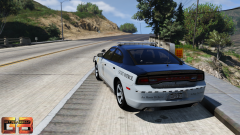
From the album: State Patrol/State Police
-
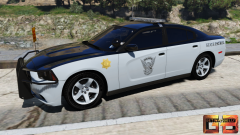
From the album: State Patrol/State Police
-
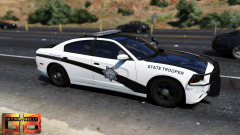
From the album: State Patrol/State Police
-
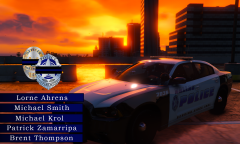
From the album: Getinmybelly's GTA V Screenshots
-
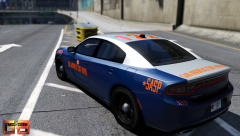
From the album: Getinmybelly's GTA V Screenshots
-
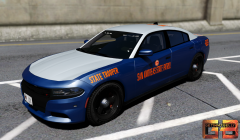
From the album: Getinmybelly's GTA V Screenshots
-
-
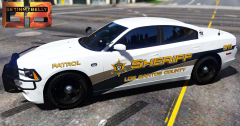
From the album: Belly's Los Santos Co. Sheriff Skins
-
-
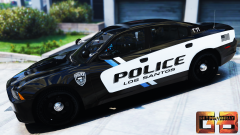
From the album: Belly's Los Santos PD Skins
-
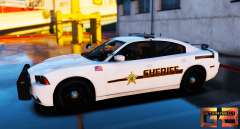
From the album: Belly's Los Santos Co. Sheriff Skins
-
-
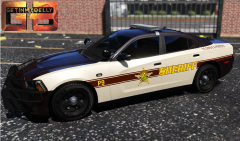
From the album: Belly's Los Santos Co. Sheriff Skins
-
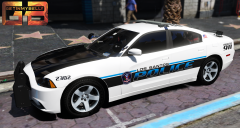
From the album: Belly's Los Santos PD Skins
-
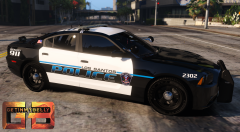
From the album: Belly's Los Santos PD Skins
-
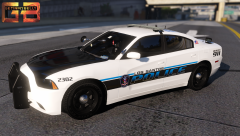
From the album: Belly's Los Santos PD Skins
-
-
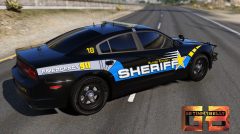
From the album: Belly's Blaine County Sheriff Textures
-
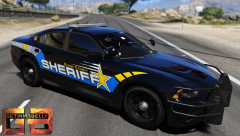
From the album: Belly's Blaine County Sheriff Textures
-
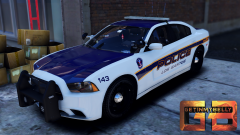
From the album: Getinmybelly's GTA V Screenshots
-
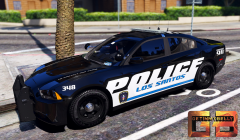
From the album: Getinmybelly's GTA V Screenshots
-
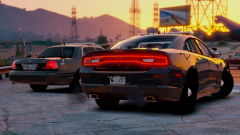 I thought that the decals on the bumper of the charger should be right under the lights on the sloped part
 -
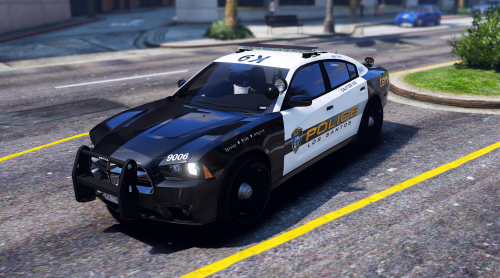 It is one that I've carried with me through several instances of rebuilding my game and it probably nowhere resembles the original but it was from a base version of from the enbdev one
- 11 comments
- 9 reviews
-
.png.64ca1af296ebbc4c21de7321557a45b5.png)
From the album: Getinmybelly's GTA V Screenshots
-



.png.64ca1af296ebbc4c21de7321557a45b5.png)