Getinmybelly
-
Joined
-
Last visited
Everything posted by Getinmybelly
-
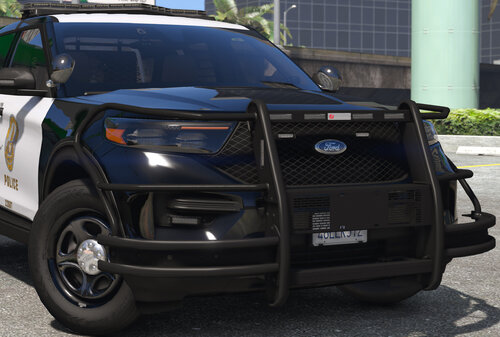 Modeled and textured by myself. Lights featured in the screenshots were for demonstration purposes and are not included in download.
 -
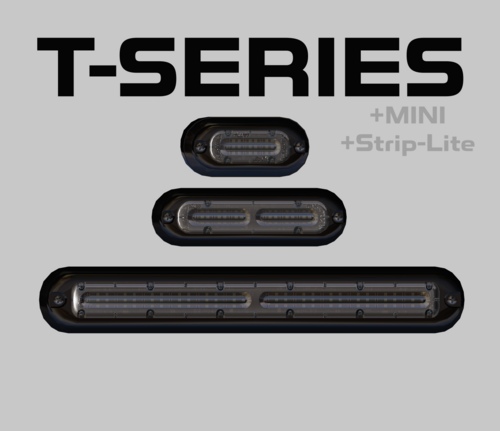 Includes TRI_COLOR T-SERIES lightheads. These are provided for free, all that is asked of you is to provide proper crediting. When importing into ZMODELER, you will have the option to "ADD" (attach) the included ytd in the same popup window when selecting the yft files. You can also import them separate. At Z3D was not included as the file is not compatible with all versions of the software.
 -
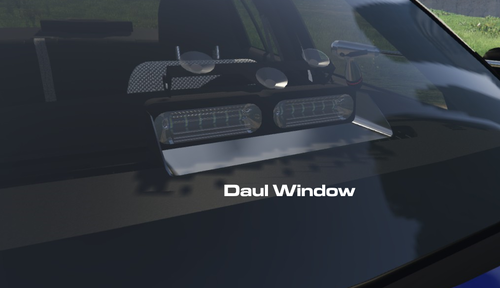 The update alone looks amazing, but the foresight to include all the brackets is immensely helpful and much appreciated!
 -
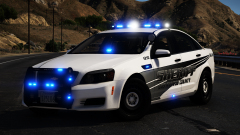 Stupid livery 👎
 -
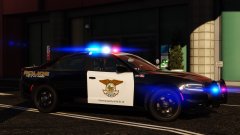
From the album: Getinmybelly's GTA V Screenshots
-
Look at all of the colors!
-
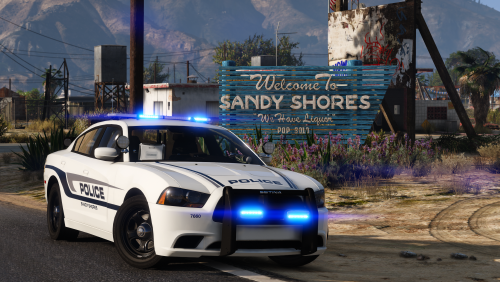 If I had to guess, because I don't remember the hodgepodge I have entirely, would be a combination of VisualV, next gen shaders, and MVGA.
- 25 comments
- 6 reviews
-
-

- 1
-
-
From the album: Getinmybelly's GTA V Screenshots
-
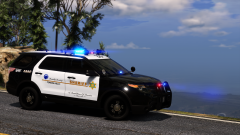 If someone makes an LASD/LSSD pack I would outfit it with my liveries, but I didn’t have plans for a stand-alone skin pack
 -
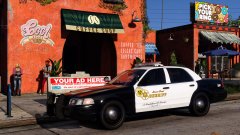
From the album: Getinmybelly's GTA V Screenshots
-
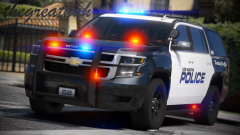 are them those hood ions?
 -
-
From the album: Getinmybelly's GTA V Screenshots
-
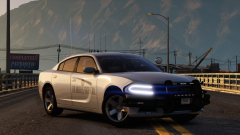
From the album: Getinmybelly's GTA V Screenshots
wip by @gump -
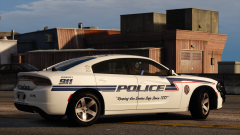
From the album: Getinmybelly's GTA V Screenshots
-
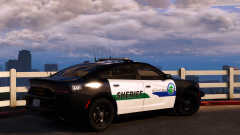
From the album: Getinmybelly's GTA V Screenshots
-
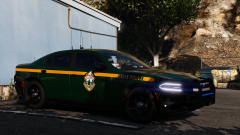
From the album: Getinmybelly's GTA V Screenshots
-
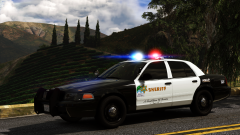
From the album: Getinmybelly's GTA V Screenshots
-
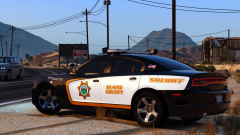
From the album: Getinmybelly's GTA V Screenshots
-
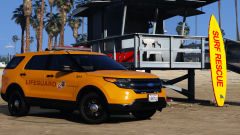
From the album: Getinmybelly's GTA V Screenshots
-
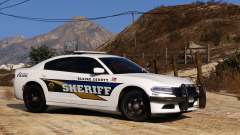
From the album: Getinmybelly's GTA V Screenshots
-
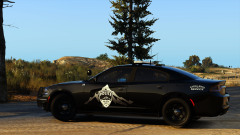
From the album: Getinmybelly's GTA V Screenshots
-
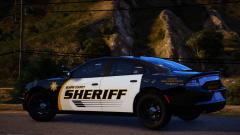
From the album: Getinmybelly's GTA V Screenshots
-
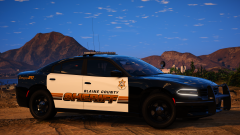
From the album: Getinmybelly's GTA V Screenshots
-
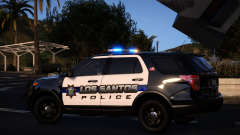
From the album: Getinmybelly's GTA V Screenshots